Custom roles are here. Build your own roles on top of Pilot, Ops Lead or Project Manager, or start from blank, switch each action on or off, and give the role to people when you invite them or change their role.
Five built-in roles cover most of a drone team. Then someone joins who does not fit any of them.
The bookkeeper needs invoices and nothing else. Your most senior pilot hands out jobs to the rest of the crew. The safety lead runs risks, incidents and audits but has no business editing projects. Until now you picked the closest role and lived with the person seeing too much, or too little.
Custom roles fix that. You decide what each role can see and do, and DroneBundle holds everyone to it.
Start From a Role You Already Know
Every custom role starts from Pilot, Ops Lead, Project Manager or a blank role. Starting from a built-in role keeps everything it already does, so you only change the few things that make this role different.
A blank role starts with nothing switched on. It suits people outside day-to-day flying, like a bookkeeper or an outside reviewer, where it is easier to add the handful of things they need than to take away everything they don't.
Give the role a name and a short description. The description shows under the role every time someone picks it, so nobody has to guess what "Lead Pilot" means six months from now.
Switch Each Action On or Off
Custom roles are built from switches, grouped the way you already think about the work: projects, jobs, the schedule, files and maps, flights, equipment, safety, maintenance, documents and invoices, clients and CRM, the team and the workspace.
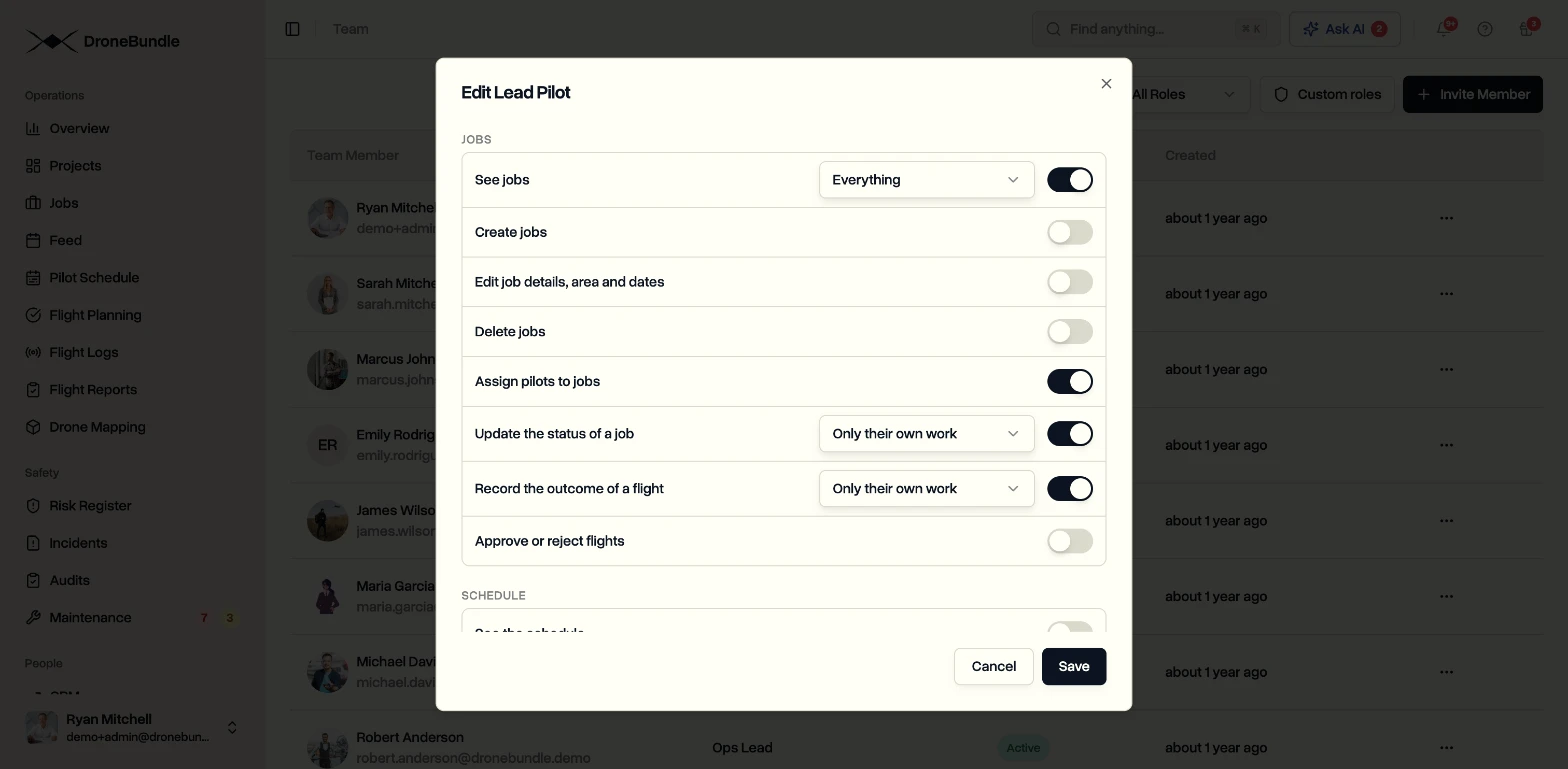
Many switches also ask how far they reach:
- Everything. Every project or job in the workspace.
- Only what they are given. Just the projects they have been given access to.
- Only their own work. The jobs they are assigned to fly.
Five Roles to Start With
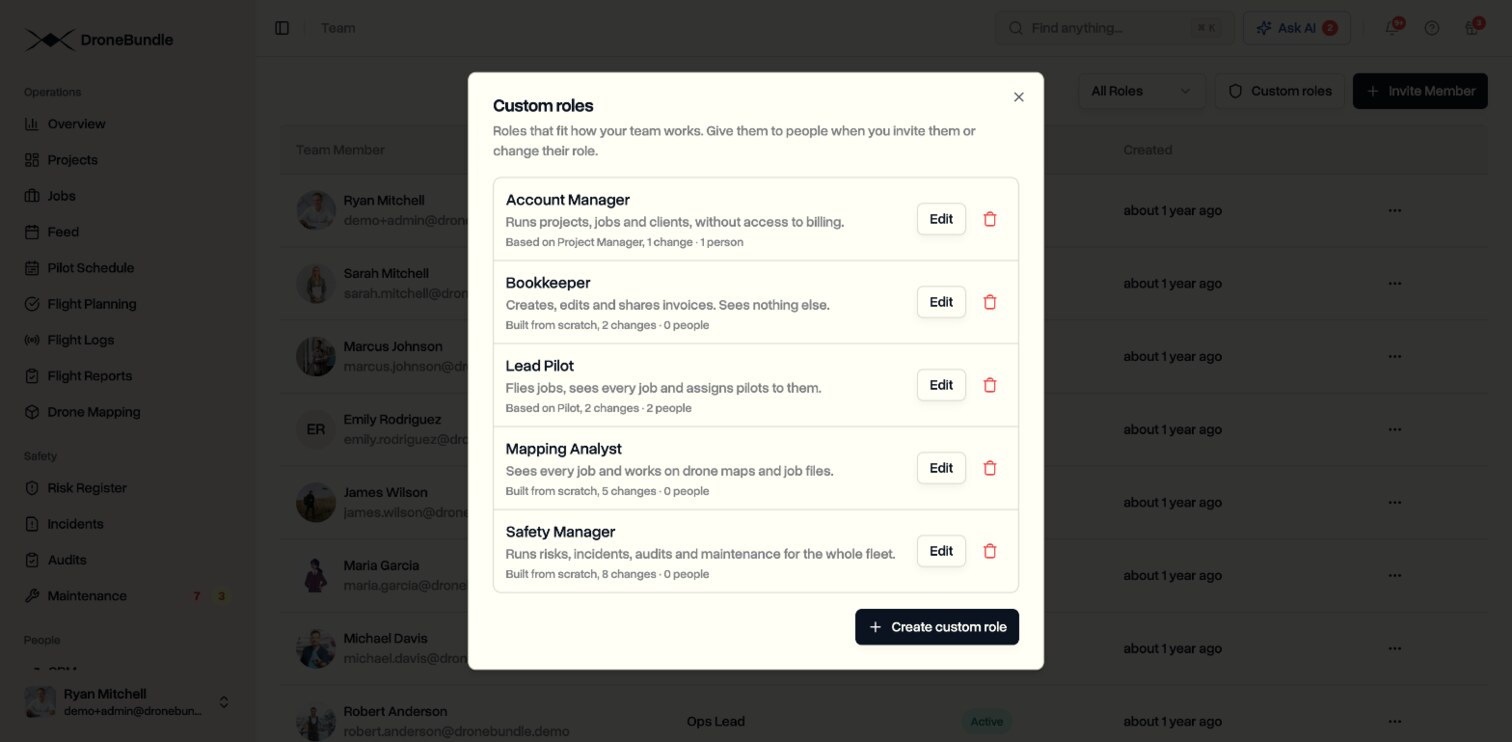
Here are five roles that show what a custom role can look like.
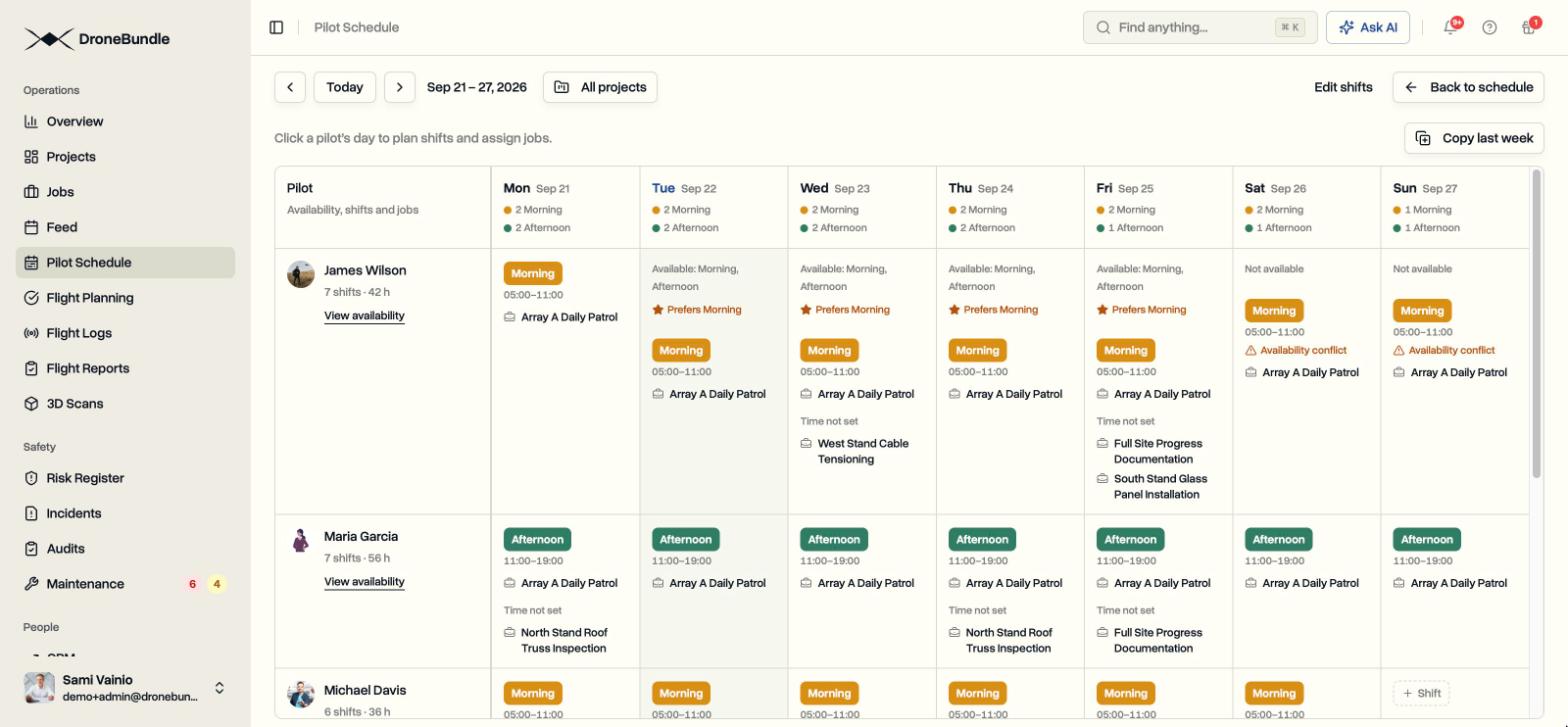
- Lead Pilot. Built from Pilot. Sees every job, not only the ones they fly, and assigns pilots to them using the pilot schedule. Everything a pilot already does stays the same.
- Bookkeeper. Built from blank. Creates, edits and shares invoices, and sees nothing else in the workspace.
- Safety Manager. Built from blank. Runs the risk register, incident reports, audits and maintenance, without access to projects or billing.
- Account Manager. Built from Project Manager with billing switched off. Runs projects, jobs and clients like any project manager.
- Mapping Analyst. Built from blank. Sees every job and creates, edits and shares drone maps and job files, without the schedule, invoices or the team.
Give It to People When You Invite or Change Their Role
Custom roles appear in the role list when you invite someone and when you change someone's role, each with its description underneath.
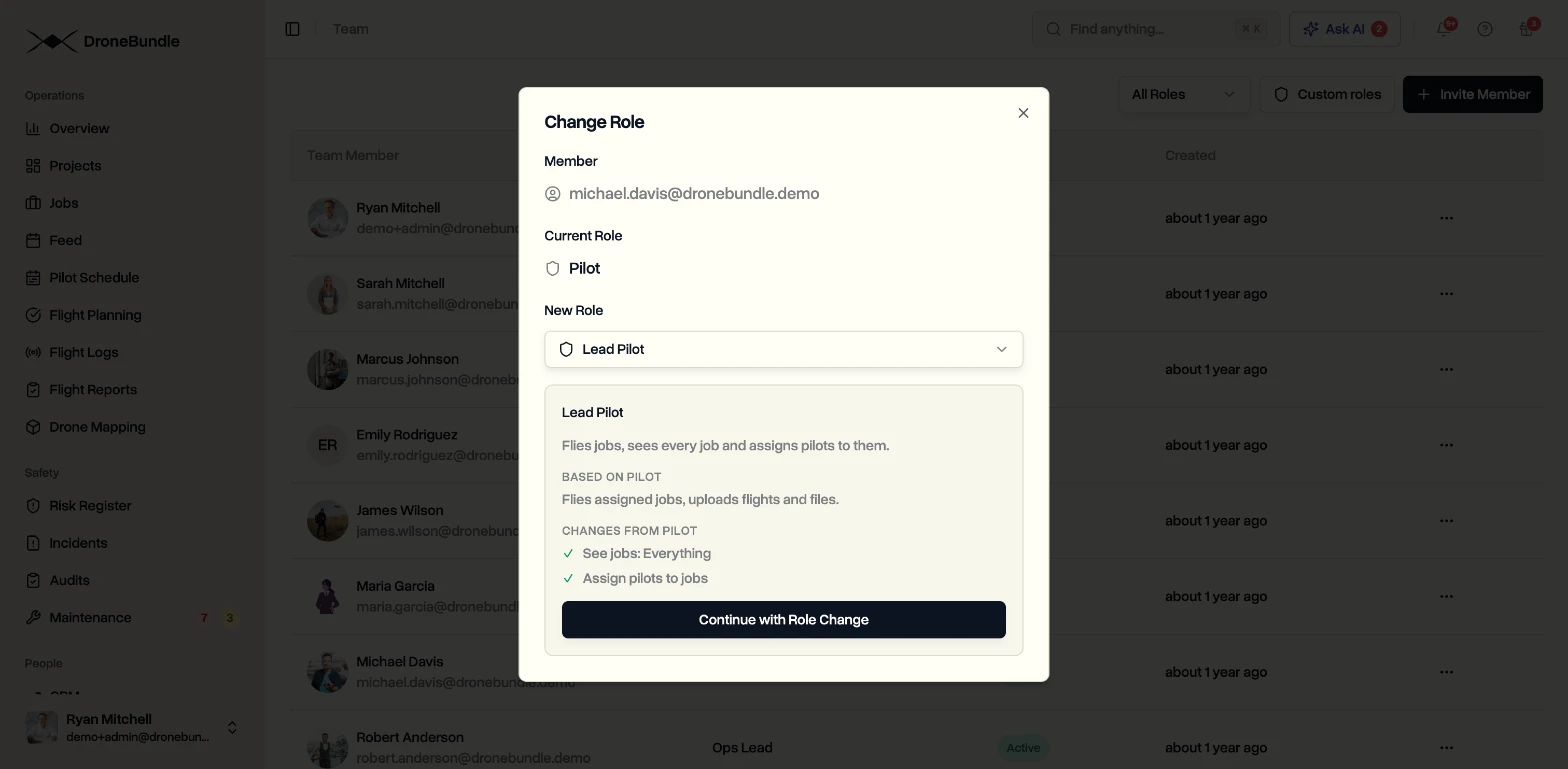
Change Role shows what the starting role does, then exactly what your role changes, for example "See jobs: Everything". You know what someone gets before you confirm.
All your roles live behind the Custom roles button on the Team page, next to Invite Member. From there you can find, edit and delete them. A role that people still have cannot be deleted, and DroneBundle shows who has it, so nobody loses access by accident.
The Role Follows Them Everywhere
A custom role applies everywhere the person works in DroneBundle, not only on the pages you looked at while building it.
- Dashboard. Pages and buttons outside the role are hidden.
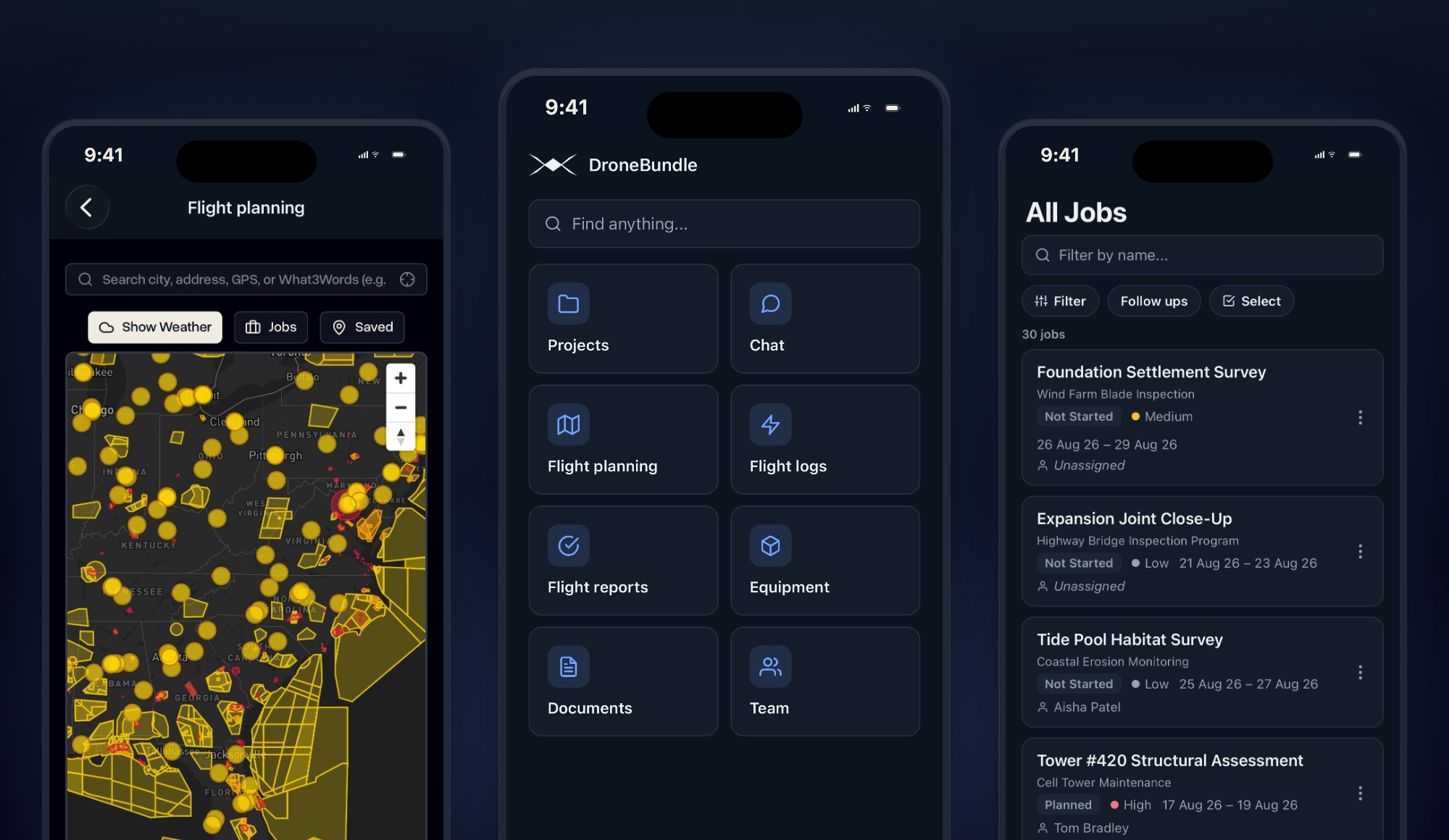
- Mobile app. Home, tabs and job screens follow the same switches.
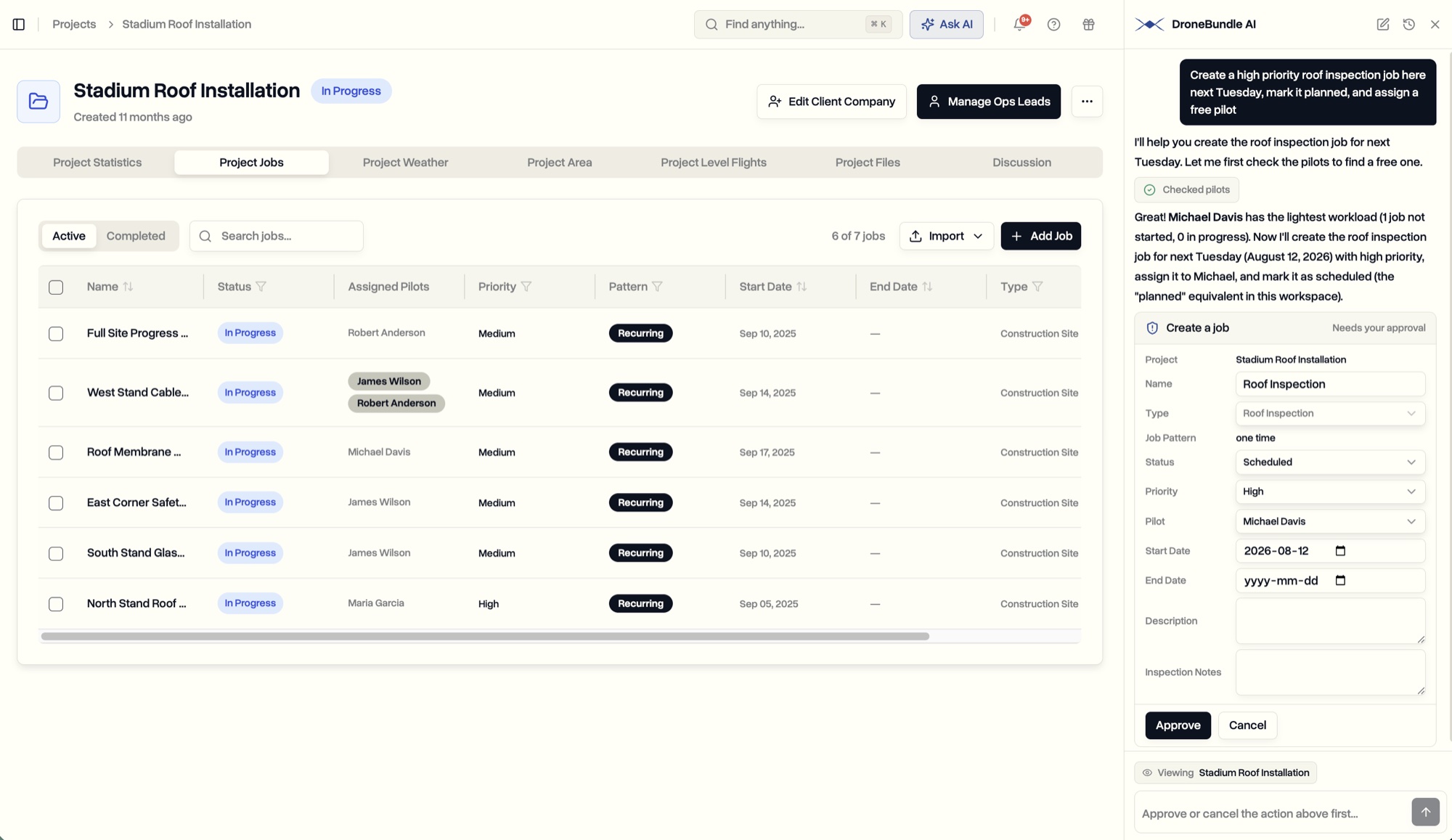
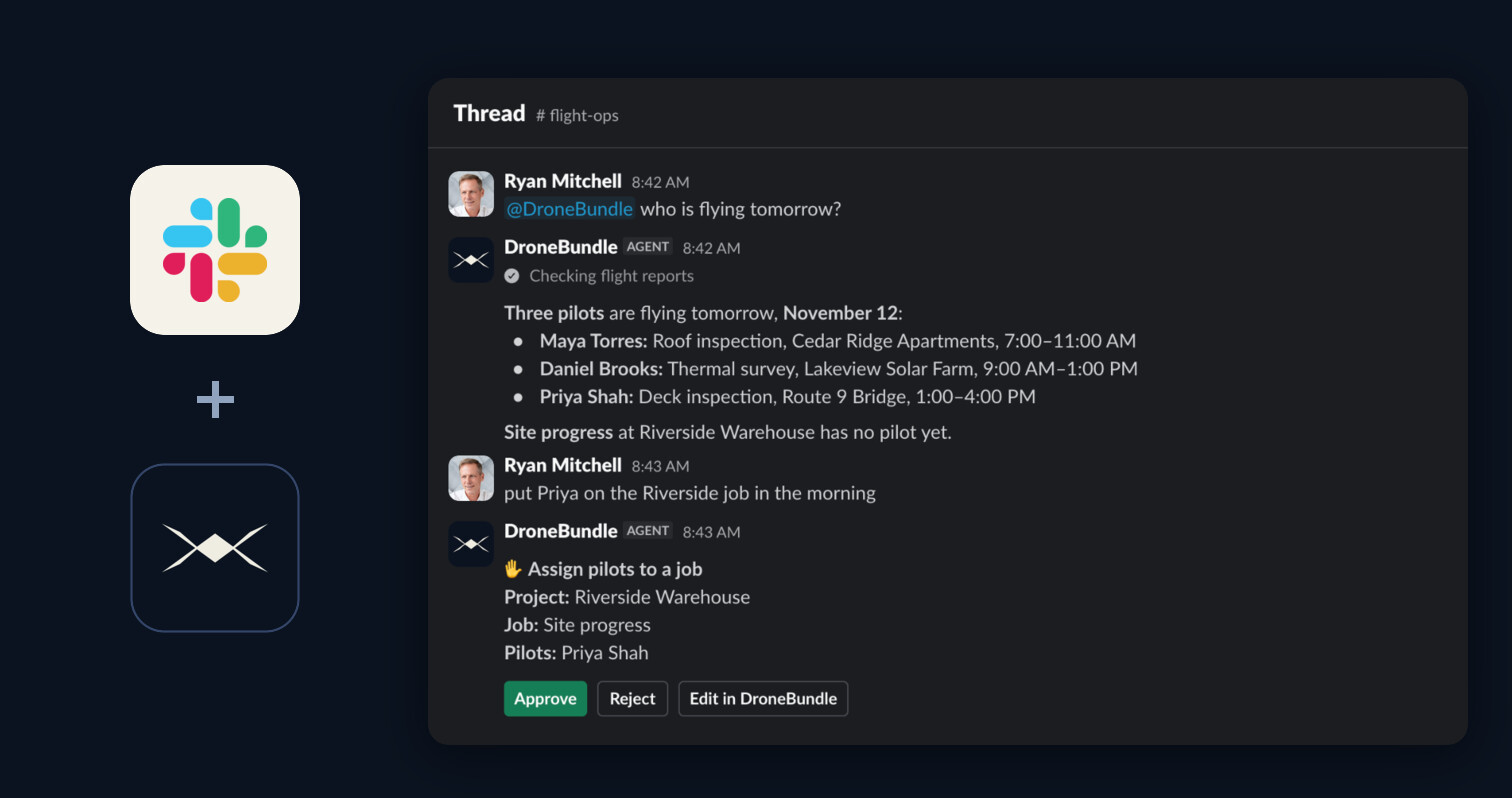
- DroneBundle AI. It answers and acts only within the person's role, in the dashboard and in Slack.
- Search. Results include only what the role can open.
A Lead Pilot built from Pilot still gets their own assignments and availability. A Project Manager on a custom role can still switch to pilot mode when they fly.
Who Manages Custom Roles
Workspace admins and project managers create, edit and delete custom roles. Most of the time the person managing the crew is a project manager, so they do not need to wait for an admin.
Nobody can edit the custom role they have themselves. That keeps a project manager on a custom role from quietly widening their own access. Admin-only rights, like adding other admins, stay with admins.
Availability
Custom roles are available now on the Enterprise plan and in every free trial. Open the Team page and click Custom roles to build your first one.
If your team has outgrown five roles, you can see it working before you change anything. Start your free trial and build a role for the person who never quite fit, or book a demo and we will set up your roles with you.
Compare plans on the pricing page.