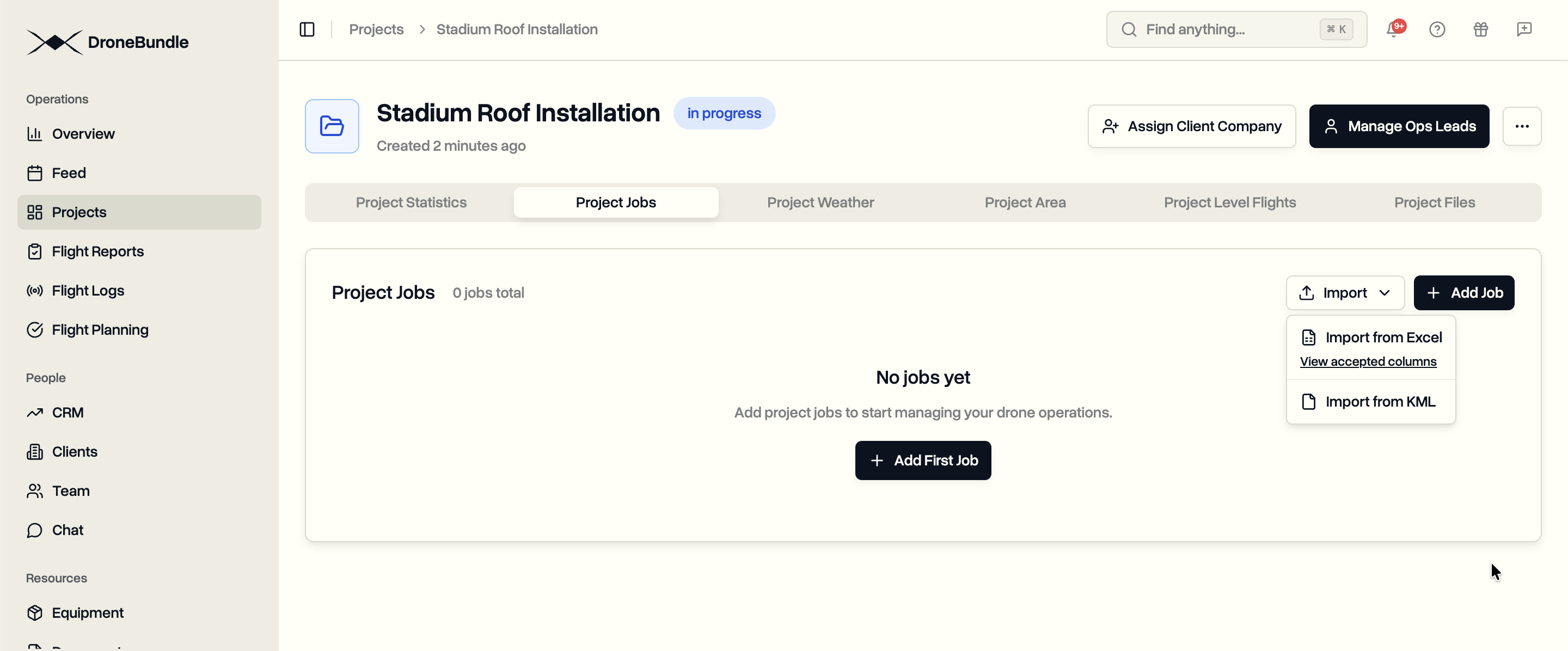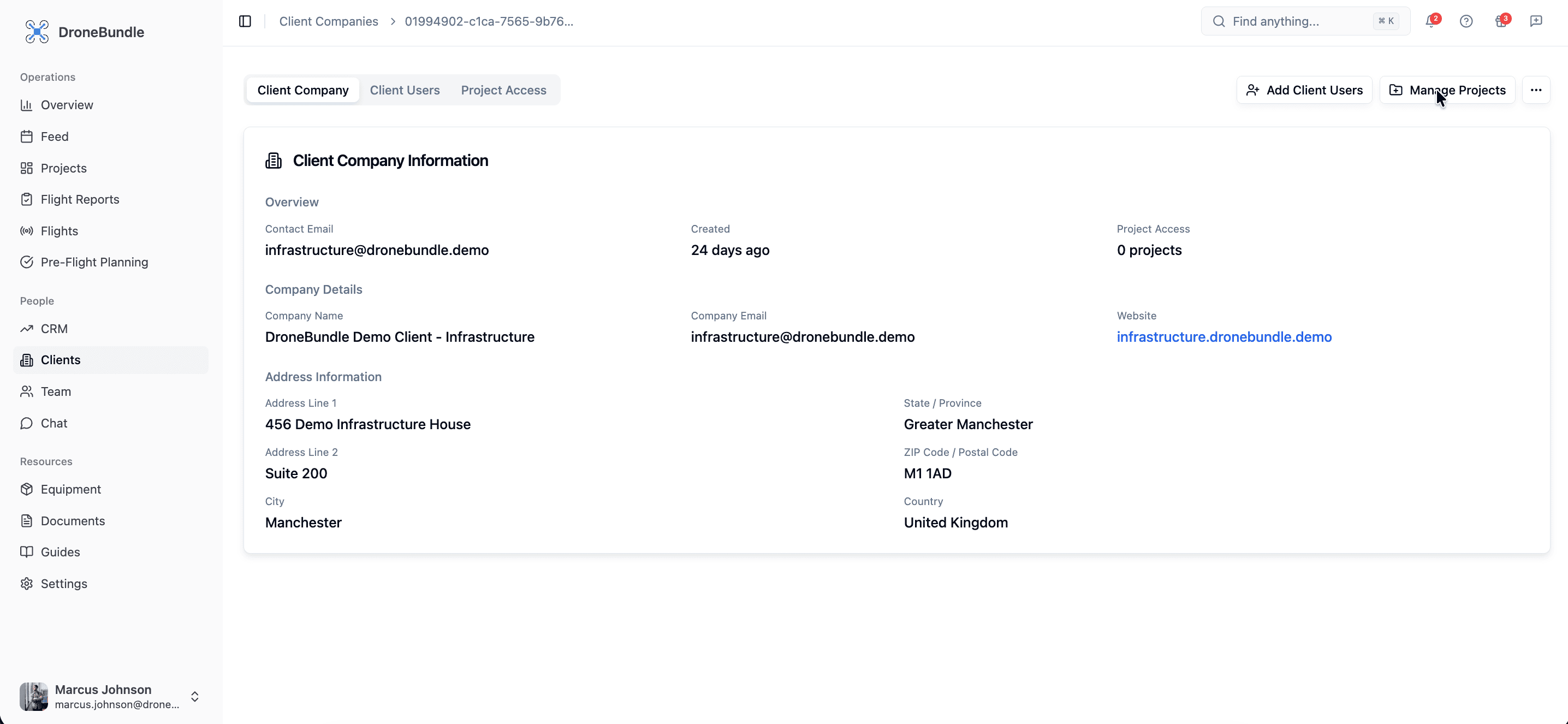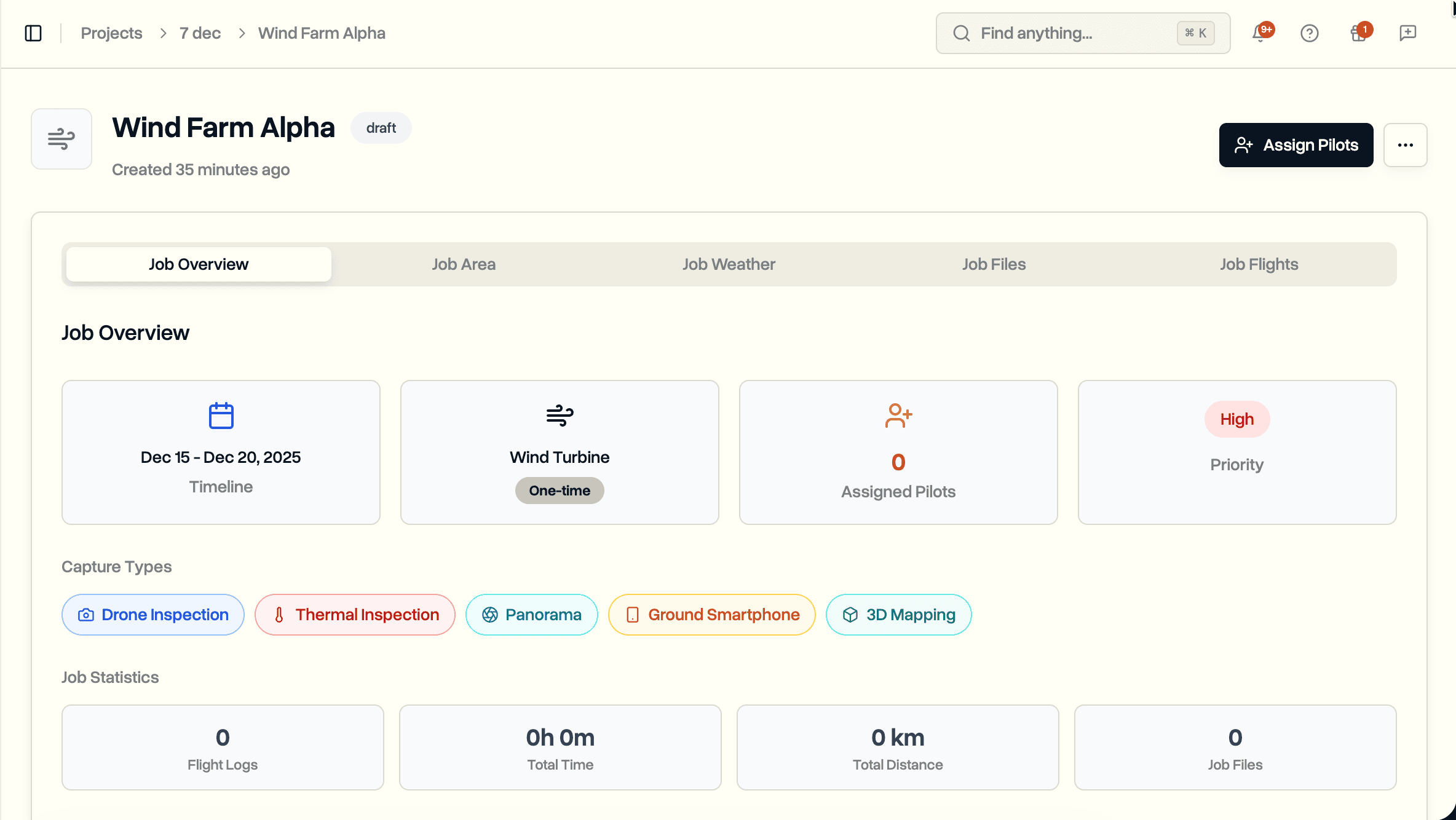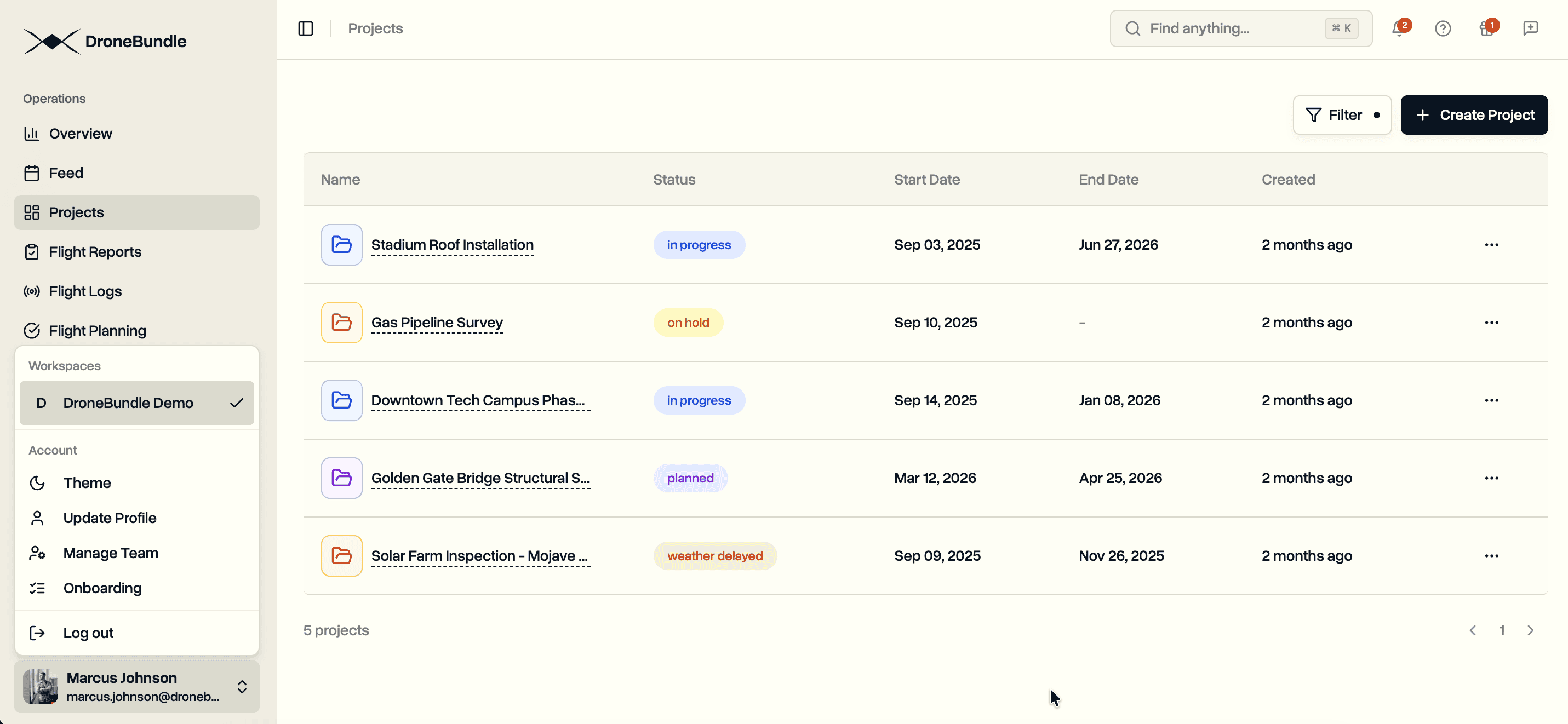
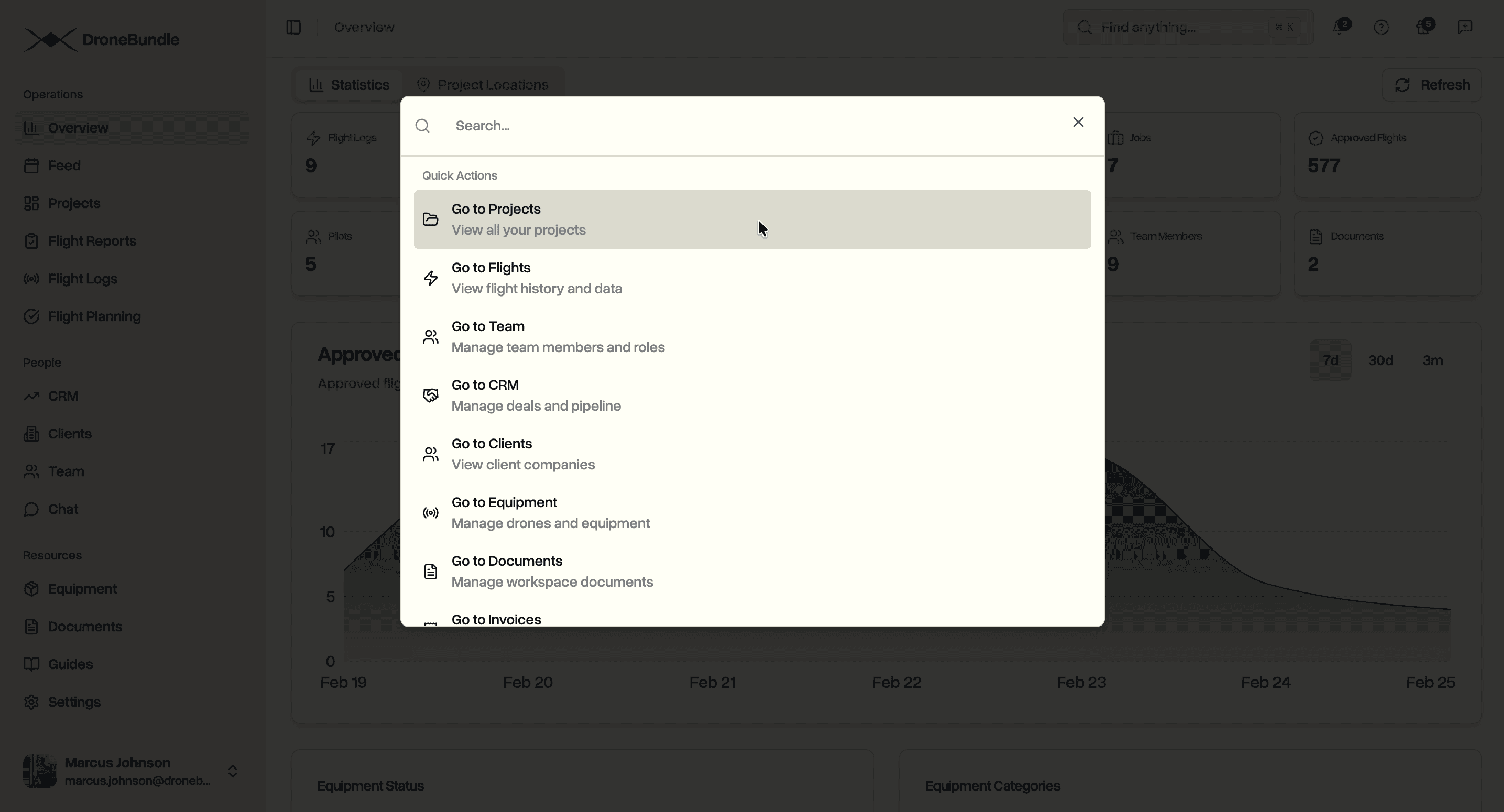
Search across your entire workspace from one place. Projects, jobs, flights, drones, clients, invoices, deals, documents. Type what you need and get there instantly.
You know that client company name but can't remember which project they're attached to. You need to find a specific inspection job from three months ago but only remember it was somewhere near Austin. A pilot is asking about an invoice and you're clicking through five different pages trying to locate it.
This is what happens when your operations platform doesn't have proper search. You memorize where things live. You click through project lists, scroll through job tables, open client profiles one by one. The bigger your operation gets, the worse it becomes.
DroneBundle now has AI-powered search that goes beyond exact text matches. Press Cmd+K (or Ctrl+K on Windows), type what you need, and find anything in your workspace.
What You Can Search
Everything in your workspace is searchable from one place:
Projects and Jobs. Find projects by name, description, or status. Find jobs by name, location, address, inspection notes, or job type. Find scheduled occurrences by date, pilot, or completion notes.
People. Search for team members by name, email, or role. Find clients by company name, email, or website. Find pilot assignments by pilot name, job name, or project.
Flights and Equipment. Look up flights by pilot name, aircraft, project, or job. Find drones by name, model, manufacturer, serial number, or assigned pilot.
Documents and Files. Search workspace documents by name, description, or category. Find project and job files by filename, description, or who uploaded them.
Invoices and Deals. Find invoices by number, amount, or status. Search deals by company name, contact names, stage, industry, location, or comments left on the deal.
How It Works
Hit Cmd+K from anywhere in DroneBundle. A search bar opens instantly.
Start typing. Results appear as you type, grouped by category. Each result shows its type, name, and relevant context like status, dates, or associated project.
Click any result to navigate directly to it. A job result takes you to the job page. A deal result opens the deal sheet. A project file takes you to the project's files tab. No extra clicks.
Recent searches are saved so you can quickly jump back to things you accessed before.
More Than Text Matching
This isn't keyword search. The search matches on meaning, not just exact words.
Search for "thermal inspection downtown" and it finds jobs with thermal capture types near downtown locations. Even if the exact phrase doesn't appear anywhere in the job name. Search for "pending invoices" and it finds invoices with pending status across all your clients.
The search looks across names, descriptions, addresses, notes, comments, and relationships between records. A flight result pulls from the pilot name, aircraft, job context, and parent project. A deal result pulls from contact names, company info, labels, checklist items, and comments.
Use Cases
Operations managers searching across dozens of active projects. Type a client name and immediately see their projects, associated jobs, flights, files, and invoices. All from one search.
Pilots looking up their assignments. Search by your own name to see assigned jobs, scheduled occurrences, and flight history.
Account managers tracking deals. Search by company name, contact person, or deal stage. Click to open the deal sheet directly from search results.
Admin staff locating invoices and documents. Search by invoice number, amount, or client. Find uploaded documents by name or category without navigating through folder structures.
Availability
AI-powered search is available now for all DroneBundle users. No setup required. Press Cmd+K and start searching.
Start your free trial to try it out.
Book a demo to see how DroneBundle keeps your entire operation organized.