Assign capture types to jobs and files. Track whether a job needs drone footage, thermal imaging, LiDAR scans, or ground photography. Filter uploaded files by capture type to find what you need.
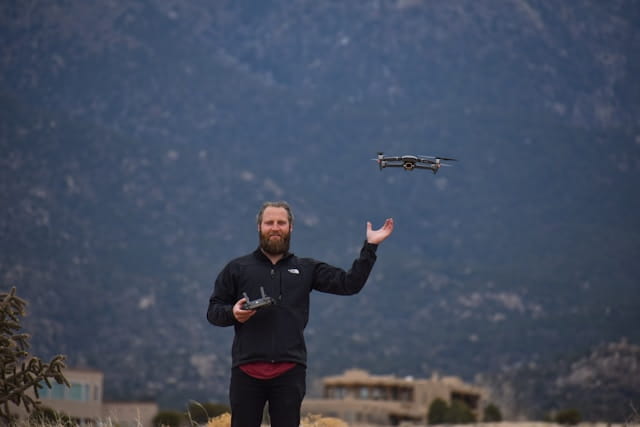
Drone inspection projects involve multiple data collection methods. One job might require aerial video and thermal imaging. Another needs LiDAR scans and orthomosaic maps. Ground teams capture smartphone photos and 360° panoramas. Tracking what data each job requires and what has been collected takes time.
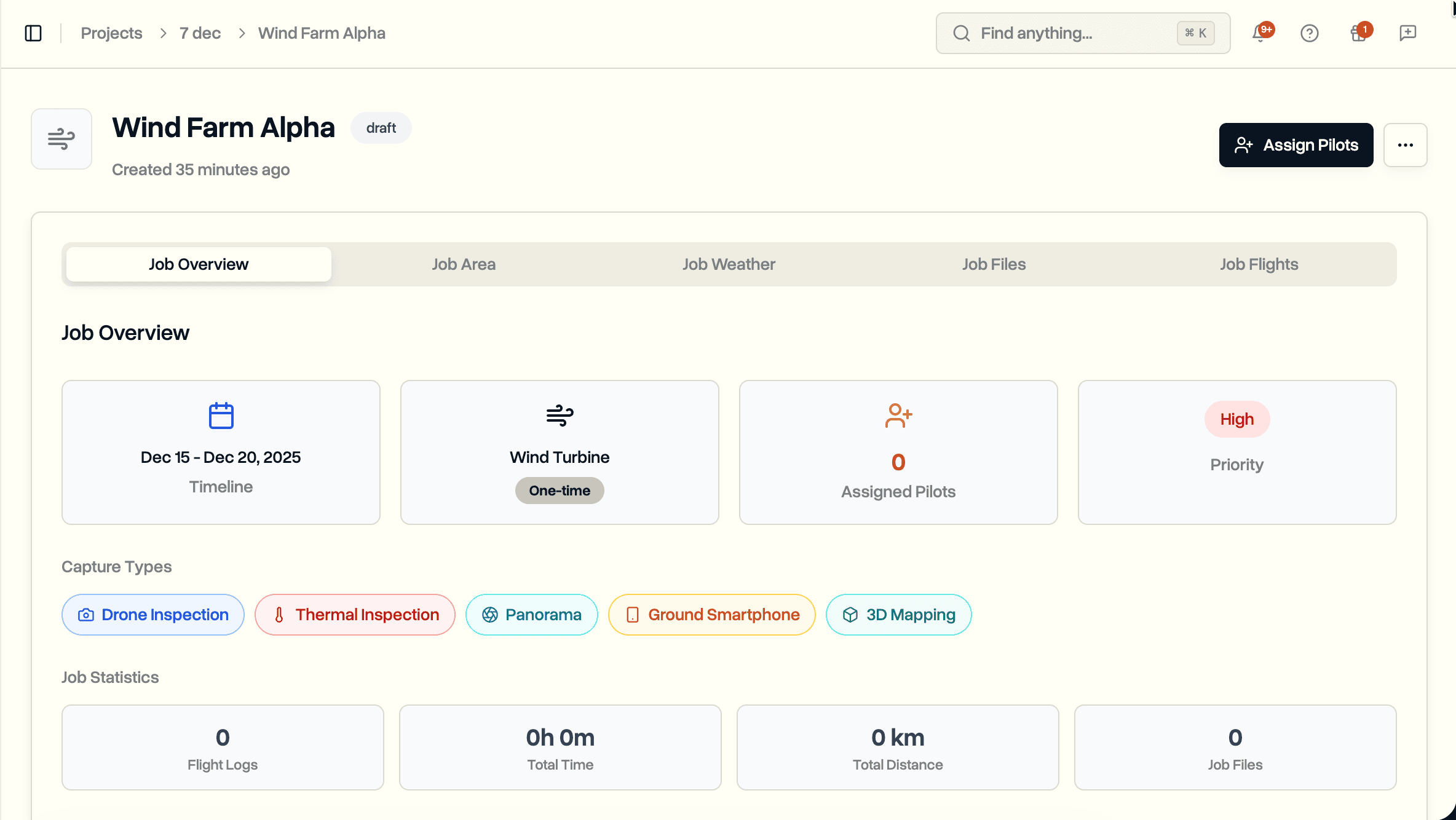
DroneBundle now supports capture types for jobs and files. Specify data collection requirements when creating jobs. Tag uploaded files with their capture type. Filter file libraries to find specific data quickly.
Available Capture Types
Nine capture types cover common drone and ground data collection methods:
- Drone Inspection. Standard aerial photography and video.
- Thermal Inspection. Infrared imaging for heat detection.
- Video Capture. Dedicated video recording.
- 3D Mapping. Photogrammetry for 3D model generation.
- LiDAR Scan. Laser scanning for precise measurements.
- Orthomosaic. Stitched aerial maps.
- Ground Smartphone. Ground-level mobile photography.
- Ground 360°. Spherical ground captures.
- Panorama. Wide-angle ground photography.
Select multiple capture types per job when needed.
Organize Files by Capture Type
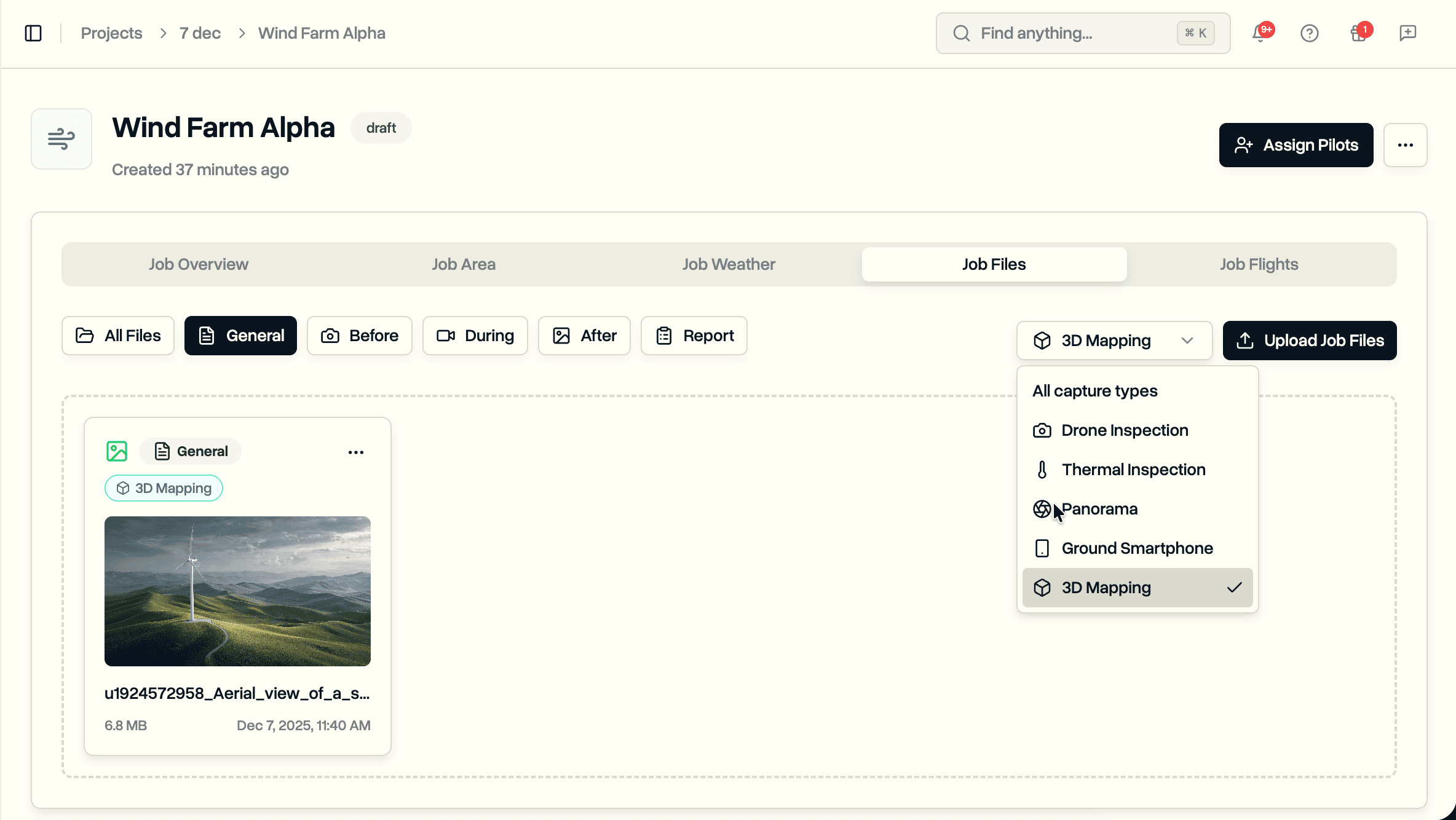
When uploading files to a job, optionally assign a capture type. The file card displays the capture type badge alongside the category.
Filter the file list by capture type to find specific data. Looking for all thermal images across a job? Select Thermal Inspection from the filter dropdown.
Excel Import Support
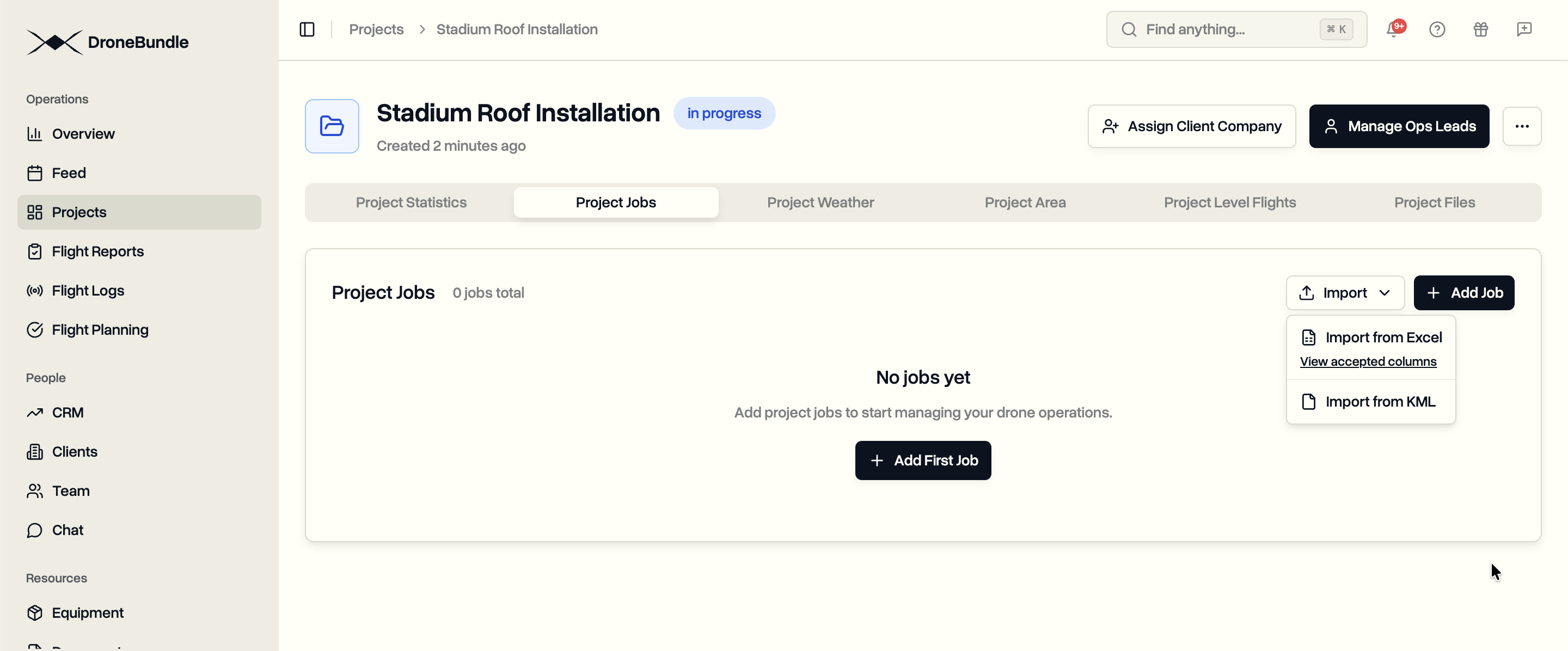
Include capture types when bulk importing jobs from Excel. Add a "Capture Types" column to your spreadsheet.
Use simple terms the system recognizes:
| Type | Accepted Values |
|---|---|
| Drone Inspection | drone, aerial, uav |
| Thermal Inspection | thermal, ir, infrared |
| Video Capture | video |
| 3D Mapping | 3d, mapping, photogrammetry |
| LiDAR Scan | lidar, laser |
| Orthomosaic | ortho, mosaic |
| Ground Smartphone | smartphone, phone, mobile |
| Ground 360° | 360, 360 camera |
| Panorama | pano, panoramic |
Separate multiple types with commas: "drone, thermal, video"
Availability
Capture types are available now for all DroneBundle users. Access them when creating or editing jobs, and when uploading files.
View the Excel import guide for complete column reference.
Start your free trial to organize your drone data with capture types.