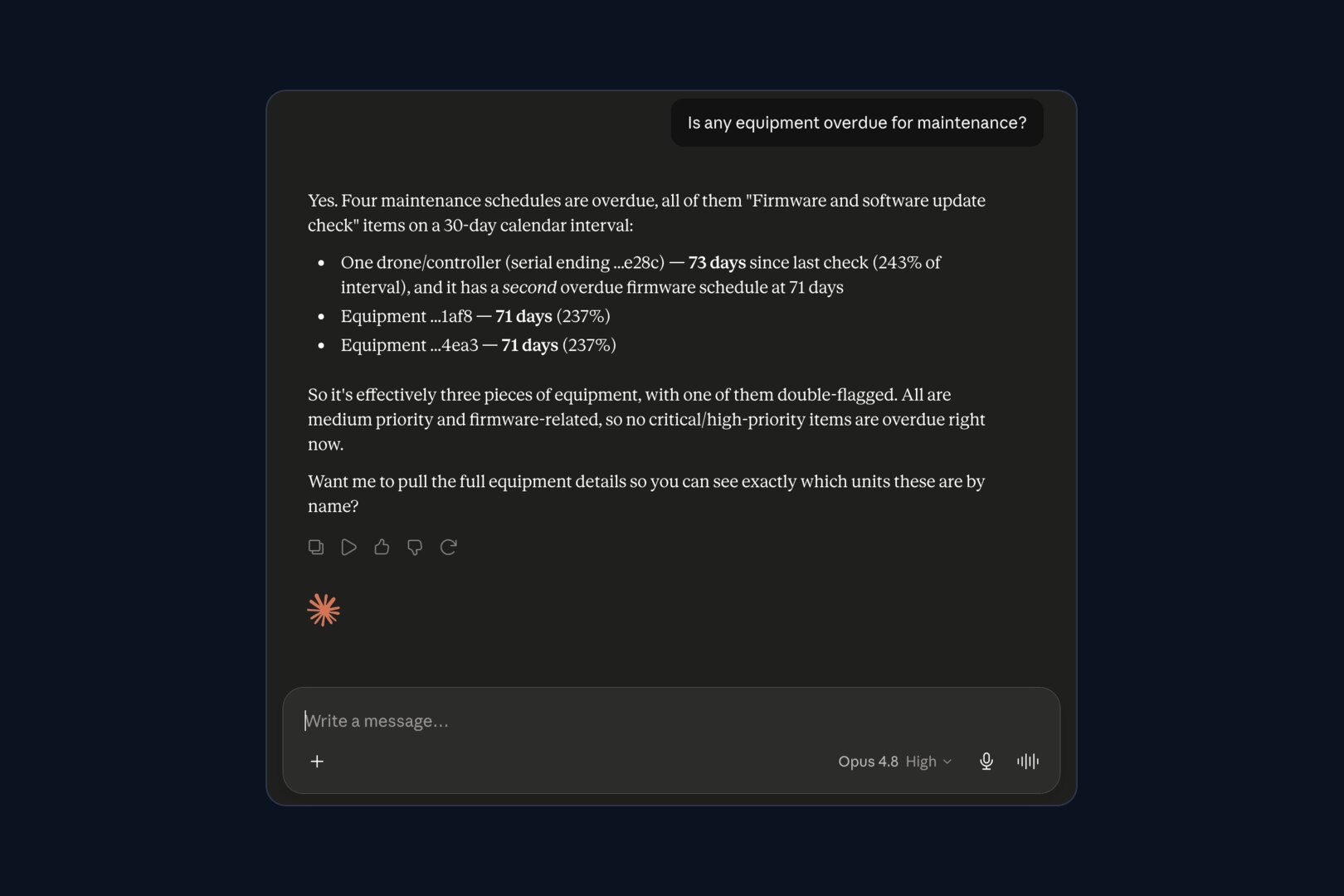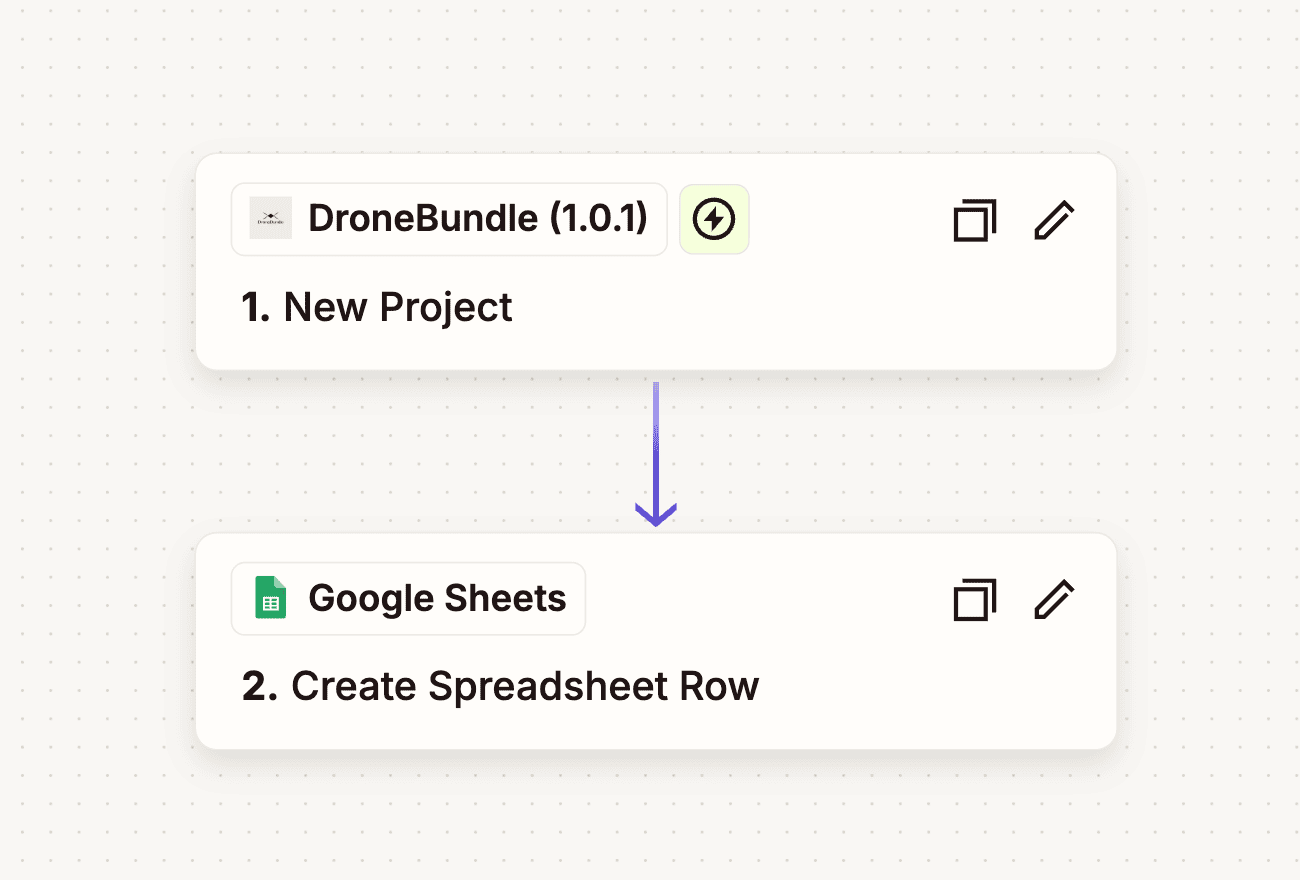
DroneBundle now has a Slack app. Mention @DroneBundle in a channel to ask about your projects, jobs, pilots and flights, or to make a change after you approve it. Set up daily posts and tomorrow's schedule, yesterday's flights, what is due soon and tomorrow's weather reach your channels on their own.
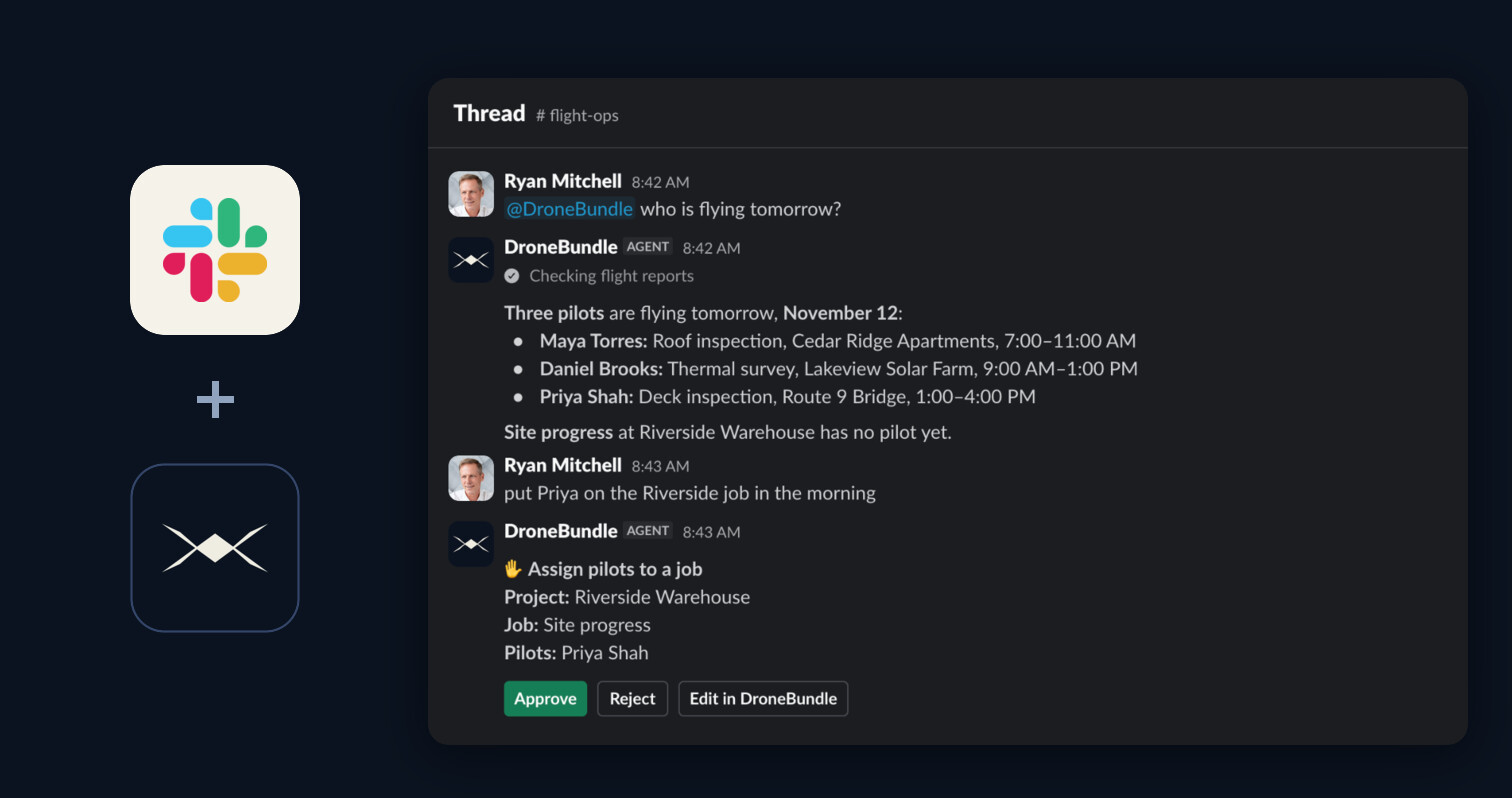
Who is flying tomorrow? Which job still has no pilot? Will the wind hold on the bridge job? Those questions get asked in Slack, and the answers live in DroneBundle, so someone has to stop, open the dashboard, look it up and type it back.
The Slack app closes that gap from both ends. You can ask from the channel you are already in, and the routine updates show up there without anyone being asked.
Ask DroneBundle AI in Any Channel
Mention @DroneBundle in a channel or send it a direct message, and DroneBundle AI answers from your live workspace. It shows each step while it works, then writes the answer in the thread.
Replies in that thread go straight back to it with no second mention, so a question can turn into a follow-up and then into a change. You can pick the same conversation up in the dashboard with the link at the end of the first answer.
Every Change Waits for an Approve Click
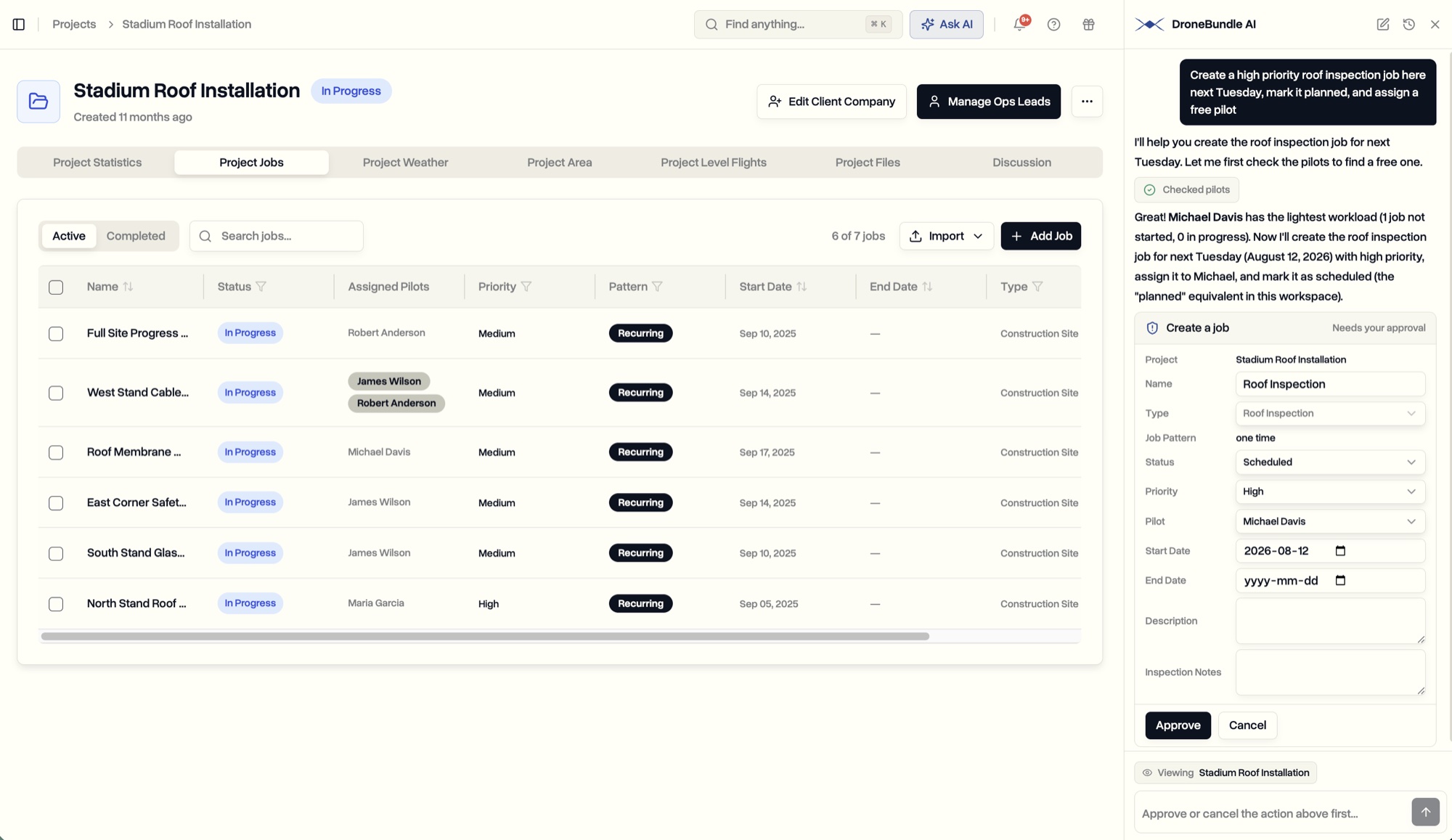
DroneBundle AI proposes changes in Slack and makes them only after you approve. It can create projects and jobs, assign pilots, update statuses, review flights and post project messages, the same work it does in the dashboard.
Each change arrives as a card listing exactly what will happen, with Approve, Reject and Edit in DroneBundle buttons. Only the person who asked can click them, so a change proposed to you cannot be approved by someone else in the channel.
Tomorrow's Schedule, Posted Before Anyone Asks
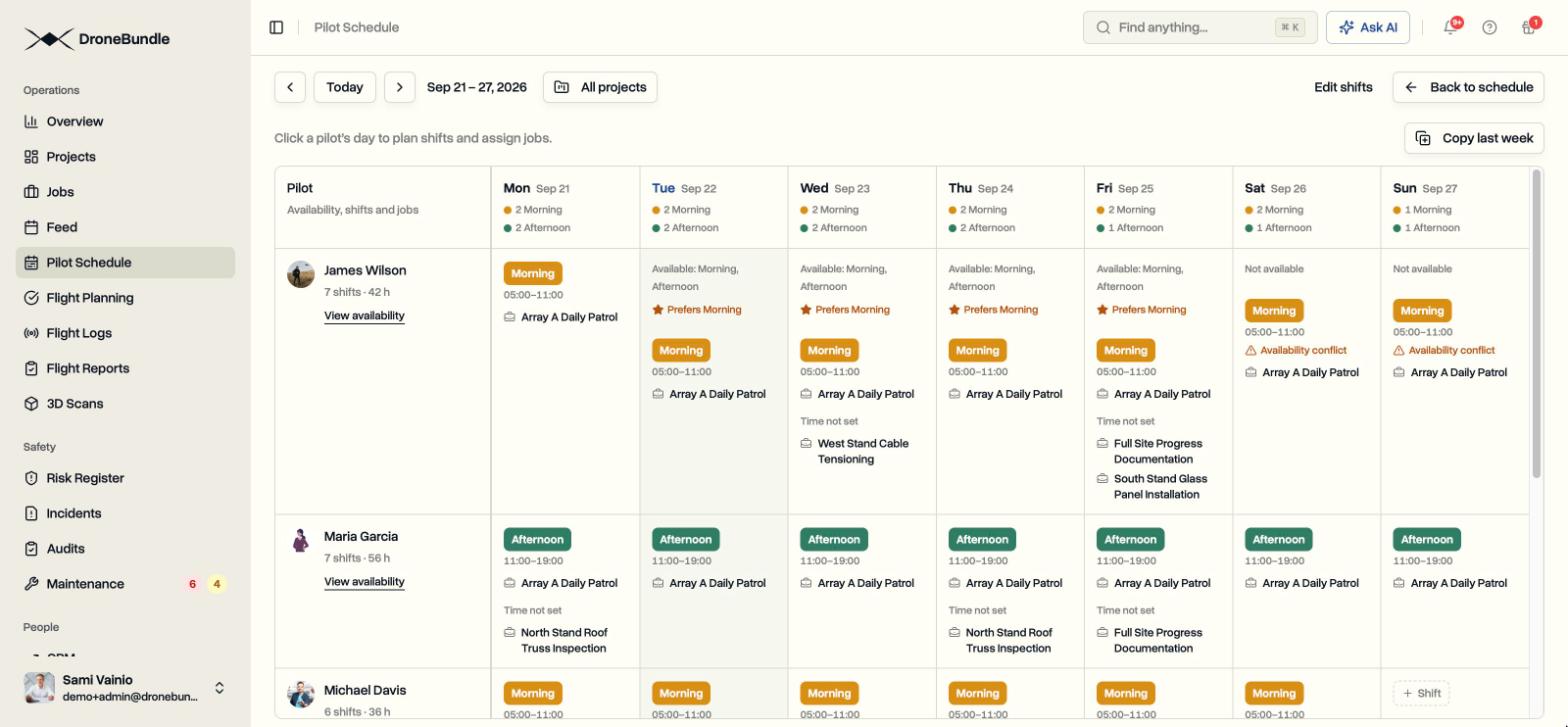
A daily schedule post lists every pilot's jobs, times and flight counts, followed by any flight that still has no pilot. It is built from the Pilot Schedule each time it sends, so a late change is already in it.
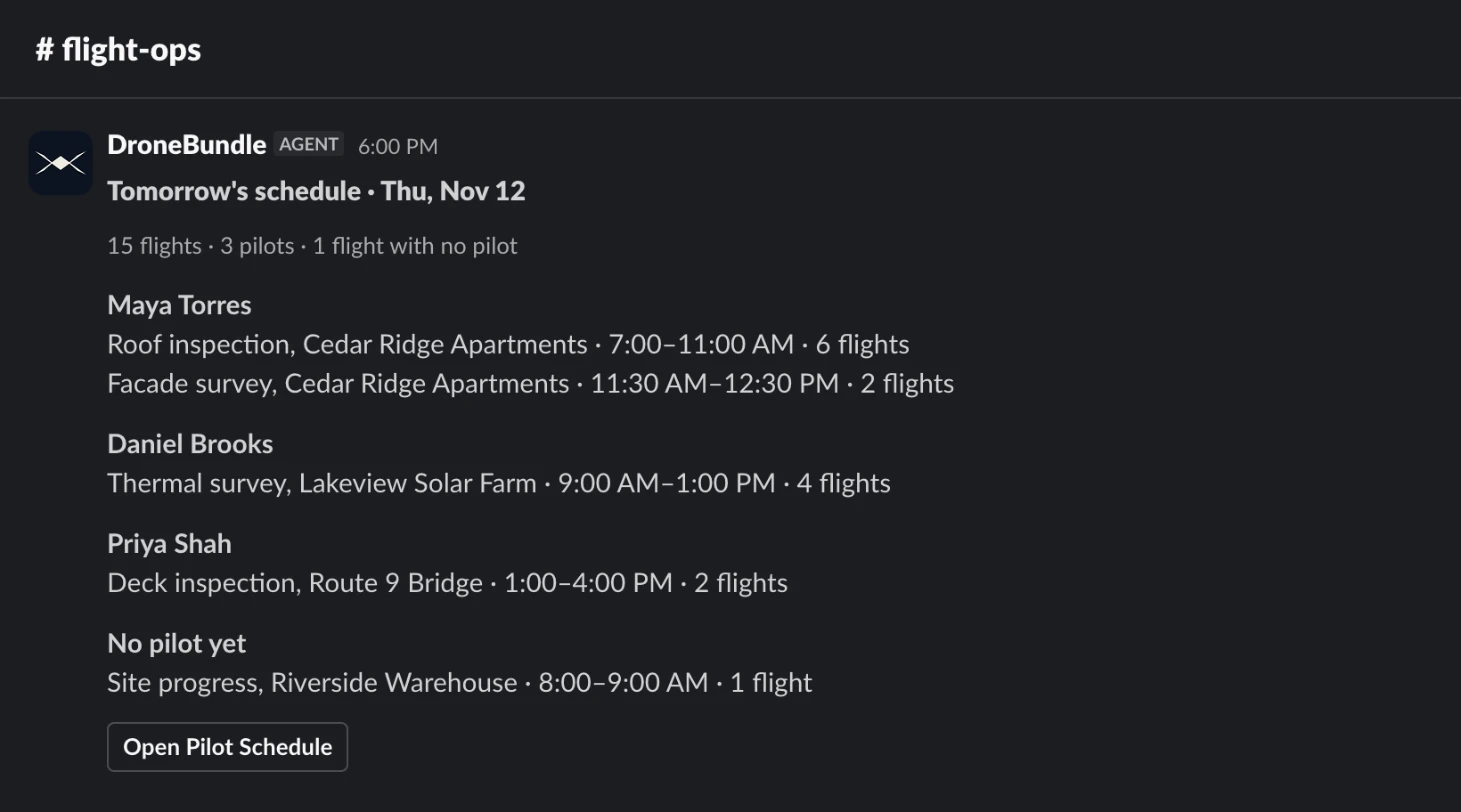
You choose the channel, the time, the time zone and the days. A post can cover the whole workspace or only certain projects, and you decide whether it includes shifts, flight times, notes and flights with no pilot. Send a test post at any point to see how it will look.
Yesterday's Flights and What Is Due Soon
The recap post shows how the previous day went: how many flights were flown, which still have no report, why the others did not fly and how many are waiting for review. It puts the flight reports summary where the whole team will see it.
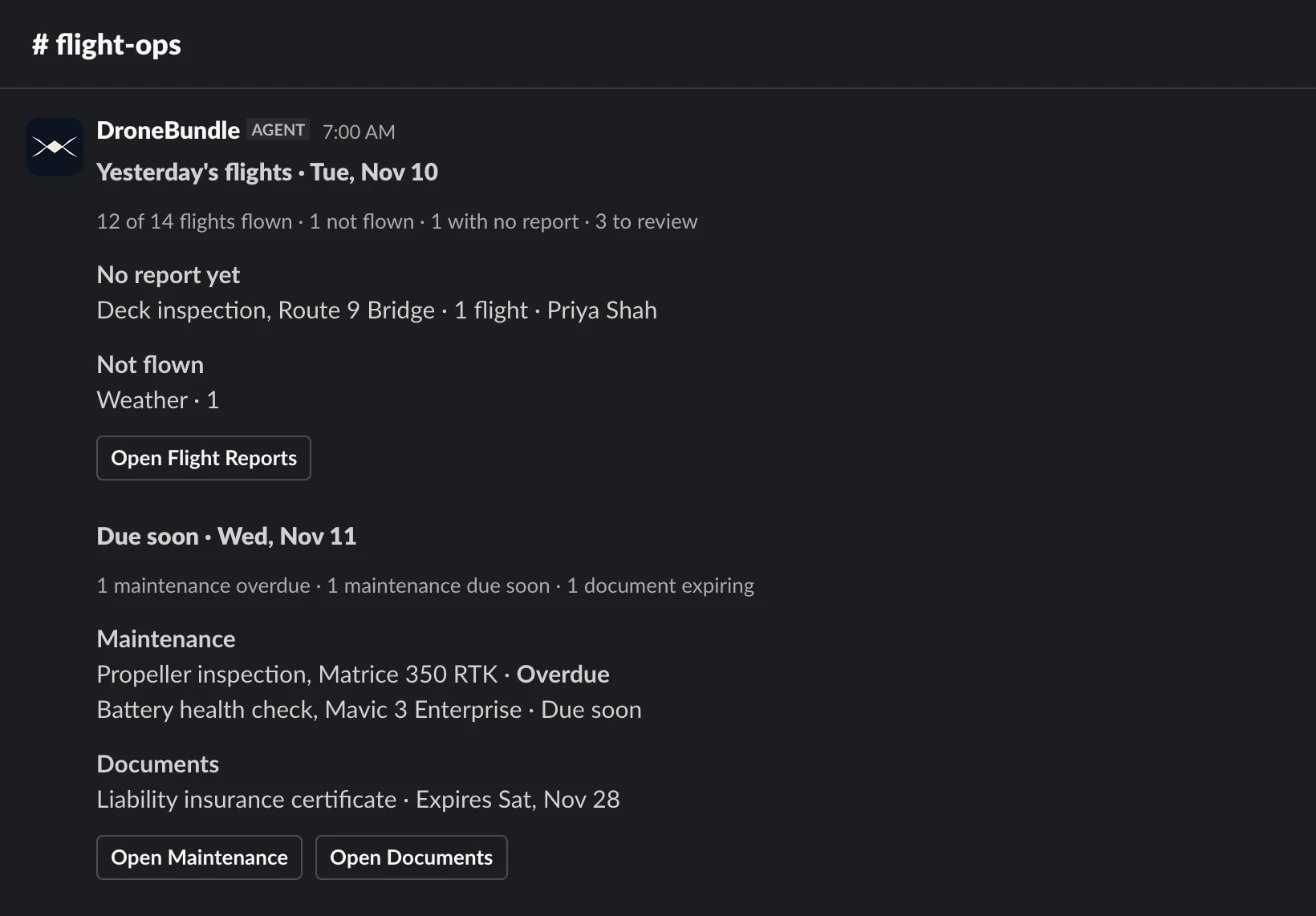
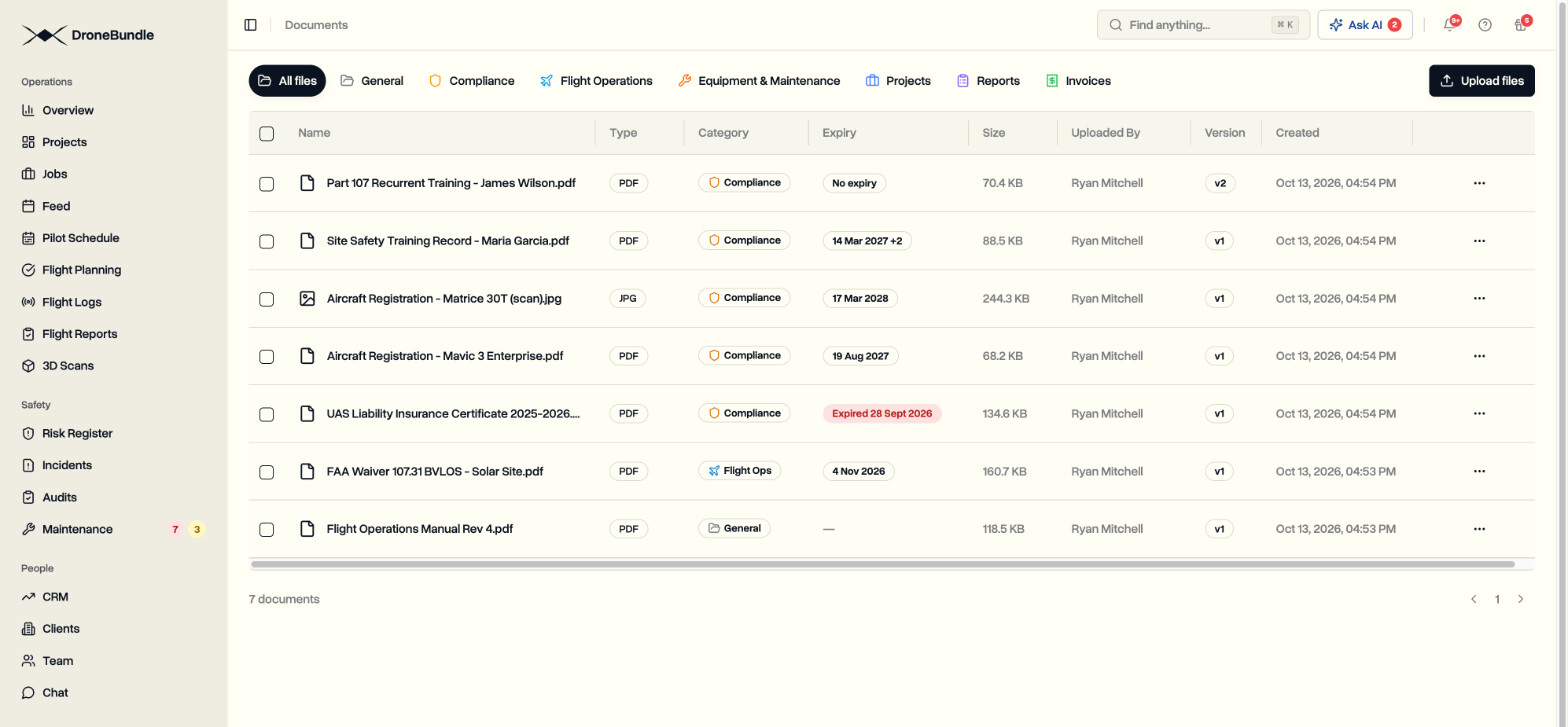
The due soon post lists maintenance that is overdue or coming up, along with documents that have expired or are about to. Buttons on each post open the matching page in DroneBundle.
Tomorrow's Weather for Each Job
The weather post gives the daytime forecast for each job on tomorrow's schedule that has a mapped area: temperature, conditions, wind, gusts and chance of rain. Values follow the wind and temperature units you saved in DroneBundle.
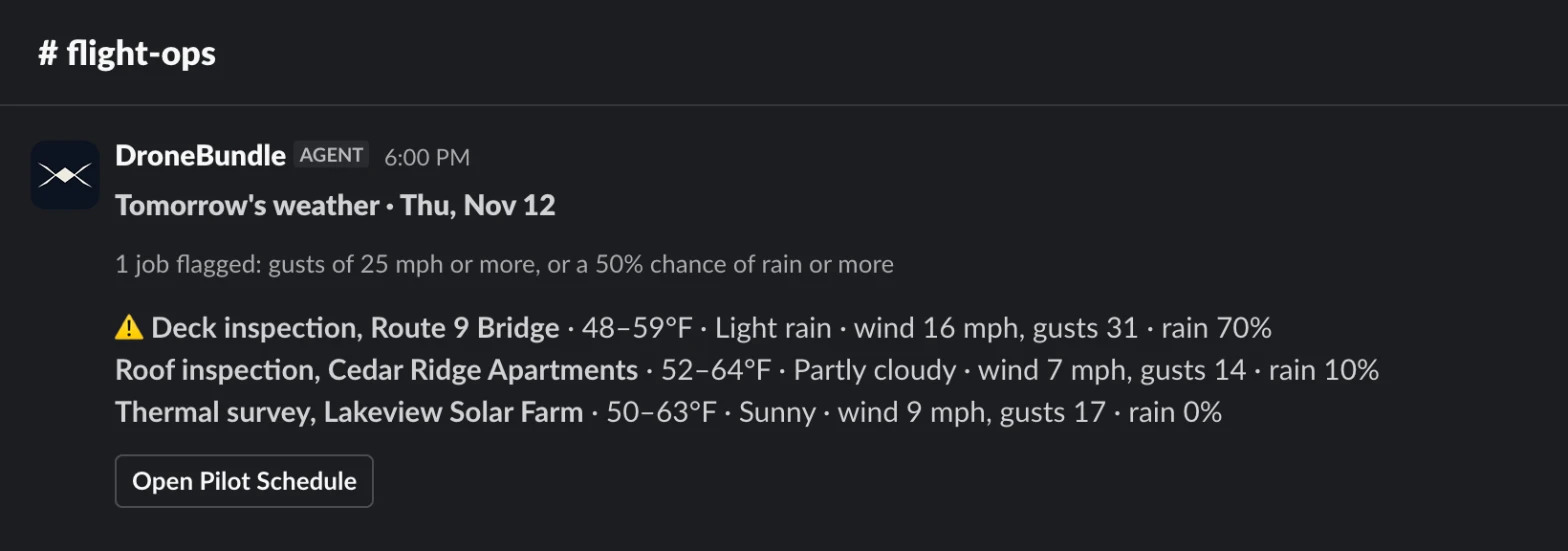
Jobs with gusts of 25 mph or more, or a 50% chance of rain or more, are flagged and move to the top. That leaves time to shuffle the plan the evening before instead of on site.
Connected in a Few Minutes
Adding the app takes a few clicks, and a workspace owner or project manager only has to do it once:
- Open Slack in DroneBundle. Sign in and go to Integrations, then Slack.
- Add to Slack. Slack shows what DroneBundle is asking for. Click Allow, with no password to share.
- Ask or post. Mention @DroneBundle in a channel, or set up your first daily post.
Private channels work too. Type /invite @DroneBundle in the channel, because Slack only shows an app the private channels it has been invited to.
What It Can See and Read
DroneBundle AI in Slack sees only what your own DroneBundle account can see. People are matched by their Slack email, and if that differs from their DroneBundle login, Slack shows a Connect button the first time.
It acts only on messages that mention it, direct messages to it and replies in threads it is part of, and it ignores everything else in the channel. It also stays out of channels shared with other companies, so your flight data stays out of conversations with outside companies.
Availability
The Slack app is available now, with nothing extra to pay for the app itself. DroneBundle AI in Slack works on every plan for workspace owners and project managers. Daily posts are included on the Team and Enterprise plans, and in every free trial.
You can mention DroneBundle in a channel, send it a direct message and get daily posts on any Slack plan. Slack's agent view, the chat panel inside the app, needs a paid Slack plan. Like any AI, DroneBundle AI can make mistakes, so check important answers before acting on them.
Start your free trial and connect your Slack workspace in a few minutes.
Book a demo to see DroneBundle AI and daily posts running in Slack.