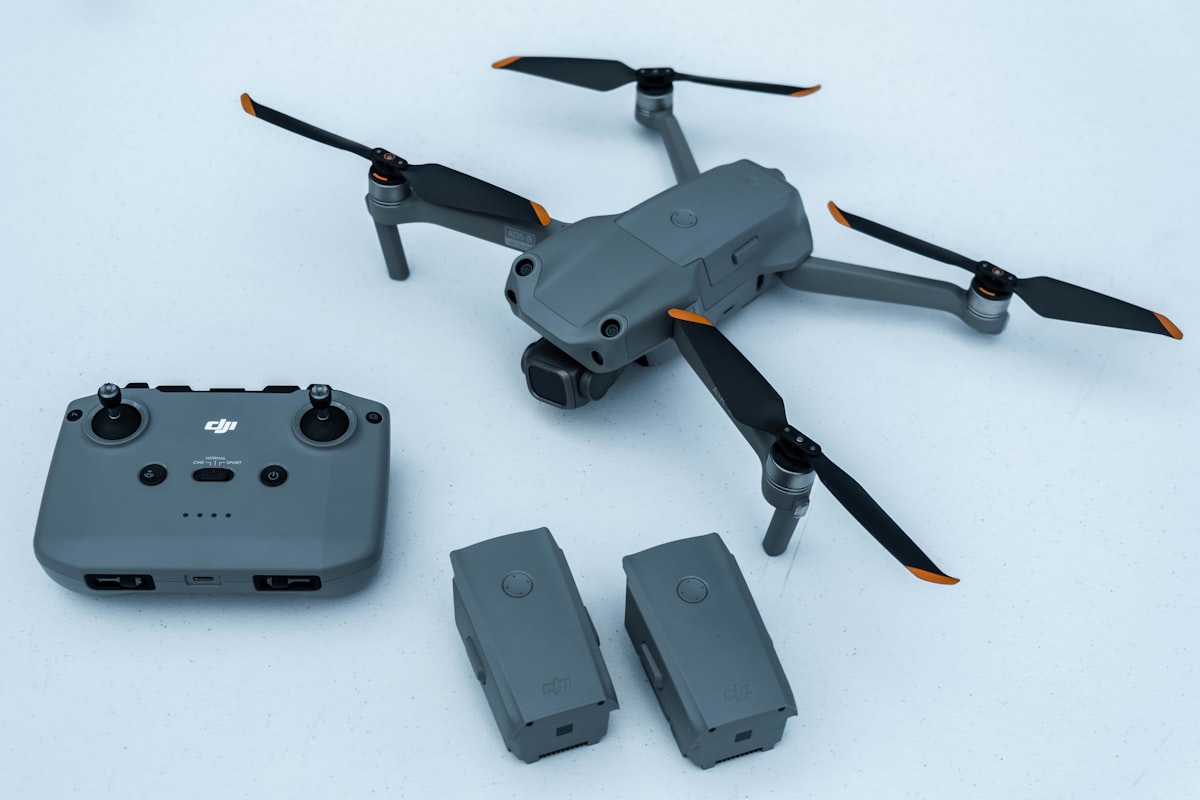
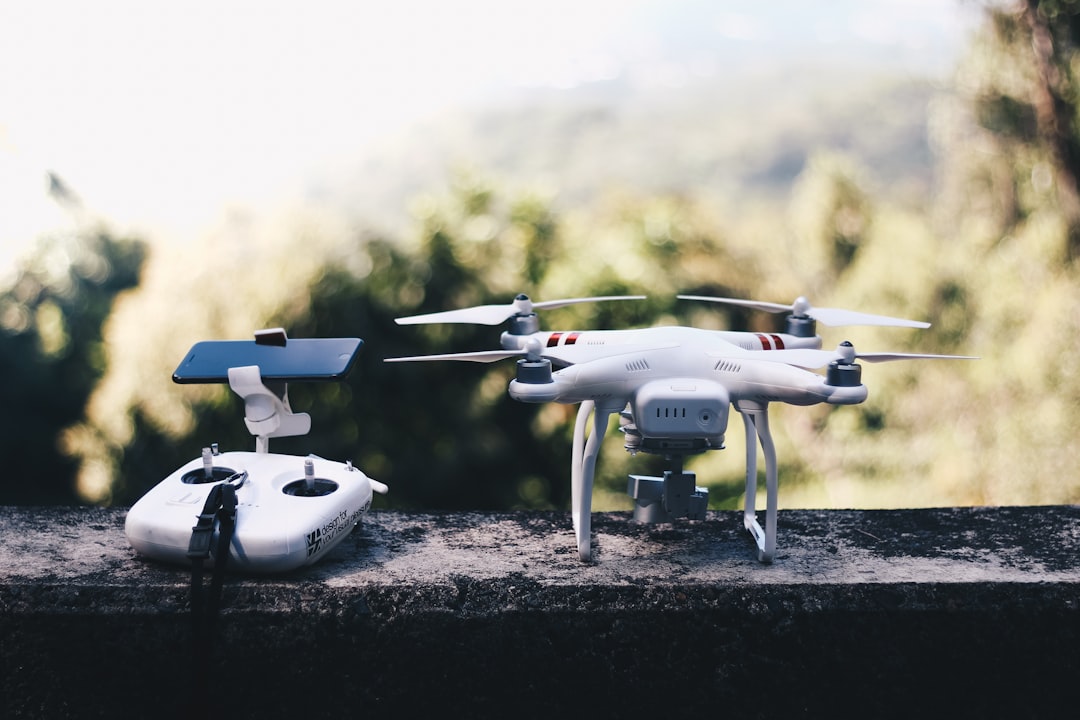
FAA drone registration renewal costs $5, keeps your existing registration number, and is valid for another three years. You can renew up to 180 days before your certificate expires through the FAA DroneZone portal, and the process takes about two minutes per drone.
Your original FAA registration felt like a one-and-done task. It is not. Every drone registration expires exactly three years after issue, and the FAA does not always make the deadline obvious. Miss it, and technically every flight after the expiration date is an unregistered, illegal operation, with all the insurance and liability problems that come with it.
This guide covers the renewal process specifically: when you can renew, what happens if you let it lapse, whether your registration number changes, and how commercial operators keep dozens of expiration dates from slipping through the cracks. If you have not registered a drone yet, start with our full FAA drone registration guide first, then come back here when renewal season rolls around.
When does FAA drone registration expire
FAA drone registration expires three years from the date it was issued, not three years from when you first flew the drone or bought it. The expiration date is printed on your registration certificate. Both recreational registrations and Part 107 commercial registrations follow the same three-year cycle under 14 CFR Part 48.
That date matters more than most operators realize. Three years is long enough that the deadline falls off your radar entirely. You register a drone in a rush before a job, download the certificate, and never think about it again until an inspection or an insurance renewal forces the question.
The registration itself does not lapse quietly in a way that stops your drone from flying. Nothing beeps. The aircraft still powers on. That is exactly why expired registrations are so common. The only thing that changes on the expiration date is your legal standing, and you will not notice until it matters.
The renewal window: how early and how late you can renew
You can renew your FAA drone registration up to 180 days before the expiration date, and you cannot renew any earlier than that. This is the detail almost every renewal guide skips, and it causes real confusion when operators log in months ahead of time and find no "Renew" button waiting for them.
Here is how the window actually works:
- More than 180 days out: The renewal option is not yet available in your FAA DroneZone dashboard. There is nothing to do yet.
- Within 180 days of expiration: A "Renew" option appears next to the affected registration. This is your green light.
- After expiration: You can still renew, but the aircraft is not legal to fly in the gap between the expiration date and the day you complete renewal.
Renewing early does not cost you time on the back end. Your renewed certificate carries a fresh three-year validity, so there is no penalty for handling it the moment the option becomes available. For commercial operators, the smart play is to renew as soon as you hit that 180-day window rather than waiting until the last week.
If you are also tracking your Part 107 certificate, note that the pilot certificate and the aircraft registration are two separate deadlines on two separate schedules. Our Part 107 renewal guide covers the recurrent training cycle, which is a different clock entirely.
How to renew your FAA drone registration step by step
Renewal happens entirely online through the same portal you used to register. The whole process takes about two minutes per drone.
- Log in to FAA DroneZone. Go to faadronezone-access.faa.gov and sign in with the account you used to register. If you registered under Part 107, make sure you log into the correct dashboard, since the portal separates recreational and Part 107 inventories.
- Open your drone inventory. Navigate to the list of registered aircraft. Registrations within the 180-day window will display a renewal option.
- Select the drone or drones due for renewal. You can process them one at a time.
- Confirm your information. Verify that your name, address, and the drone's details are still accurate. If you have moved, update your address before completing renewal. An outdated address on file is itself a compliance issue.
- Pay the $5 fee. Payment is by credit or debit card. The fee is $5 per drone under Part 107, or $5 total for a recreational registration that covers all your drones.
- Download the updated certificate. Your new certificate with the extended expiration date is available immediately. Save a digital copy to your phone and update any records your team relies on.
You must carry proof of registration, paper or digital, whenever you fly. Download the fresh certificate right away so the old one does not linger on your device and cause confusion during an inspection or pre-flight check.
A warning worth repeating: several third-party sites advertise "drone registration renewal services" for $50 or more. They simply fill out the same free FAA form on your behalf. The only legitimate renewal portal is faadronezone-access.faa.gov, as confirmed on the FAA's official register your drone page.
Does your registration number change when you renew
No. Renewing keeps your existing FAA registration number. You do not get a new number, and you do not need to re-mark your drone. The renewal simply extends the validity of the same registration for another three years.
This is genuinely good news for anyone with physical markings and Remote ID linkages already in place. Because the number stays the same:
- The engraved plate, label, or marker on your airframe stays valid.
- The registration number tied to your drone's Remote ID serial number in DroneZone does not need to be re-linked.
- Your insurance policy, which typically lists the registration number, does not need the number updated (though you should confirm the coverage dates still align).
Contrast this with buying a used drone. A registration number does not transfer between owners, so a used aircraft needs a fresh registration under your account. Renewal is the opposite situation. Same owner, same drone, same number, just a new expiration date. The latest Remote ID enforcement news makes accurate, current registration records more important than ever, since law enforcement increasingly has real-time access to broadcast identification data during flights.
Recreational vs. Part 107 renewal: the difference that trips people up
The renewal fee is $5 either way, but what that $5 covers is completely different depending on how you registered. Most renewal articles treat the process as uniform. It is not, and the distinction has real cost implications for anyone flying commercially.
| Recreational Renewal | Part 107 Renewal | |
|---|---|---|
| Governed by | 49 USC 44809 | 14 CFR Part 107 |
| What $5 covers | All your drones under one number | One drone per $5 |
| Number of registrations | A single certificate | A separate certificate per aircraft |
| Renewal window | 180 days before expiration | 180 days before expiration |
| Validity after renewal | 3 years | 3 years |
| Pilot requirement | TRUST test | Part 107 certificate |
Under the recreational exception, one registration number covers every drone you own, so renewal is a single $5 transaction no matter how many aircraft you fly. Under Part 107, every drone has its own registration, which means every drone is its own $5 renewal on its own three-year clock.
That difference is trivial for a solo operator with one drone. It becomes a genuine administrative task for a company running 20 aircraft, each purchased at a different time, each with its own expiration date. This is where the recreational-versus-commercial choice you made years ago comes back around. If you are still unsure which track applies to you, our guide on what drone license you need walks through it, and the broader FAA drone rules overview covers where registration fits into the full compliance picture.
What happens if your drone registration expires
If your FAA drone registration expires and you keep flying, every flight is an unregistered operation, which is a federal violation regardless of whether you meant to let it lapse. You can still renew after expiration, but you cannot undo the flights that happened in the gap.
The penalties on the books are steep. According to FAA enforcement guidance, flying an unregistered drone can carry civil penalties up to $27,500 and criminal penalties up to $250,000 and/or up to three years imprisonment. Those are maximums, and a lapsed renewal is not treated the same as deliberately flying off the books. But for commercial operators, the bigger exposure usually is not the FAA fine.
An expired registration creates a chain reaction:
- Insurance coverage can be voided. Most drone insurance policies require valid FAA registration as a condition of coverage. Fly with an expired registration, and your insurer may have grounds to deny a claim. Our drone insurance guide covers how registration status ties into policy eligibility.
- Client contracts get complicated. Commercial contracts frequently include compliance clauses. Work performed with an expired registration means you were not legally authorized to perform it, which can put payment and liability in question.
- LAANC authorizations rest on a registered aircraft. Airspace authorization through LAANC assumes a registered drone. An expired registration undermines the legitimacy of any controlled-airspace flight during the lapse.
The fix is simple: log in and renew. But the flights you already flew during the lapse are the problem, not the renewal itself. If you discover an expired registration, renew before your next flight, and treat the gap as a lesson in tracking expiration dates more deliberately. This is exactly the kind of gap that broader drone compliance systems are designed to catch before it happens.
Managing renewals across a drone fleet
For a single drone, renewal is a two-minute task you do once every three years. For a fleet, renewal becomes a rolling administrative burden that most registration guides ignore entirely, because they are written for hobbyists, not for operators running a business.
Here is what fleet-scale renewal management actually involves.
Scattered expiration dates. If you bought your drones over several years, every aircraft has a different three-year clock. Under Part 107, that is a separate renewal, a separate $5 charge, and a separate deadline for each one. There is no single "fleet expiration date" to remember. There are as many as you have aircraft.
The 180-day trap at scale. Because you cannot renew earlier than 180 days out, you cannot simply batch every drone into one annual renewal session. Each aircraft only becomes renewable within its own window. A practical fleet system flags each drone the moment it enters that window rather than waiting for a calendar date that applies to everything.
Account access. FAA DroneZone lets Part 107 account holders add users with Inventory Manager or Administrator roles. Use it. Renewal should never depend on one person who happens to know the login. Your operations lead or compliance manager should have access so no deadline hinges on a single inbox.
Records that survive turnover. Registration numbers, expiration dates, Remote ID serials, and certificate PDFs all need to live somewhere your whole team can reach. Spreadsheets work for three or four drones. Beyond that, you want a real equipment management system where every aircraft's registration status sits alongside its maintenance history and flight logs.
This is precisely the gap a dedicated platform closes. DroneBundle stores each drone's registration number inside its equipment record. Upload the registration certificate and the expiry date is read from the certificate itself, with reminders 30 days before, 7 days before, and on the day, the same way it handles insurance certificates and waivers.
Instead of a static spreadsheet you have to remember to check, compliance tracking becomes an alert that finds you. For operators in fields like surveying and inspection, where clients routinely ask for proof of compliance before a job, having every current certificate one click away is the difference between a professional handoff and a scramble through old emails.
Folding registration renewal into your wider fleet management workflow is what keeps compliance gaps from forming as you scale. The operators who build this early avoid the painful retroactive cleanup that comes from years of scattered records. Moving off spreadsheets entirely, as we cover in our comparison of operations software versus spreadsheets, is usually the tipping point.
Renewal reminders: why the FAA email is not enough
The FAA typically sends an email reminder before your registration expires, but you should never rely on it as your only safeguard. Those reminders land in spam folders, go to an email address someone set up years ago, or arrive at a shared inbox nobody checks. Plenty of expired registrations trace back to a reminder that technically went out and was never seen.
Build your own backstop. At a minimum:
- Set a calendar reminder 30 days before each drone's expiration date, and a second one at 180 days so you know the moment renewal opens.
- Keep a running record of every drone's expiration date somewhere your team can see it, not buried in one person's notes.
- Confirm the email address on your DroneZone account is one that is actively monitored, and update it if the original owner has left the company.
For a growing operation, manual reminders eventually break down. There are simply too many dates. That is where a platform that tracks expiration automatically earns its keep, monitoring registration renewals alongside every other regulatory deadline your business carries. The FAA's job is to enforce the rule. Keeping ahead of it is yours.
Frequently asked questions
What happens if my FAA drone registration expires?
If your registration expires, your drone is no longer legally registered, and any flight after the expiration date is an unregistered operation subject to FAA penalties. You can renew after expiration through FAA DroneZone, but you cannot retroactively legalize flights that happened during the lapse. Beyond FAA fines, an expired registration can void insurance coverage and undermine LAANC airspace authorizations, so renew before your next flight.
Does my drone registration number change when I renew?
No. Renewing keeps your existing FAA registration number. The renewal only extends the validity for another three years. Because the number stays the same, you do not need to re-mark your drone, re-link its Remote ID serial number, or update the number on your insurance policy. Only the expiration date changes.
Can I renew my drone registration early?
You can renew up to 180 days before your registration expires, but no earlier. If you log in and do not see a renewal option, you are likely more than 180 days out, and the option will appear once you enter the window. Renewing early carries no penalty, so handling it as soon as the option becomes available is the safest approach for commercial operators.
How much does it cost to renew FAA drone registration?
Renewal costs $5, the same as the original registration. Under Part 107, that $5 covers one drone, so each aircraft renews separately. Under the recreational exception, a single $5 renewal covers all the drones registered under your one number. Both are valid for three years. Avoid third-party sites that charge $50 or more to complete the free FAA form for you.
Keep every renewal date under control
FAA drone registration renewal is a $5, two-minute task. The hard part is never the renewal itself. It is remembering that it exists, three years after you last thought about it, across every aircraft in your fleet.
That is what DroneBundle was built to handle. Our platform stores each drone's registration number and expiration date, tracks renewals alongside pilot certifications, insurance, and maintenance, and surfaces every deadline before it becomes a problem. No spreadsheets. No expired registrations discovered during an audit. Explore the full feature set or see how the numbers work on our pricing page.
Start your free trial and put your compliance deadlines on autopilot, or book a live demo to walk through fleet-wide registration tracking with our team.