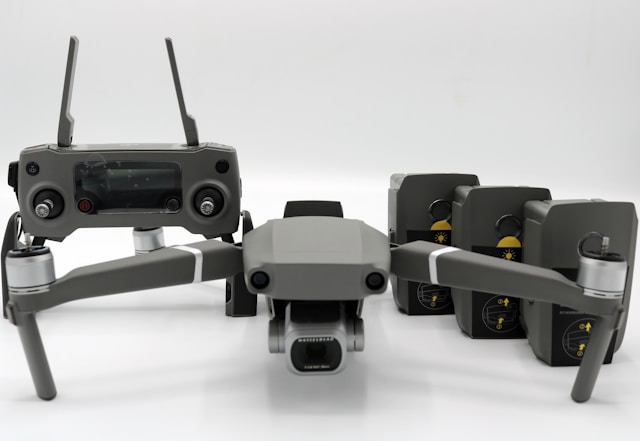

DJI FlightHub is DJI's cloud platform for planning, monitoring, and managing enterprise drone operations in real time. The current version, FlightHub 2, adds live situational awareness, dock automation, and cloud mapping, but it works only with DJI enterprise hardware and stops at flight operations.
If you run a DJI-based drone program, you have almost certainly bumped into DJI FlightHub. It is DJI's answer to the question every operator eventually asks: how do I see all my aircraft, missions, and data in one place instead of scattered across pilots' controllers and laptops? FlightHub 2 does a lot of that well. It also has hard edges that catch operators off guard once they scale past a handful of drones or start running a real service business around them.
This guide covers what DJI FlightHub actually is, how FlightHub 2 differs from the original, the features that matter, real pricing, and the specific gaps that push many teams toward pairing it with a broader operations platform. No marketing gloss. Just what you need to decide whether it fits your workflow.
What is DJI FlightHub?
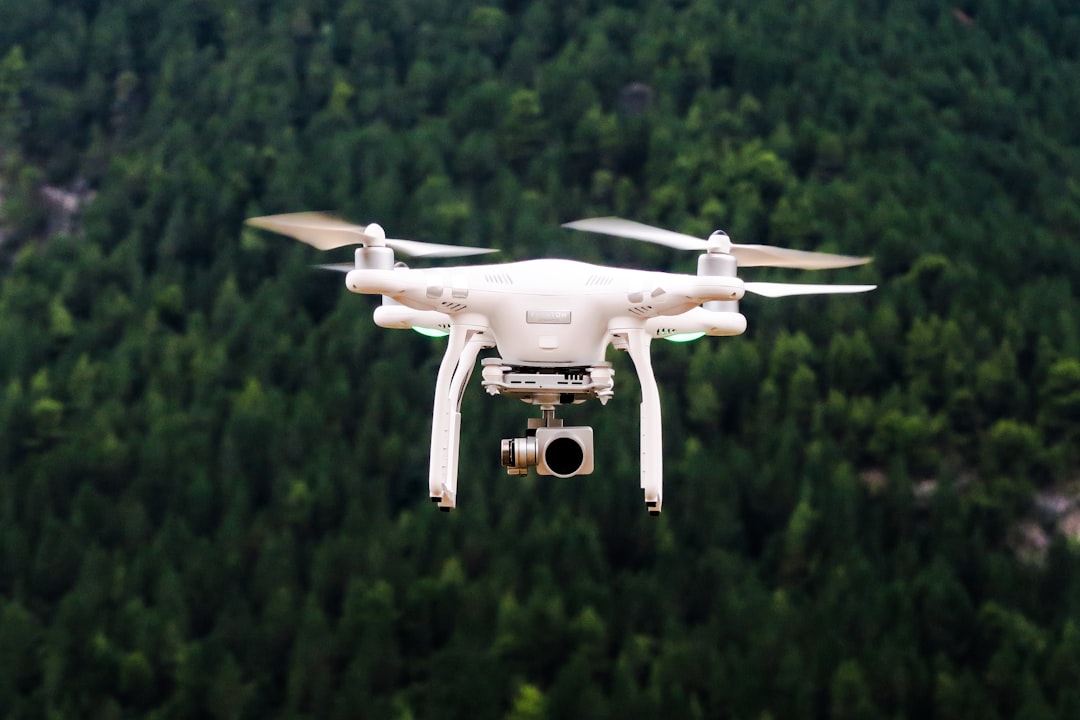
DJI FlightHub is a cloud-based platform that lets drone teams plan missions, stream live video, track aircraft, and organize captured data from a single browser interface. It is built for enterprise and commercial operators running DJI's professional hardware, not hobbyists flying a Mini on the weekend.
Think of it as the control room for a DJI fleet. Instead of each pilot managing their own aircraft in isolation, a program manager can see every drone on a shared map, watch live feeds, review flight records, and push mission plans out to the field. When DJI Dock enters the picture, FlightHub becomes the remote cockpit that launches and controls docked drones with no one physically on site.
That last point is the real reason FlightHub 2 exists. DJI wanted a platform that could run automated, remote, and dock-based operations at scale. The result is closer to a live operations dashboard than a flight logbook. If you want the deeper picture of how DJI's cloud ecosystem fits together, our breakdown of DJI Cloud and the DJI cloud API is a useful companion read.
FlightHub vs FlightHub 2: what changed
FlightHub 2 is a complete rebuild, not an update. DJI has been explicit that it is a brand new task management platform rather than an iterative version of the original FlightHub. The two are different products with different purposes.
The original FlightHub, now retired, focused on fleet data management: tracking mission progress, organizing captured media, and giving managers visibility into what their pilots had flown. DJI discontinued service and support for the original FlightHub starting June 12, 2024, per its own end-of-service notice. If you are still relying on FlightHub 1, that ship has sailed.
FlightHub 2, released in 2022, shifts the center of gravity from after-the-fact data to real-time operations. The headline additions:
- Live situational awareness. Multiple drone feeds, positions, and telemetry on one shared map, updated in real time.
- Remote and dock operations. A virtual cockpit that lets an operator fly a docked aircraft from the cloud, no field crew required.
- Cloud mapping. Generate 2D maps and 3D models inside the platform rather than exporting to separate photogrammetry software.
- Collaboration. Field crews and office managers work from the same synchronized data during a mission, not after it.
In short, FlightHub 1 answered "what did we fly?" FlightHub 2 answers "what is flying right now, and can I control it from here?" That distinction shapes everything about how the platform is priced and who it fits.
Key features of DJI FlightHub 2
DJI FlightHub 2 centers on six capabilities: real-time remote operation, flight planning, AI-assisted inspection, data analysis, automated workflows, and third-party integration. Here is what each one means in practice.
Real-time remote operation. The virtual cockpit is the standout. An operator can control aircraft flight, camera, and payload from the cloud, which is what makes fully remote multi-drone operations and DJI Dock deployments possible. AR Street and Smart Track overlays add context to live feeds so a monitor can follow a subject or understand ground positions faster.
Comprehensive flight planning. Waypoint routes, patrol paths, inspection missions, and mapping flights can be built and scheduled centrally, then pushed to aircraft or docks. Immersive 3D route editing helps with complex inspection geometry. If mission planning is your main pain point, compare this approach against dedicated tools in our guide to drone mission planning software.
AI detection and inspection. FlightHub 2 uses intelligent algorithms, including a multimodal large language model, to identify people, vehicles, and boats during monitoring, and to streamline precision inspection workflows. This is genuinely useful for security and infrastructure patrols.
End-to-end data analysis. Captured imagery and telemetry flow into the platform for mapping and review. It centralizes the raw output of a flight, which overlaps with what standalone flight data monitoring tools do, though FlightHub's analysis leans toward maps and models rather than deep per-flight diagnostics.
Automated workflows and dock integration. Scheduled, recurring missions run without a pilot on site. This is the backbone of DJI Dock operations and the reason utilities and public safety agencies look at FlightHub in the first place.
Secure integration. A cloud API allows third-party systems to connect, though operators consistently report that integrations take real engineering effort.
DJI FlightHub pricing
DJI FlightHub 2 uses tiered subscriptions based on the number of users, devices, and data you need. There is a free entry tier, a paid business tier, and a custom enterprise tier. Exact naming and prices vary between DJI and its resellers, so treat the numbers below as a working guide and confirm current rates before you buy.
| Tier | Typical cost | What you get |
|---|---|---|
| Standard (free) | $0 | Around 5 accounts, 5 GB storage, no included livestream minutes. Each newly bound device grants a one-time quota (roughly 5,000 livestream minutes, 3,000 mapping images, 100 GB). |
| Business / Professional | ~$999 to $1,600 per year | Unlimited projects, more accounts, expanded storage (up to ~500 GB), higher or unlimited livestream and mapping quotas. |
| Enterprise | Custom, priced per device per year | Everything in Business plus dock-scale deployment, priority support, on-premises option, and volume terms. Sold with 1-year and 3-year commitments. |
A few things worth knowing. The free Standard tier is genuinely usable for a small team testing the waters, but the storage and livestream limits fill up fast once you run real missions. Reseller listings show the Professional 12-month plan around $999 and Business closer to $1,600 per year, which reflects DJI reshuffling the tier names over time. Enterprise pricing is quoted per device, so a fleet of ten docked drones costs very differently from a single aircraft. The tier also decides what can leave the platform: forwarding live flight data to another system, covered below, is part of the Enterprise plan.
If you are weighing that spend against the value it returns, it is worth running the same exercise you would for any platform. Our post on drone operations software versus spreadsheets and the wider drone fleet management software buyer's guide both walk through how to think about cost per aircraft versus hours saved.
Which drones and docks work with FlightHub 2
DJI FlightHub 2 supports only DJI enterprise drones and docks. Consumer aircraft and non-DJI drones are not supported, which is the single biggest constraint operators discover after signing up.
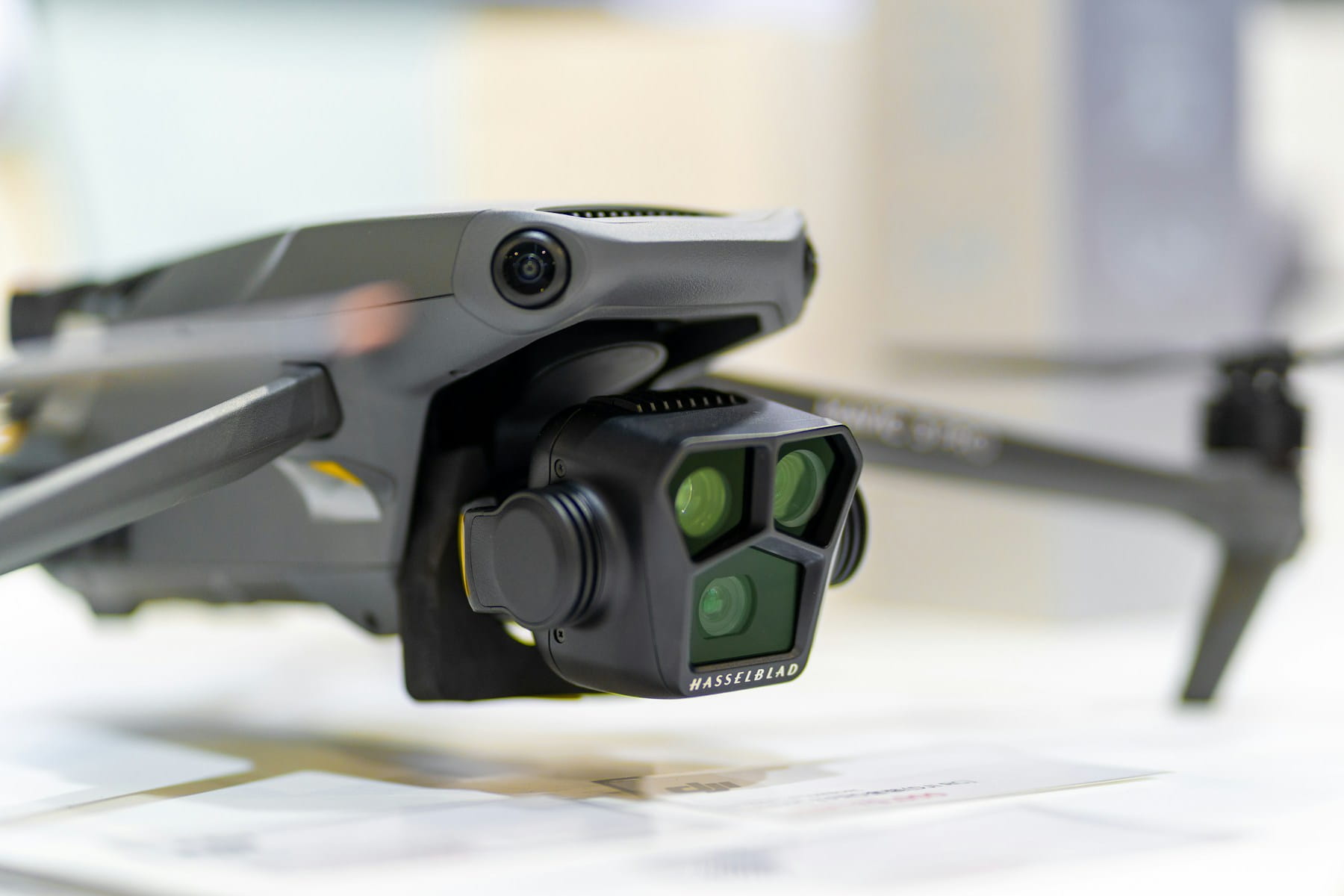
Supported aircraft include the Matrice 400, M350 RTK, Matrice 4 and 4D Series, M30 Series, and the Mavic 3 Enterprise Series (excluding the Mavic 3 Multispectral). Compatible payloads include the Zenmuse H30 and H20 series plus the S1 and V1. On the dock side, FlightHub 2 works with the DJI Dock, Dock 2, and Dock 3.
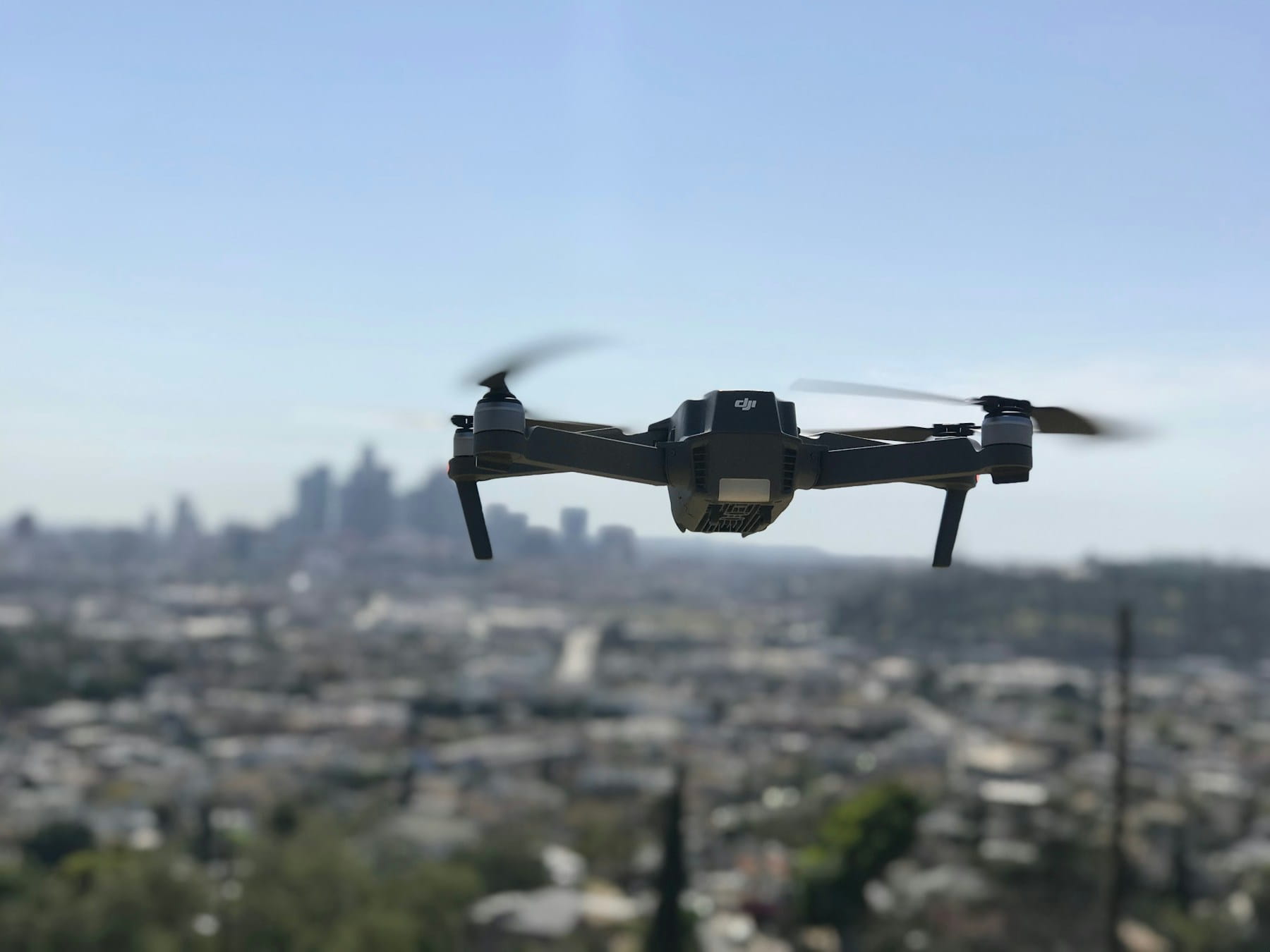
Here is the catch that trips people up. The standard Mavic 3, the Air series, the Mini series, and every FPV or cinema drone in DJI's consumer lineup are not supported. Neither is anything from Autel, Skydio, Parrot, or any other manufacturer. If your fleet is a mix of enterprise Matrice birds and a few consumer Mavics for quick jobs, FlightHub 2 only sees half of it.
That matters more than it sounds. Most working drone companies do not fly a uniform fleet. A surveying firm might run an M350 for the big corridor jobs and a couple of Mavic 3 Classics for small site visits. A public safety unit might have a docked M30 for perimeter patrol and consumer drones for tactical deployment. FlightHub 2 leaves the non-enterprise and non-DJI aircraft outside the system entirely, so you are back to managing part of your fleet somewhere else. This is exactly the multi-vendor problem that drives operators to hardware-agnostic fleet platforms.
Running DJI Dock 3 on FlightHub 2
FlightHub 2 is where DJI Dock 3 missions are planned, scheduled, and flown. The dock houses, launches, lands, and charges the aircraft; every route, schedule, and remote takeoff is set up in FlightHub. Dock 3 carries the Matrice 4D or the thermal Matrice 4TD, and both appear in FlightHub as a dock and aircraft pair.
In practice a route is built once in FlightHub, a recurring schedule is attached to it, and the dock flies it at the set times. For example, a security operator might run a perimeter patrol every morning and a thermal pass every night from the same dock. An operator watches from the browser and can take over through the virtual cockpit when something needs a closer look. For the hardware itself, including specs, price, and what a site needs, see our DJI Dock 3 guide.
The part FlightHub does not remove is the person on duty. In the US, dock flights with nobody on site generally count as beyond visual line of sight, which today means an FAA waiver or exemption, and the rules that would standardize this are still moving through the Part 108 rulemaking. Someone still has to be rostered for every dock shift, even when the aircraft flies itself.
Getting flight records out of FlightHub 2
Flight records from a dock stay inside FlightHub 2 unless something is set up to move them. For US operators that route is narrower than most expect: DJI ended its flight record cloud sync for US customers in 2024, and the flight record file sync in FlightHub 2 is not available to them either.
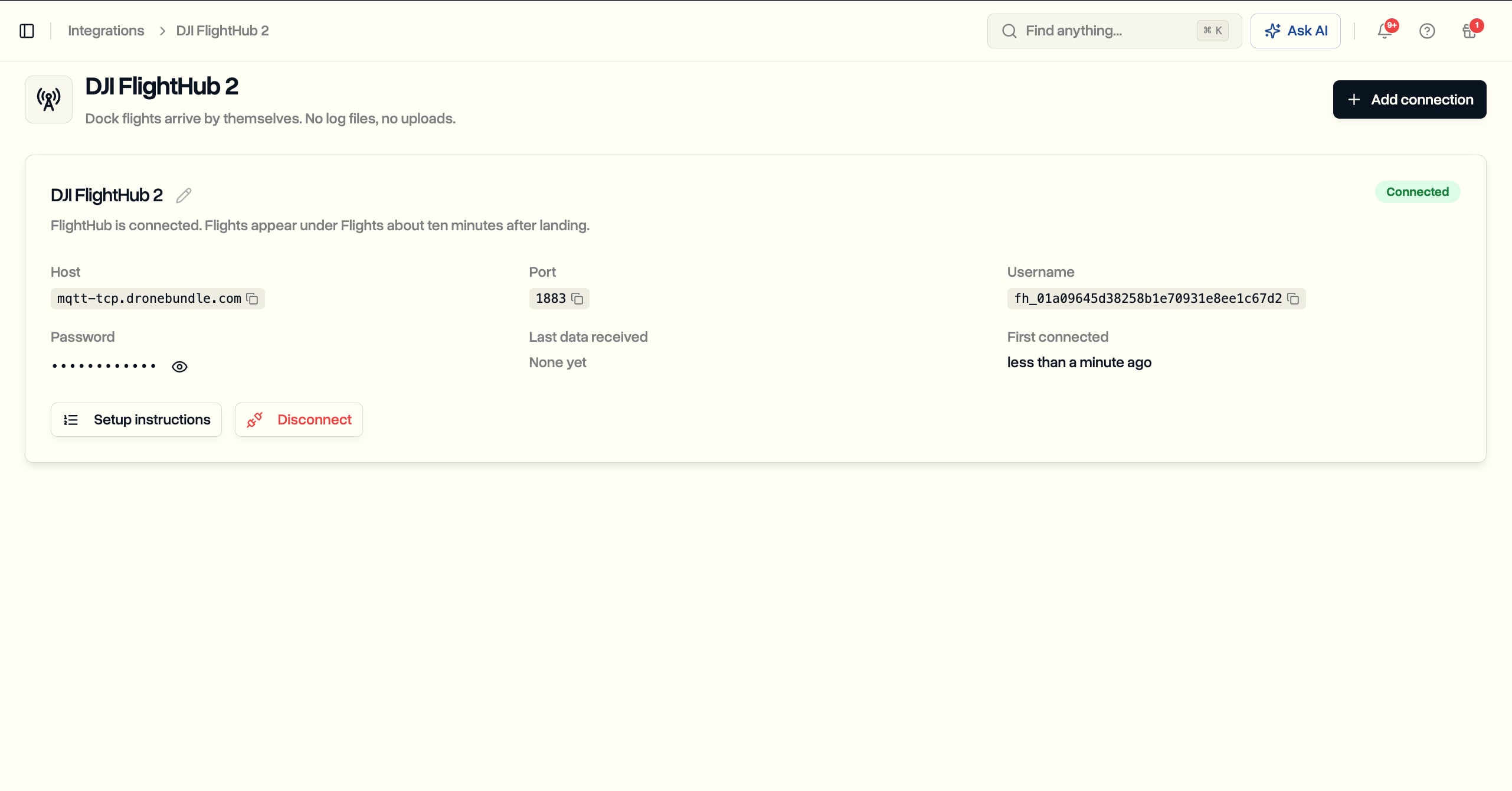
What does work in the US is forwarding. FlightHub Sync, found under My Organization, can forward live flight data from each dock to a server you choose. It is part of the FlightHub 2 Enterprise plan and needs an organization administrator to turn on. Anything that should receive dock flights automatically, whether a logbook, a maintenance system, or a client reporting tool, has to connect this way.
DroneBundle uses that forwarding. You paste four connection values into FlightHub once, and every dock flight then arrives in DroneBundle about ten minutes after landing, files itself under the right job, credits the pilot who was rostered, and updates the aircraft's maintenance counters. The full setup, step by step, is in our post on DJI Dock flight sync.
Where FlightHub 2 stops: the business operations gap
FlightHub 2 manages flights. It does not manage the business around those flights. This is the gap that no product page mentions and the one that matters most once you are running a commercial operation rather than a pilot program.
Walk through a real job. A client calls, you quote the work, you schedule a pilot and aircraft, you check weather and airspace, you fly, you process the data, you deliver it to the client, you invoice, and you keep records to prove you were compliant if a regulator asks. FlightHub 2 handles the middle of that chain, the flying and the data. It does nothing for the front and back ends where a service business actually lives.
Specifically, FlightHub 2 has no:
- CRM or quoting. No client records, no lead pipeline, no proposals. The CRM built for drone teams exists precisely because generic tools and flight platforms leave this out.
- Invoicing. No way to bill a client for the mission you just flew.
- Client portal. No branded space to deliver deliverables and updates to the customer. A dedicated client portal closes that loop.
- Compliance and certification tracking. No tracking of pilot Part 107 currency, medical or ID requirements, Part 108 readiness for BVLOS, insurance expiries, or the audit trail that drone compliance demands. Managing pilot certifications across a team is a job FlightHub was never built to do.
- Pilot and crew management. No roster, no currency tracking, no way to see who is qualified and available. Logging pilot flight hours sits outside the platform.
- Forward-facing risk and airspace planning beyond the flight route itself.
None of this is a knock on FlightHub. It is a flight operations platform doing flight operations. But it means most commercial teams end up running FlightHub for the aircraft and something else, often spreadsheets, for the actual business. That is the same fragmented setup we see with flight-data tools like Airdata: great at one slice, silent on the rest. The comparison we draw for other platforms in our DroneDesk comparison applies here too. The question is not whether FlightHub is good. It is whether one tool covers your whole operation or just the flying.
Data ownership and the DJI security question
FlightHub 2 stores your operational data in DJI's cloud by default, which raises data-ownership and security questions that regulated operators cannot ignore. DJI released an on-premises version in June 2025 specifically to address this.
If you fly for government, utilities, critical infrastructure, or any client with a data-security clause, where your telemetry, imagery, and flight logs live is a contractual issue, not a preference. DJI has faced sustained scrutiny in the United States, and the ongoing DJI ban discussion and broader foreign drone restrictions mean some agencies are barred from DJI hardware and cloud services outright. That is a real constraint on FlightHub adoption regardless of how good the software is.
DJI's answer is FlightHub 2 On-Premises, which keeps every image, coordinate, and flight log inside your own network or your chosen cloud (AWS, Azure, or Google Cloud), with local 2D mapping that works offline. It retains the core FlightHub capabilities. For security-sensitive sectors this is a meaningful option, though it adds deployment cost and complexity.
Wherever you land on DJI hardware, the underlying principle holds: you should know exactly where your data lives, how to export it, and what happens to it if you stop paying. We cover that thinking in depth on our data ownership page. Any platform you build an operation on, DJI or otherwise, should give you a clear answer.
How to fill the gaps FlightHub leaves
The practical move for most commercial operators is to let FlightHub do what it is great at, live flight and dock operations, and layer an operations platform on top for everything it does not touch. That is where DroneBundle fits.
DroneBundle is built as mission control for the whole business, not just the aircraft. It handles the parts FlightHub leaves out: Part 107, Part 108, and EASA compliance tracking, fleet and equipment management across any manufacturer, CRM, invoicing, a client portal, weather integration for go/no-go decisions, and flight records linked to the jobs they belong to. Because it is hardware-agnostic, it covers your enterprise Matrice fleet and your consumer Mavics and your Autel or Skydio aircraft in one place, which FlightHub structurally cannot.
The two also connect directly through the forwarding described above, so dock flights reach DroneBundle with no log files or uploads and land in the client job they belong to, next to the pilot on shift and the hours on that aircraft. Here is what that looks like for a whole dock operation.
The two are complementary, not competing. Run FlightHub for the docked, real-time flying. Run DroneBundle for scheduling, compliance, clients, billing, and the fleet-wide picture. For smaller teams that want a single system without a second subscription, our guide to the best drone management software for small business and the tips on streamlining mission planning show how to consolidate. You can see the full feature set on the features page.
Running a DJI fleet but drowning in spreadsheets for compliance, clients, and billing? DroneBundle handles everything FlightHub does not, across every drone you fly. Start a free trial or book a live demo and see your whole operation in one dashboard.
Frequently asked questions
Is DJI FlightHub free?
DJI FlightHub 2 has a free Standard tier that includes roughly 5 accounts and 5 GB of storage, with a one-time livestream and mapping quota granted when you bind a new device. It is enough to evaluate the platform or run a very small program. Serious use requires the paid Business tier, which runs roughly $999 to $1,600 per year, or a custom Enterprise plan priced per device.
What is the difference between DJI FlightHub and FlightHub 2?
The original FlightHub was a fleet data management tool focused on tracking missions and organizing captured media. FlightHub 2 is a ground-up rebuild centered on real-time operations: live situational awareness, remote and dock-based flying through a virtual cockpit, and cloud mapping. DJI discontinued the original FlightHub's service in June 2024, so FlightHub 2 is the only current version.
Does DJI FlightHub work with consumer drones like the Mavic 3?
No. DJI FlightHub 2 supports only DJI enterprise aircraft, including the Matrice 400, M350 RTK, Matrice 4 Series, M30 Series, and Mavic 3 Enterprise Series. The standard consumer Mavic 3, Air, Mini, and all non-DJI drones are not supported. Mixed and multi-vendor fleets need a hardware-agnostic platform to see every aircraft in one place.
Can you get flight logs out of DJI FlightHub 2?
Yes, through FlightHub Sync forwarding, which sends each dock flight's data to a server you choose. It is part of the FlightHub 2 Enterprise plan and works for US operators, where DJI's flight record cloud sync is not available. Operations platforms such as DroneBundle use it to receive every dock flight automatically, about ten minutes after landing.
What is a good alternative to DJI FlightHub 2?
If you need DJI Dock automation and cloud flight, FlightHub 2 is hard to replace on that specific job. But for the business side, compliance, pilot management, CRM, invoicing, client delivery, and multi-vendor fleet tracking, an operations platform like DroneBundle covers what FlightHub does not, and works alongside it rather than replacing it. DroneBundle pulls FlightHub 2 flight records in automatically, so dock flights never have to be logged twice. For the wider field, including AirHub and DroneSense for live operations, see our comparison of the best drone management software.
The bottom line on DJI FlightHub
DJI FlightHub 2 is a strong live-operations and dock-automation platform for teams committed to DJI enterprise hardware. It shines at real-time monitoring, remote flying, and cloud mapping. It is not a business management system, it does not see consumer or non-DJI drones, and it keeps your data in DJI's cloud unless you deploy the on-premises version.
For most commercial operators the answer is not FlightHub or nothing. It is FlightHub for the flying, paired with a platform that runs the rest of the business. Map your workflow end to end, see which parts FlightHub covers, and fill the gaps deliberately instead of with a growing pile of spreadsheets.
Ready to see the other half of your operation in one place? Try DroneBundle free or book a demo.
Authoritative sources: DJI FlightHub 2 (DJI Enterprise), DJI FlightHub 1 service discontinuation notice, FAA UAS regulations, 14 CFR Part 107 (eCFR).