Use DroneBundle on your phone
Install the DroneBundle app for iPhone or Android and sign in with the account you already have. Your jobs, schedule, files and the airspace map come with you to the site.
The app is free with every DroneBundle account. There is nothing to switch on and no separate subscription.
Install and sign in
- Download DroneBundle from the App Store or Google Play.
- Open it and sign in the same way you do on the web:
- With your email and password, then tap Login.
- Or tap Sign in with Google if you signed up with Google. You don't have a DroneBundle password in that case.
Forgot your password? Tap Forgot your password? to get a reset link by email. See Sign in and reset your password.
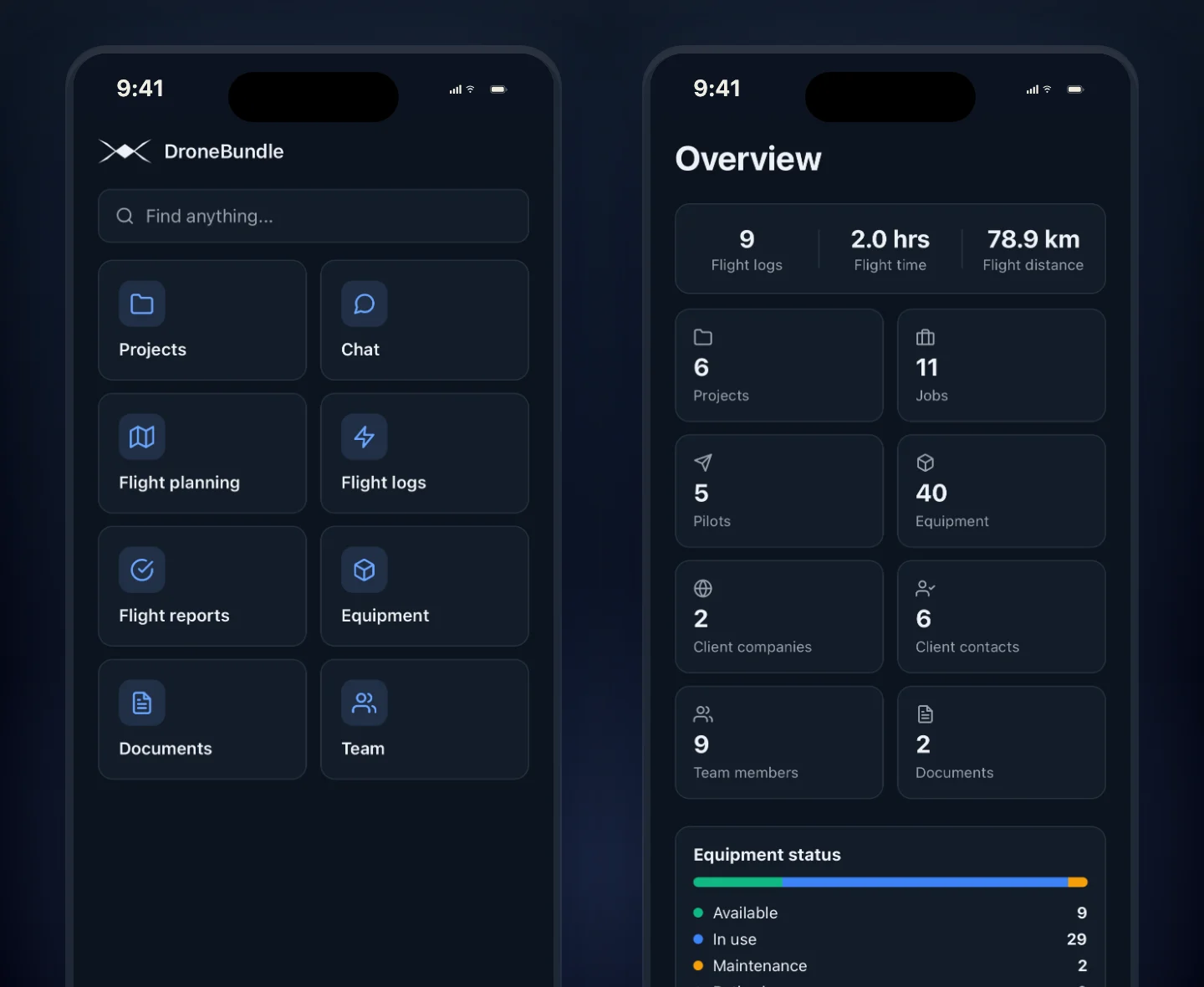
Pilots open straight onto their own assignments. Managers land on an overview of the whole operation. Everyone sees exactly what their role allows on the web, nothing more.
What you can do on site
- Jobs: see every job you can reach, update its status, change dates and add or swap pilots.
- Photos: take photos or pick them from your library and file them on a job or project as before, during, after or general.
- Schedule: managers can turn the phone sideways to see the job feed as a timeline or calendar.
- Airspace and weather: search a place, see airspace zones for the US and Europe, and turn on the weather for the site.
- Projects and files: open, download or add files, and message the team on a project.
- Flight reports: managers can approve or reject flights waiting for review.
- Availability: pilots set their hours under Profile, then My availability. See Set your availability.
Flying a DJI controller with a screen? A separate Android app on the controller uploads your photos and flight logs after each flight. See Upload drone photos from your DJI controller and Get your DJI flight logs into DroneBundle.
Last updated Nov 19, 2026
Did this answer your question?
Still stuck?
Ask DroneBundle AI in the app, or email us and a person will answer.