Test your API integrations in a fully isolated environment. Same endpoints, same behavior, no risk to your production workspace.
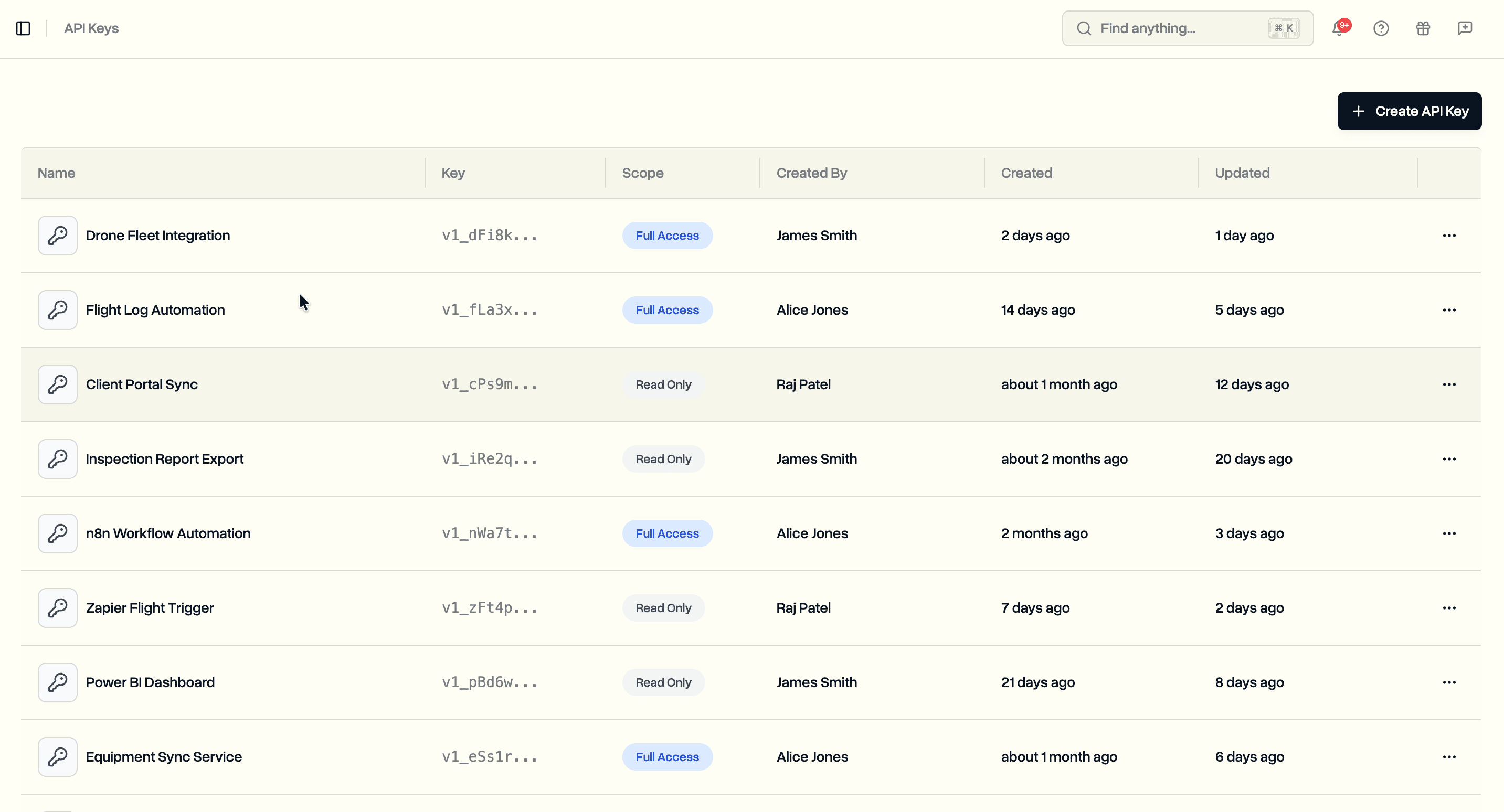
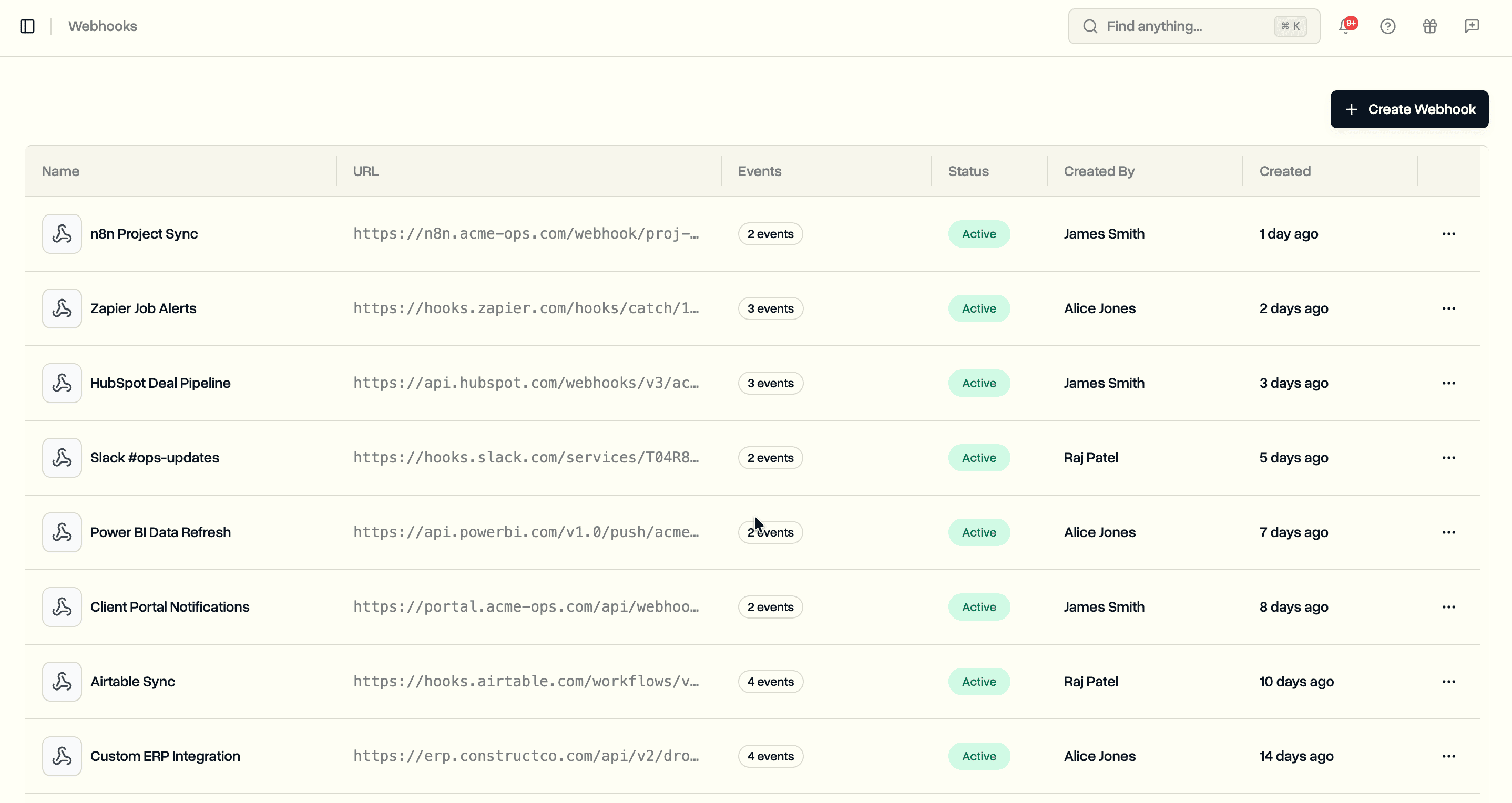
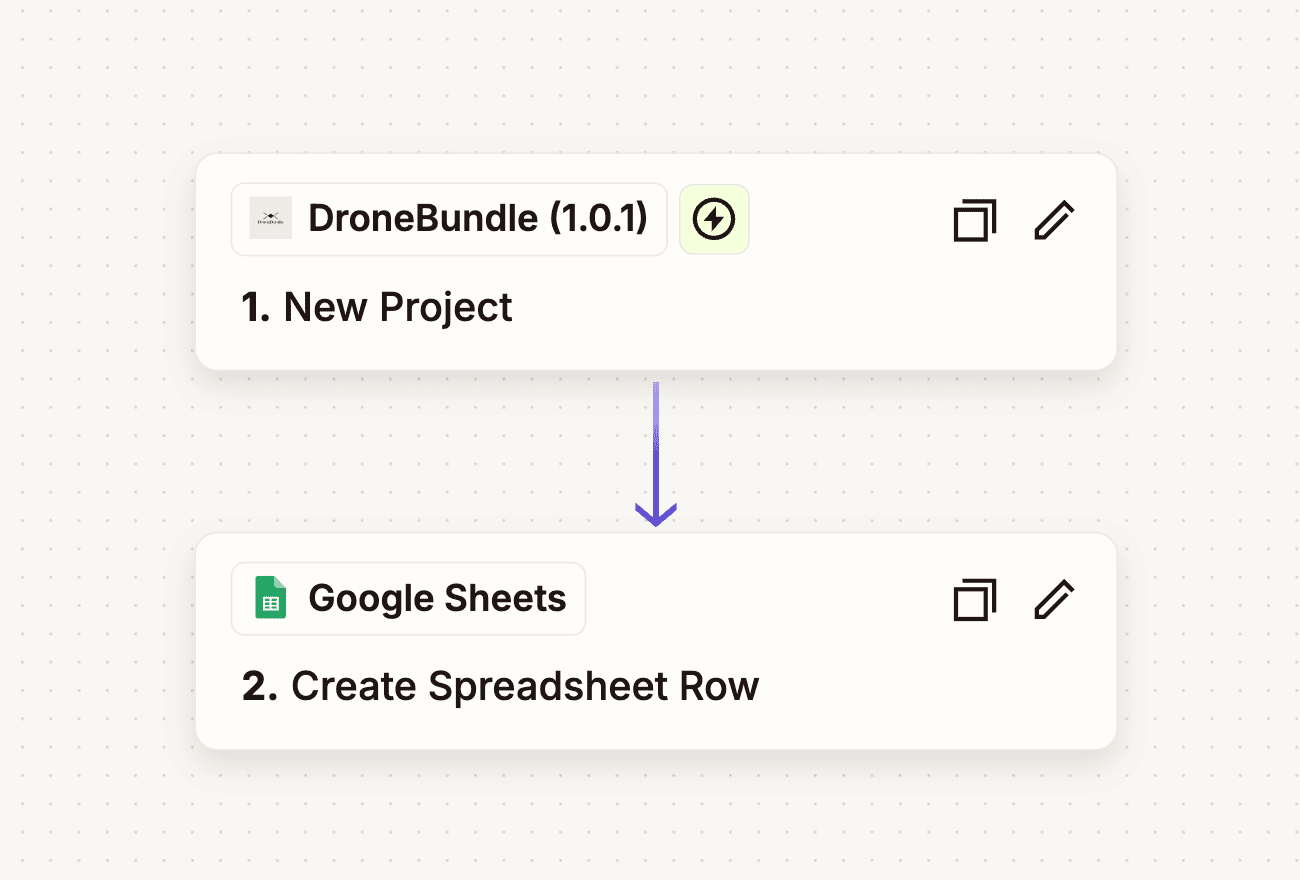
We launched API keys a few days ago so you could push data into DroneBundle programmatically. Then webhooks so DroneBundle could push data back to you. The missing piece was a safe place to build and test all of this without touching production. That is what the sandbox is for.
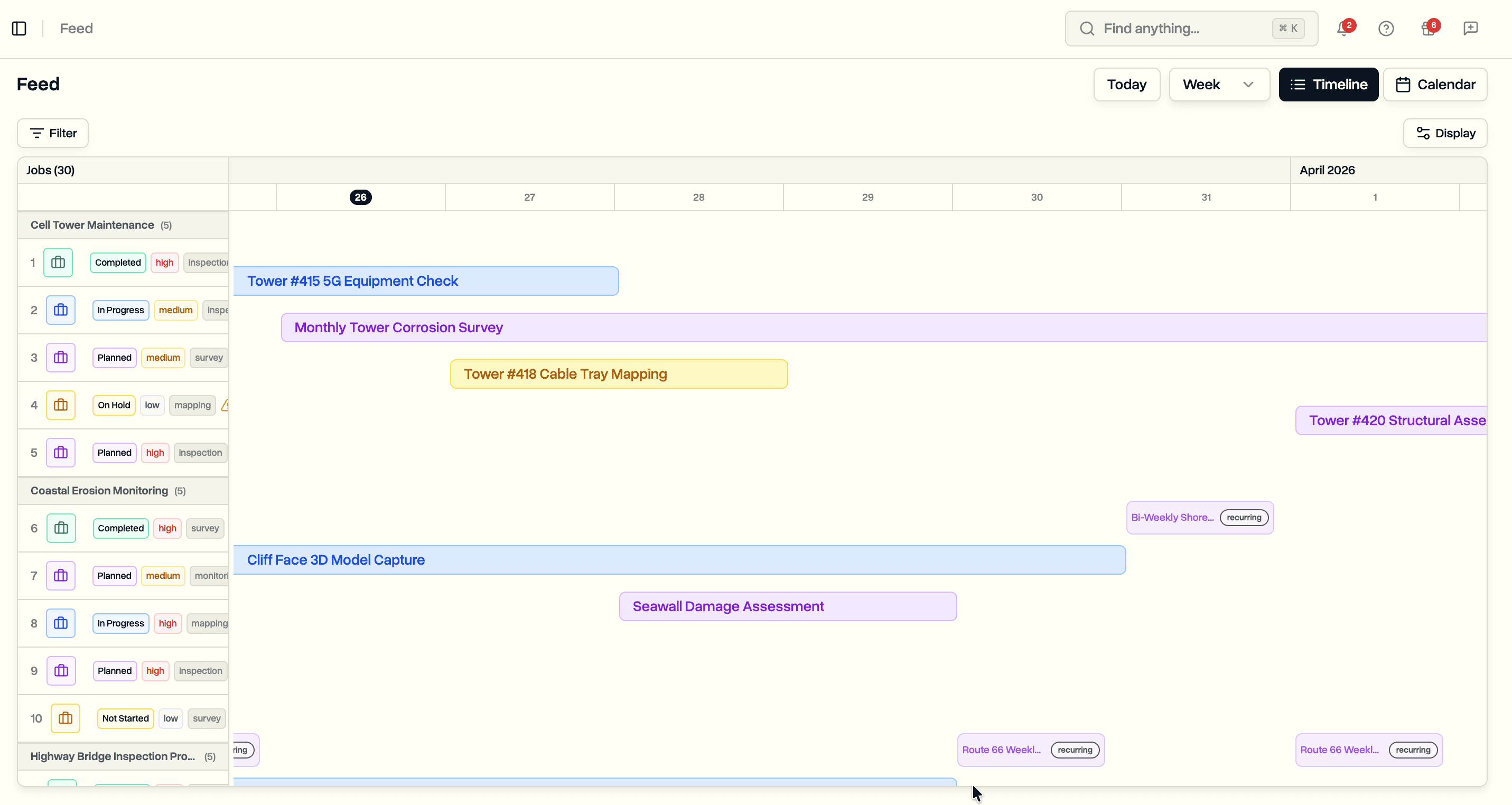
The sandbox is a completely separate environment with its own workspace, its own data, and its own API keys. Every feature available in production is available in the sandbox. When we ship something new, it deploys to sandbox at the same time. You are always testing against the latest version.
Sandbox Base URL
All sandbox API requests go to a different base URL:
https://api.sandbox.dronebundle.com/v1
That is the only thing that changes. Authentication works the same way. Endpoints accept the same parameters. Responses return the same format. Code you write against the sandbox will work in production by swapping the URL and API key.
curl -X GET https://api.sandbox.dronebundle.com/v1/projects \
  -H "Authorization: Bearer v1_your_sandbox_api_key"
Getting Started
Sandbox access is set up by the DroneBundle team. Contact us and we will create a workspace for you.
- Reach out to request sandbox access
- We create a workspace and an initial account
- Log in at app.sandbox.dronebundle.com to create API keys and invite team members
- Start making requests against the sandbox base URL
Self-registration is disabled in the sandbox. We create the first account, and from there you can invite anyone else your team needs through the dashboard. This keeps the environment controlled and dedicated to your integration work.
What You Get
The sandbox runs the same infrastructure as production. Every API endpoint, every webhook event, every validation rule is identical.
- Isolated data. Projects, jobs, team members, and webhooks in the sandbox are completely separate from production. Create and delete freely.
- Your own API keys. Generate sandbox API keys from the sandbox dashboard. They work exactly like production keys with the same
v1_prefix and Bearer token authentication. - Webhooks. Register webhook endpoints in the sandbox to test your event handling. The same events fire (
project.created,job.updated, etc.) with the same payload format and signature verification. - Always current. Every production release deploys to sandbox simultaneously. You are never testing against an outdated version.
Rate Limits
The sandbox has lower rate limits than production since it is a shared testing environment:
| Sandbox | Production | |
|---|---|---|
| Requests per minute (per IP) | 100 | 1,000 |
| Requests per second | 25 | 1,000 |
These limits are more than enough for development and integration testing. If you need higher limits for load testing, let us know.
Switching to Production
When your integration is working in the sandbox, going live takes two changes:
- Update the base URL from
api.sandbox.dronebundle.comtoapi.dronebundle.com - Replace your sandbox API key with a production API key from your production dashboard
No code changes, no schema differences, no surprises.
Availability
The sandbox environment is available now for Enterprise plan customers. Contact us to get your sandbox workspace set up.
Full sandbox documentation is at dronebundle.com/docs/api-reference/sandbox.