Receive instant HTTP callbacks when projects, jobs, or job types change in your workspace. Connect DroneBundle to n8n, Zapier, HubSpot, or your own backend without polling.
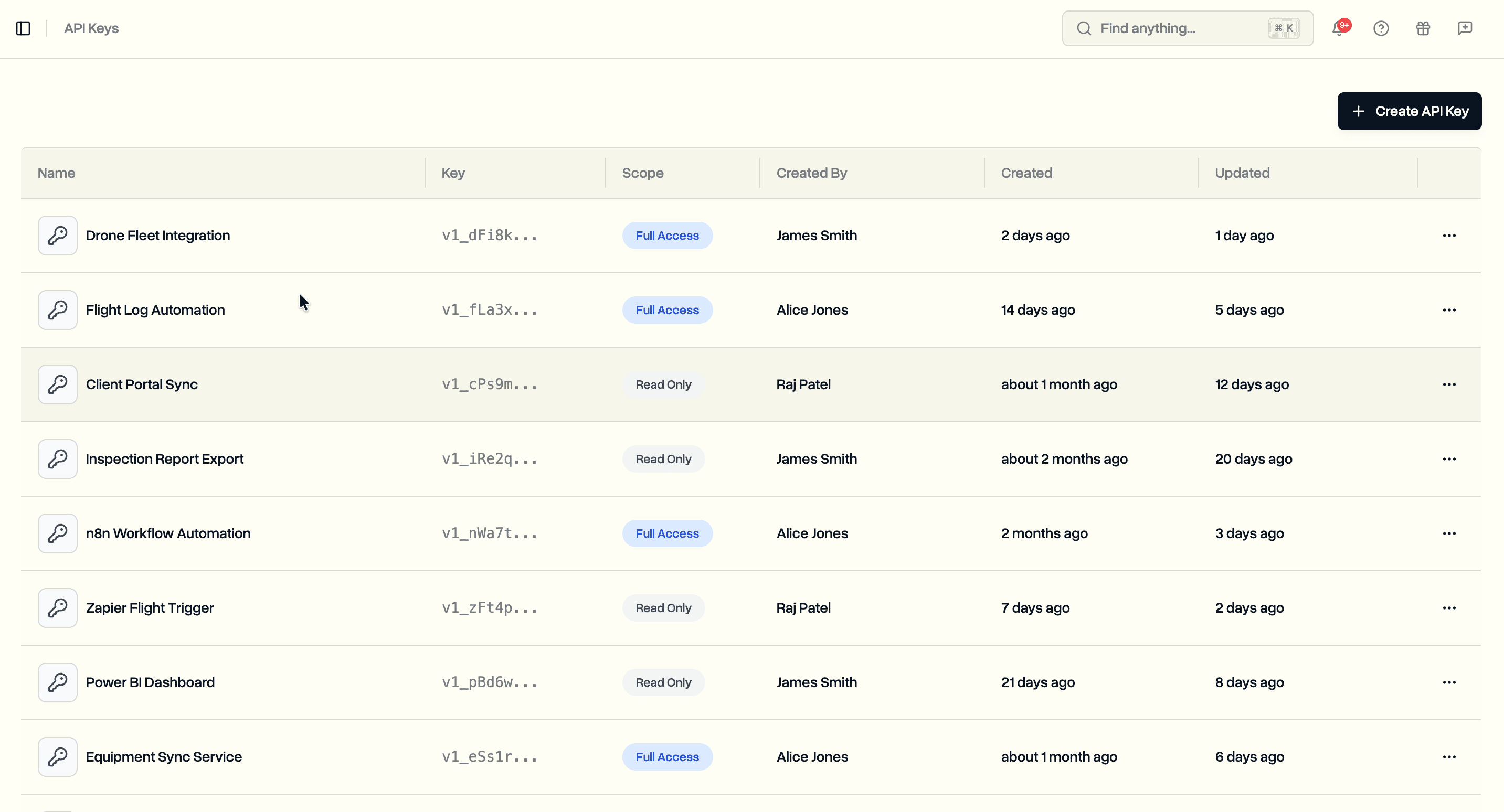
Two days ago we launched API keys so you could push data into DroneBundle programmatically. Webhooks complete the other half. Now DroneBundle can push data to you.
Instead of polling the API every few minutes to check if something changed, you register a URL and DroneBundle sends an HTTP POST to it the moment a resource is created, updated, or deleted. Your integration reacts in real time.
Setting Up a Webhook
Webhooks live under your workspace settings, right next to API keys. Click Create Webhook, give it a name, enter your HTTPS endpoint URL, and select the events you want to subscribe to.
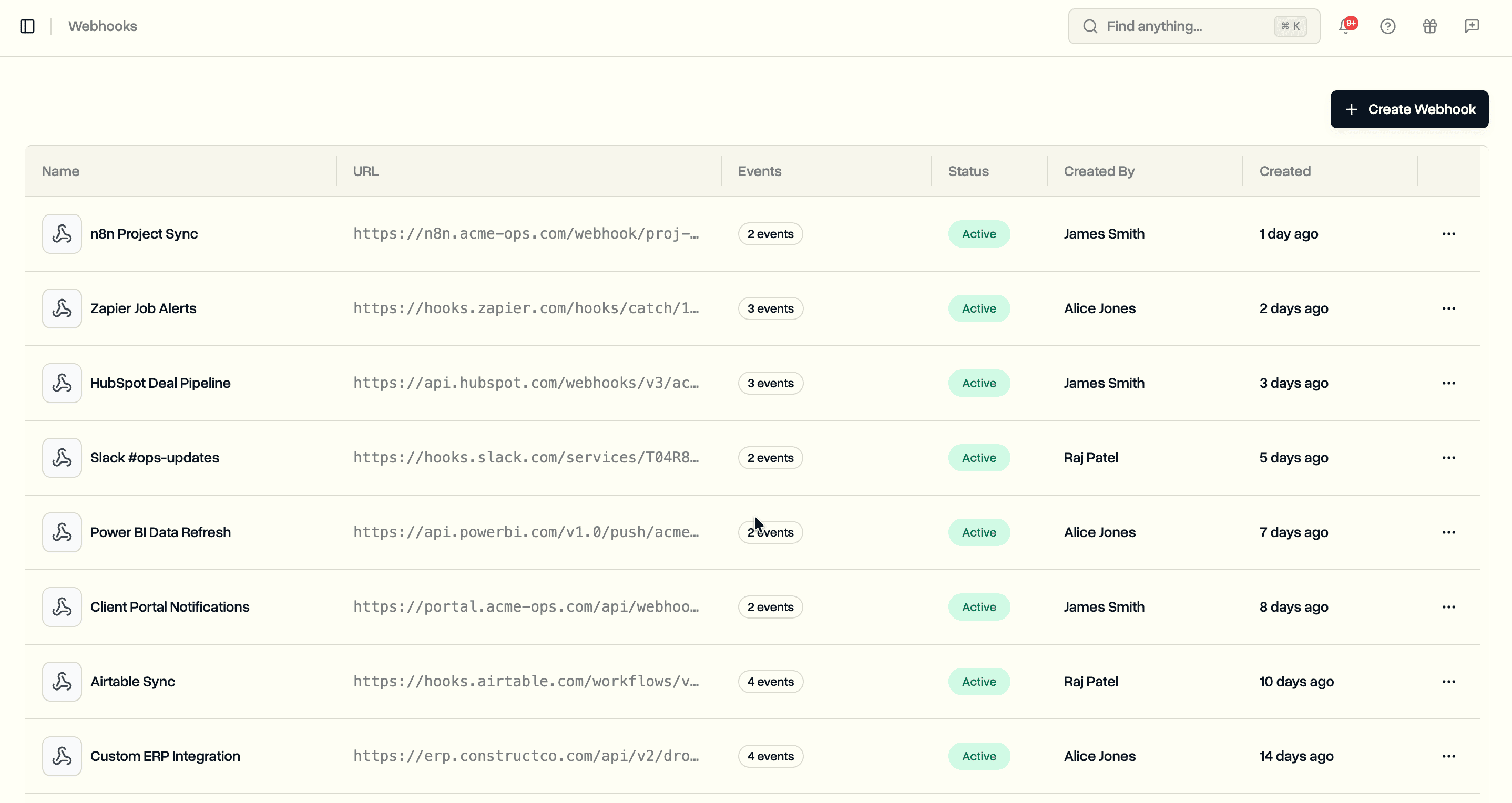
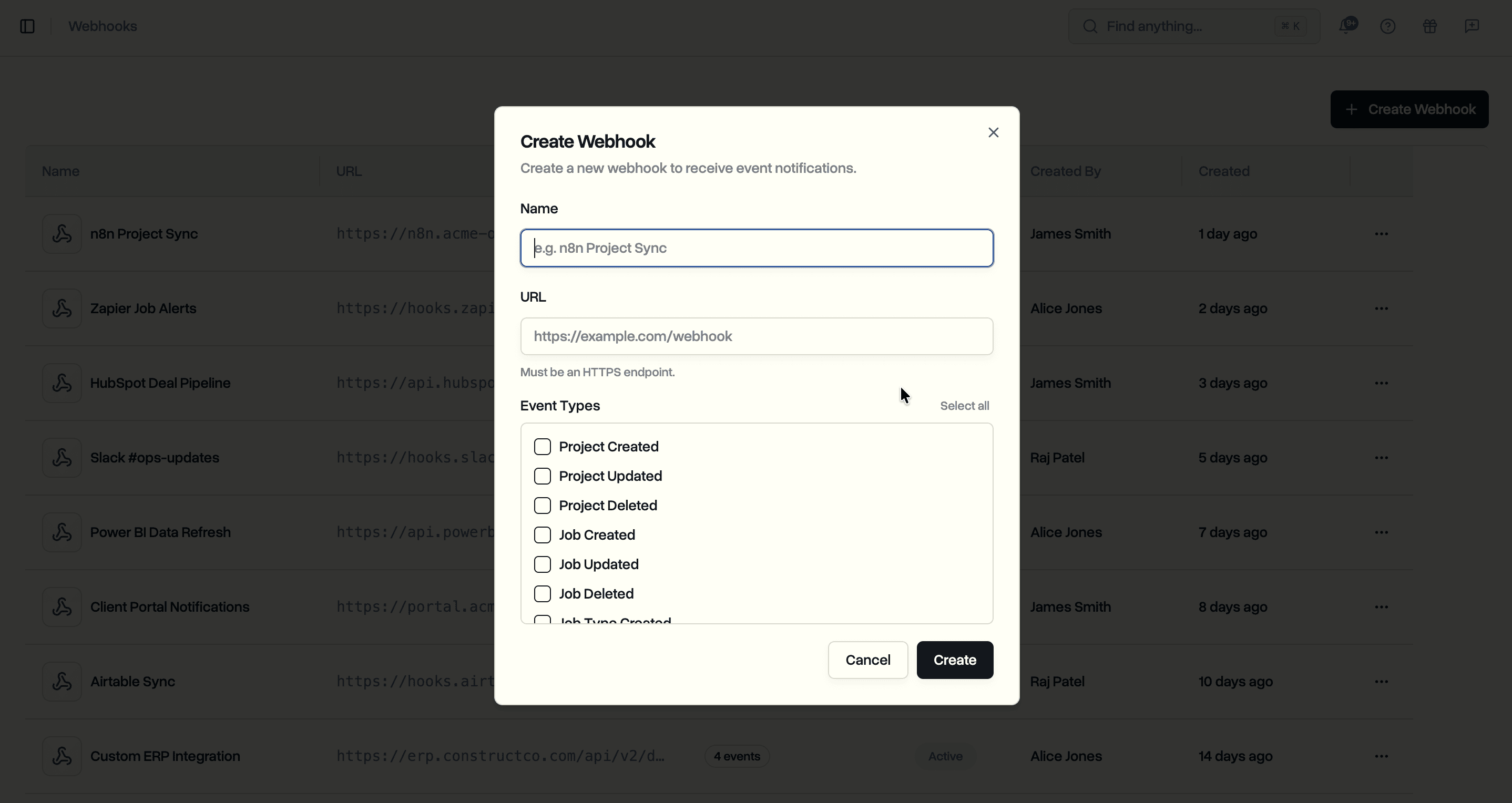
When you create a webhook, you get a signing secret. This is shown once. Copy it and store it somewhere secure. You will need it to verify that incoming requests are actually from DroneBundle and not a third party.
Events
You can subscribe to any combination of these events:
- project.created / project.updated / project.deleted
- job.created / job.updated / job.deleted
- job_type.created / job_type.deleted
Pick only the events your integration needs. A webhook that syncs projects to your CRM does not need job type events.
Payload Format
Every delivery sends a POST request with a JSON body. The structure is consistent across all events:
{
  "delivery_id": "019d4d2e-9104-774b-a0aa-fd2f8bd2e16d",
  "event": "project.created",
  "timestamp": 1775116390660,
  "workspace_id": "01986573-8d04-72fc-85b3-573c77a18511",
  "data": {
    "id": "019d4d2e-8af7-7609-8844-012c89671da9",
    "name": "Solar Farm Aerial Survey",
    "description": "Thermal and RGB drone inspection of the 40-acre Greenfield solar farm.",
    "status": "not_started",
    "start_date": "2026-05-01T00:00:00.000Z",
    "end_date": "2026-05-15T00:00:00.000Z",
    "external_id": "SF-2026-041",
    "created": 1775116389112,
    "updated": 1775116389112,
    "created_by": {
      "type": "user",
      "id": "03144892-6021-705a-08f2-8e147cff3f28"
    }
  }
}
The top-level fields (delivery_id, event, timestamp, workspace_id) are the same for every event. The data object contains the full resource for create and update events, or just { "id": "..." } for deletes.
The created_by field tells you whether the change came from a user or an API key, along with the ID. If your integration needs the user's name or email, fetch it through the team members API using that ID.
Verifying Signatures
Every delivery includes an x-dronebundle-signature header with an HMAC-SHA256 hash of the request body. Always verify this before processing the payload.
import { createHmac, timingSafeEqual } from 'node:crypto';

function verifyWebhookSignature(body, secret, signatureHeader) {
  const expected = createHmac('sha256', secret).update(body).digest('hex');

  const received = signatureHeader.replace('sha256=', '');

  return timingSafeEqual(
    Buffer.from(expected, 'hex'),
    Buffer.from(received, 'hex'),
  );
}
The full documentation includes verified examples in Node.js, Python, Java, C#, PHP, Go, and Rust.
Delivery Logs
Every webhook delivery is logged and visible from the dashboard. You can see the event type, HTTP status code, response time, and the full request payload for each delivery.
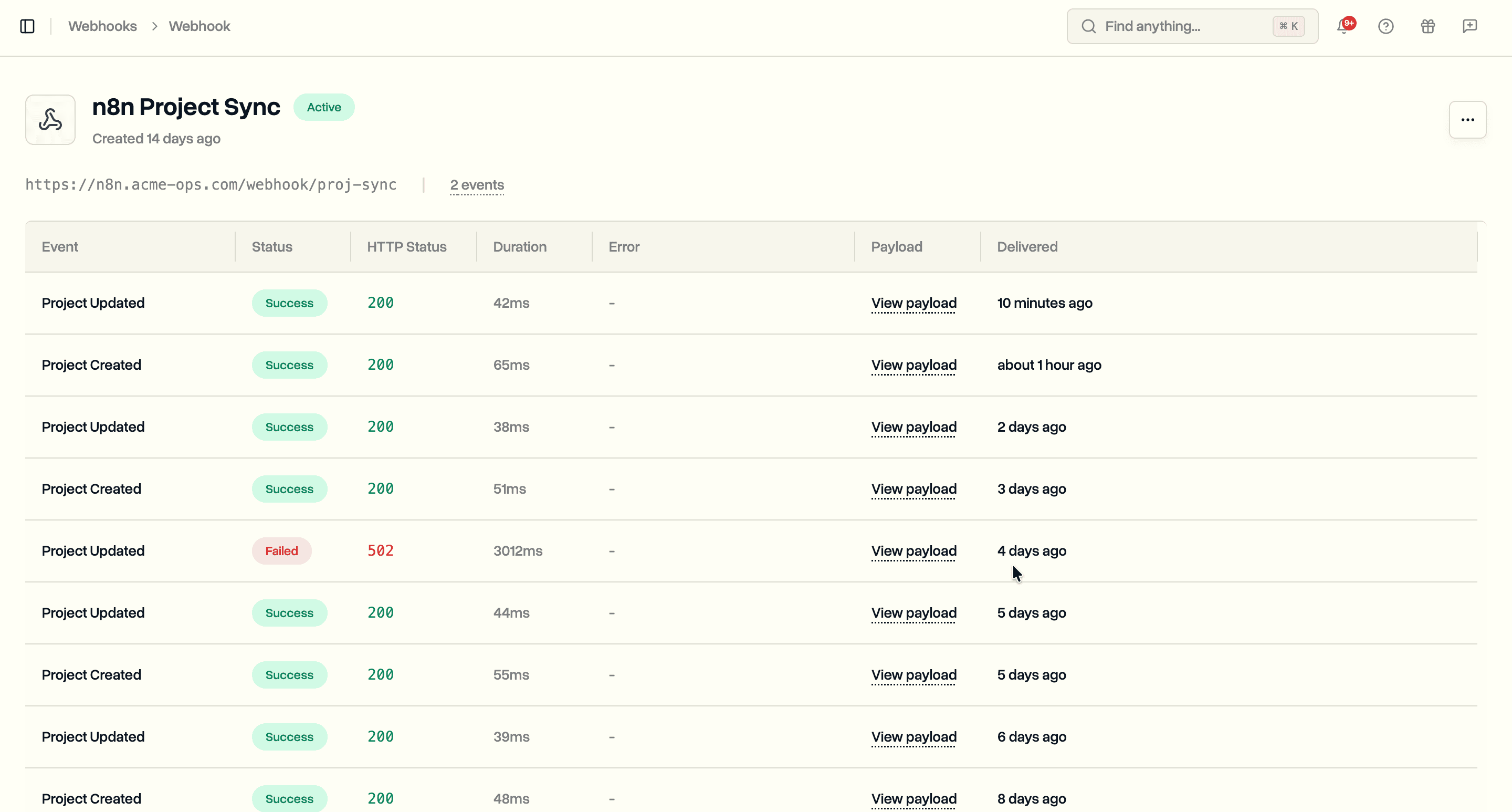
Click on any delivery to inspect the full request payload that was sent, along with the response your endpoint returned.
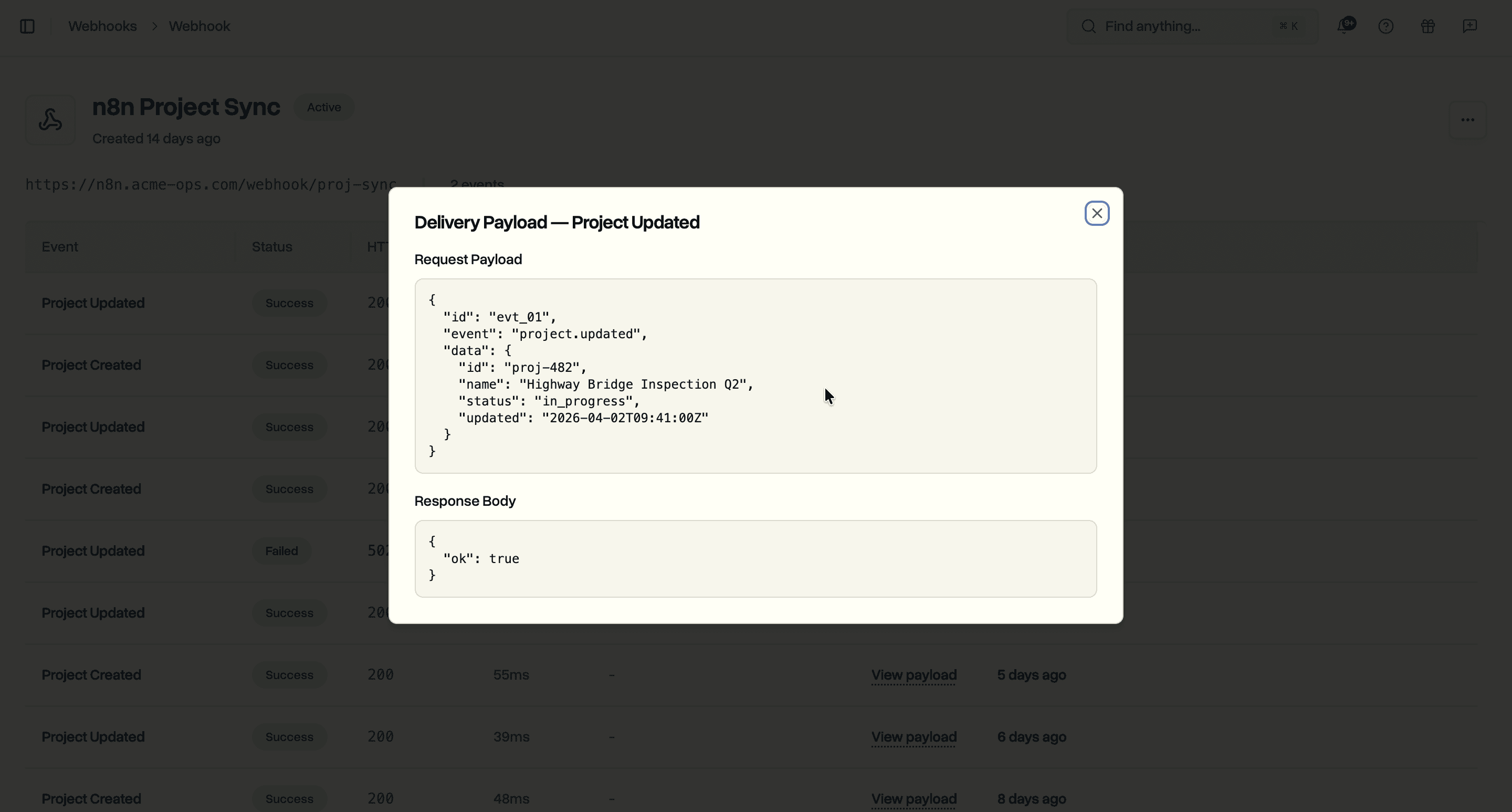
When a delivery fails, you can see exactly what went wrong. The response body shows the error your endpoint returned, making it straightforward to debug integration issues.
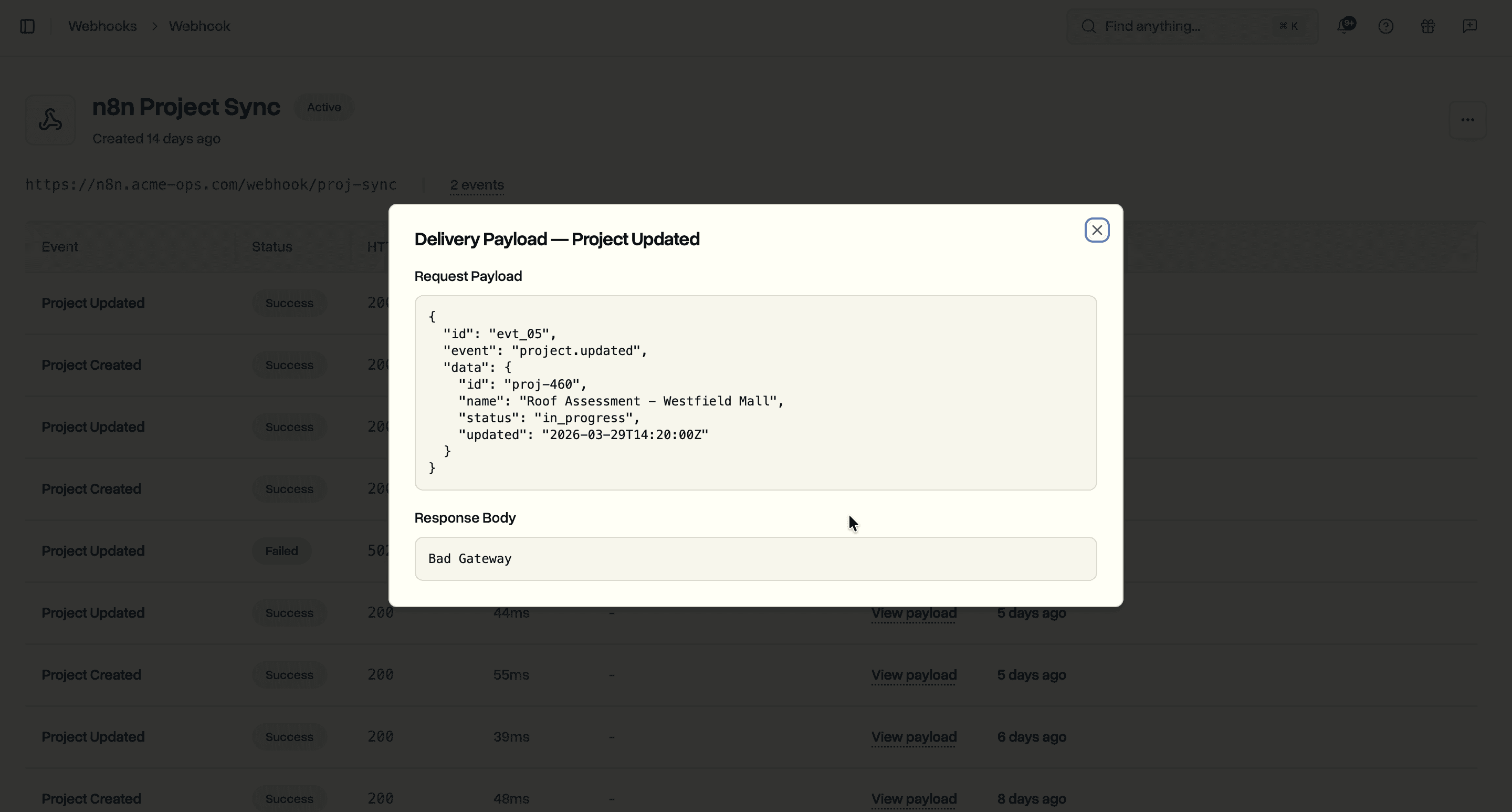
Logs are retained for 30 days. If your endpoint returns a non-2xx status or times out (10-second limit), the delivery is marked as failed and retried up to 2 more times with a 4-minute interval between attempts.
After 10 consecutive failures, the webhook is automatically paused. You can reactivate it from the dashboard once your endpoint is back up.
Use Cases
CRM sync. When a project is created or its status changes in DroneBundle, push the update to HubSpot or Salesforce automatically. No scheduled sync jobs, no stale data. The CRM record updates within seconds.
Slack notifications. Route job.created events to a Slack channel so your ops team knows the moment new work is scheduled. Include the job name, location, and priority right in the message.
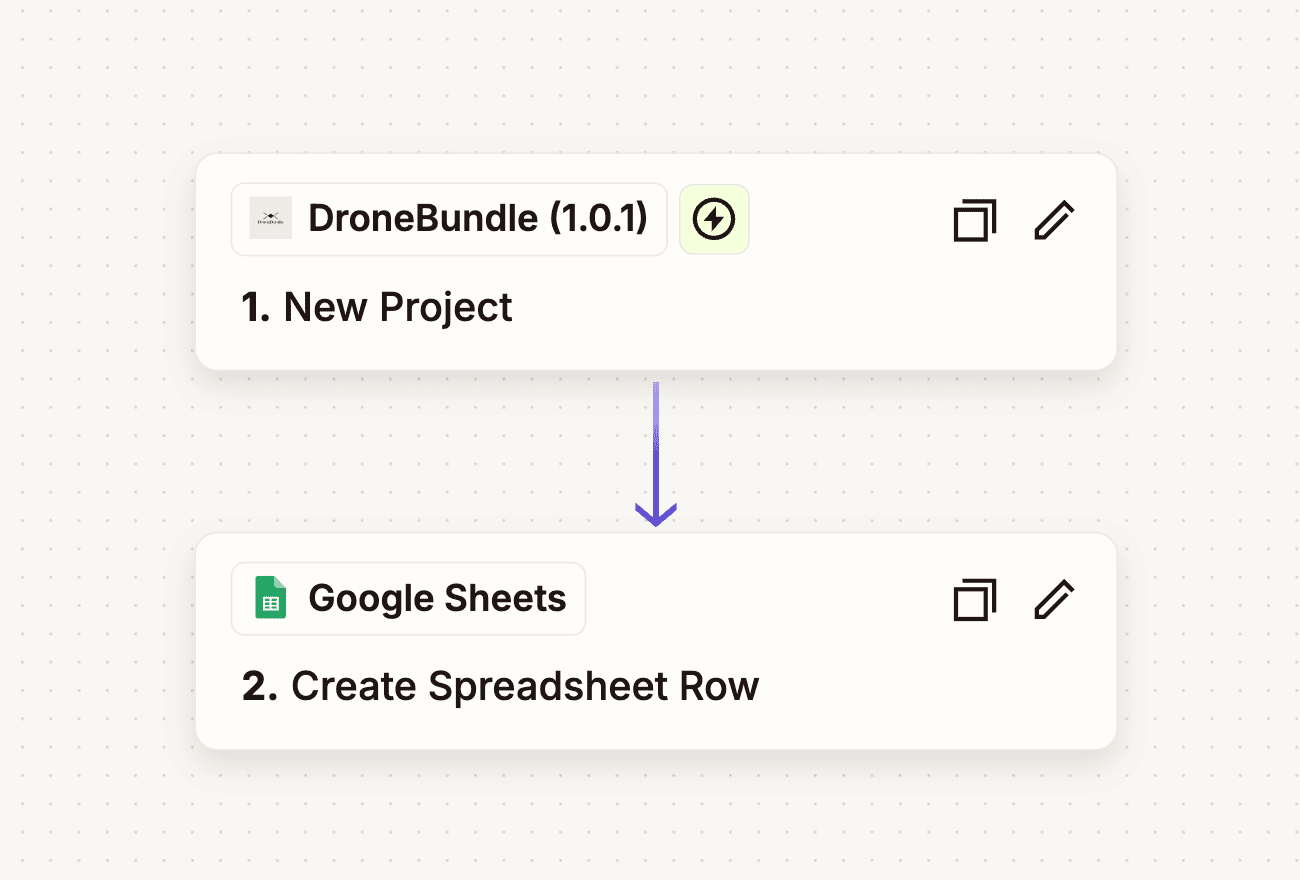
n8n or Zapier workflows. Use webhooks as the trigger for automation workflows. A project.created event can kick off a chain: create a folder in Google Drive, add a row to a tracking spreadsheet, send an onboarding email to the assigned pilot, and create a matching record in your ERP.
Audit trail. Forward all webhook events to your own database or logging service to build a complete audit trail of every change made in DroneBundle, by whom, and when.
Webhooks + API Keys
Webhooks and API keys work together. API keys let you push data in. Webhooks push data out. Together they give you a two-way integration where your systems and DroneBundle stay in sync without manual work.
A typical flow: your CRM creates a project through the API using an API key. DroneBundle sends a project.created webhook to your backend. Your backend stores the DroneBundle project ID mapped to the CRM record. Later, when a team member updates the project status from the DroneBundle dashboard, a project.updated webhook fires and your backend pushes the new status back to the CRM.
Availability
Webhooks are available now on the Enterprise plan. Set up your first webhook from workspace settings and start receiving events.
Full webhook documentation with payload examples for every event type is at dronebundle.com/docs.
Start your free trial to get full Enterprise features for 14 days.
Book a demo to see how webhooks and API keys fit into your workflow.