Create API keys and manage projects, jobs, and job types through the API. Connect DroneBundle to your CRM, ERP, or any tool that speaks HTTP.
DroneBundle now has a REST API. Create API keys from the dashboard, authenticate with a Bearer token, and start making requests to create and update your operational data programmatically.
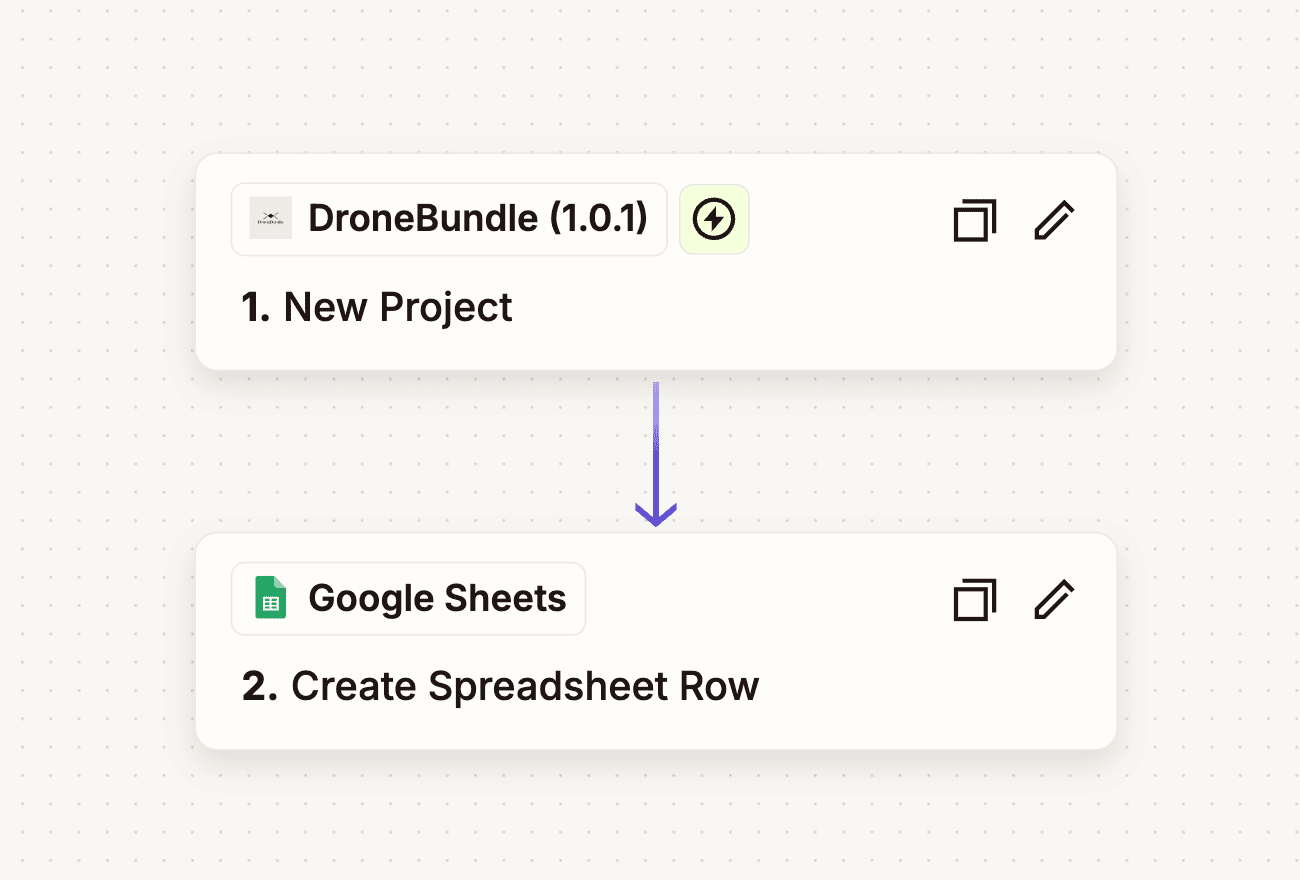
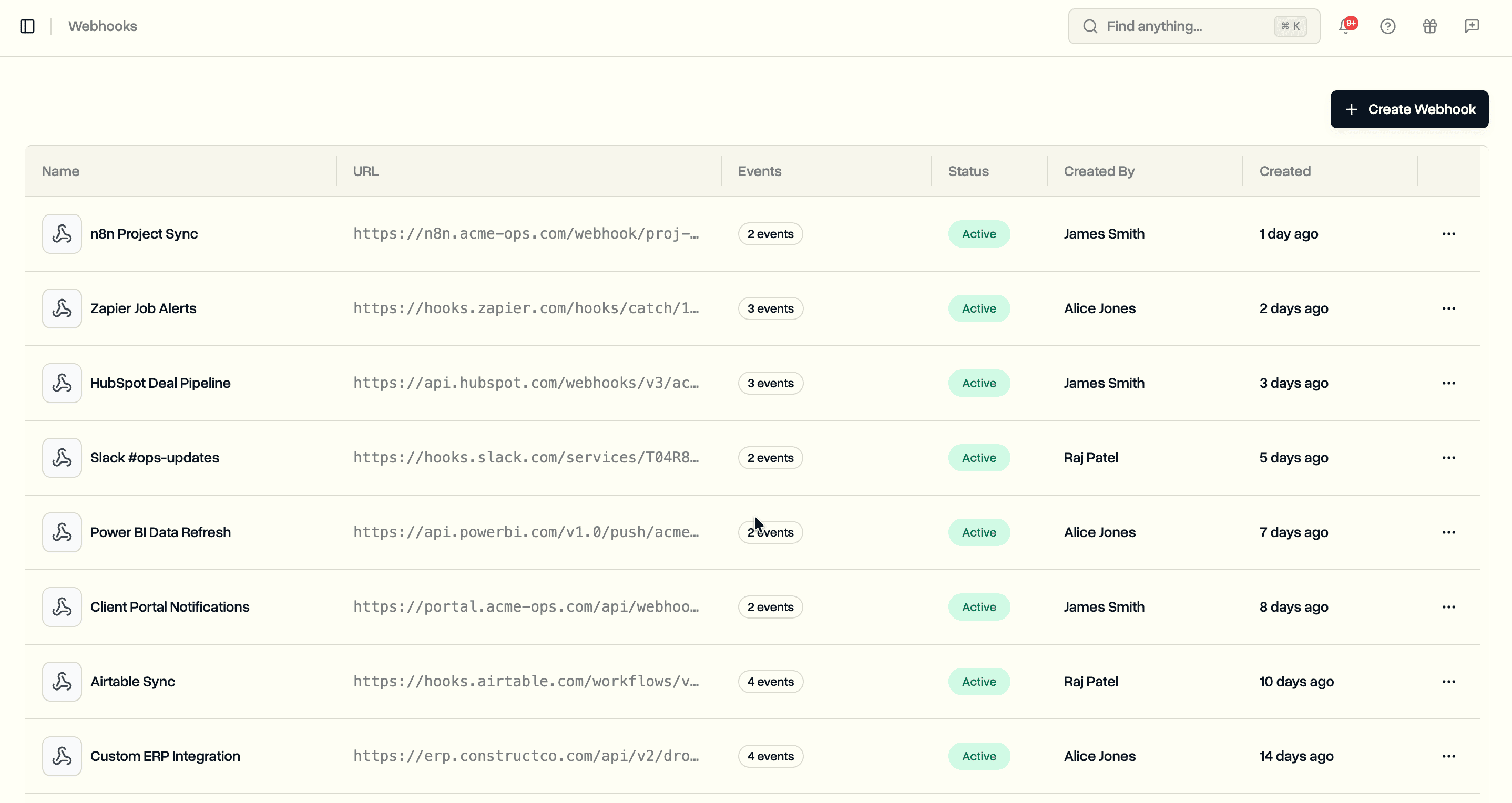
This opens up workflows that were not possible before. Sync projects from your CRM. Create jobs automatically when a client signs a contract. Push inspection schedules from a spreadsheet into DroneBundle without manual entry. If you use tools like n8n, Zapier, or custom scripts, the API gives you a direct line into your workspace.
API Keys
API keys live under your workspace settings. Each key is scoped to a single workspace and supports two permission levels: read-only or full access.
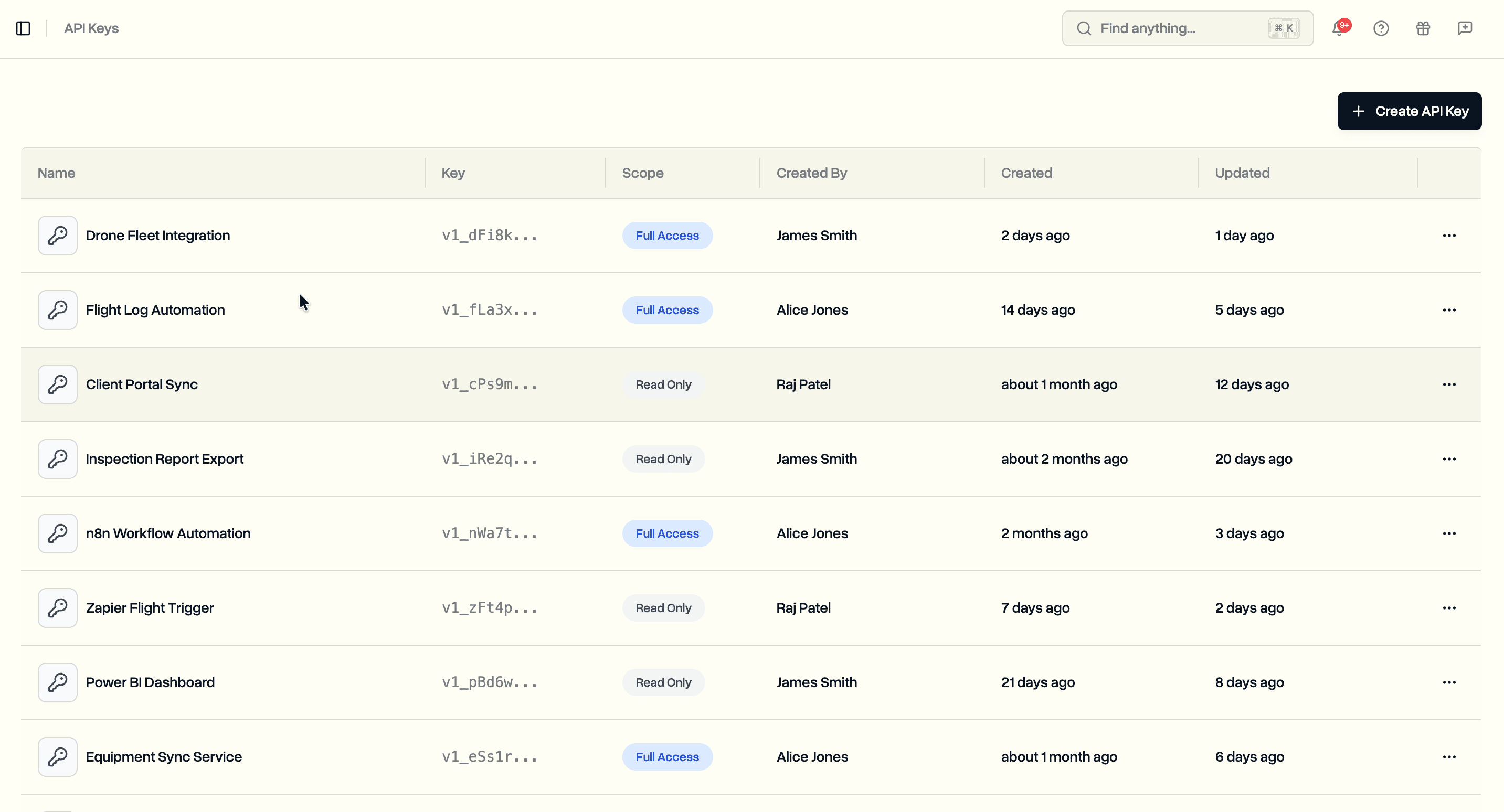
Click Create API Key to generate a new key. Give it a name that describes its purpose (e.g., "n8n Integration", "Internal Dashboard", "Quarterly Report Script"). Select the scope. The key is shown once after creation, so copy it and store it somewhere secure.
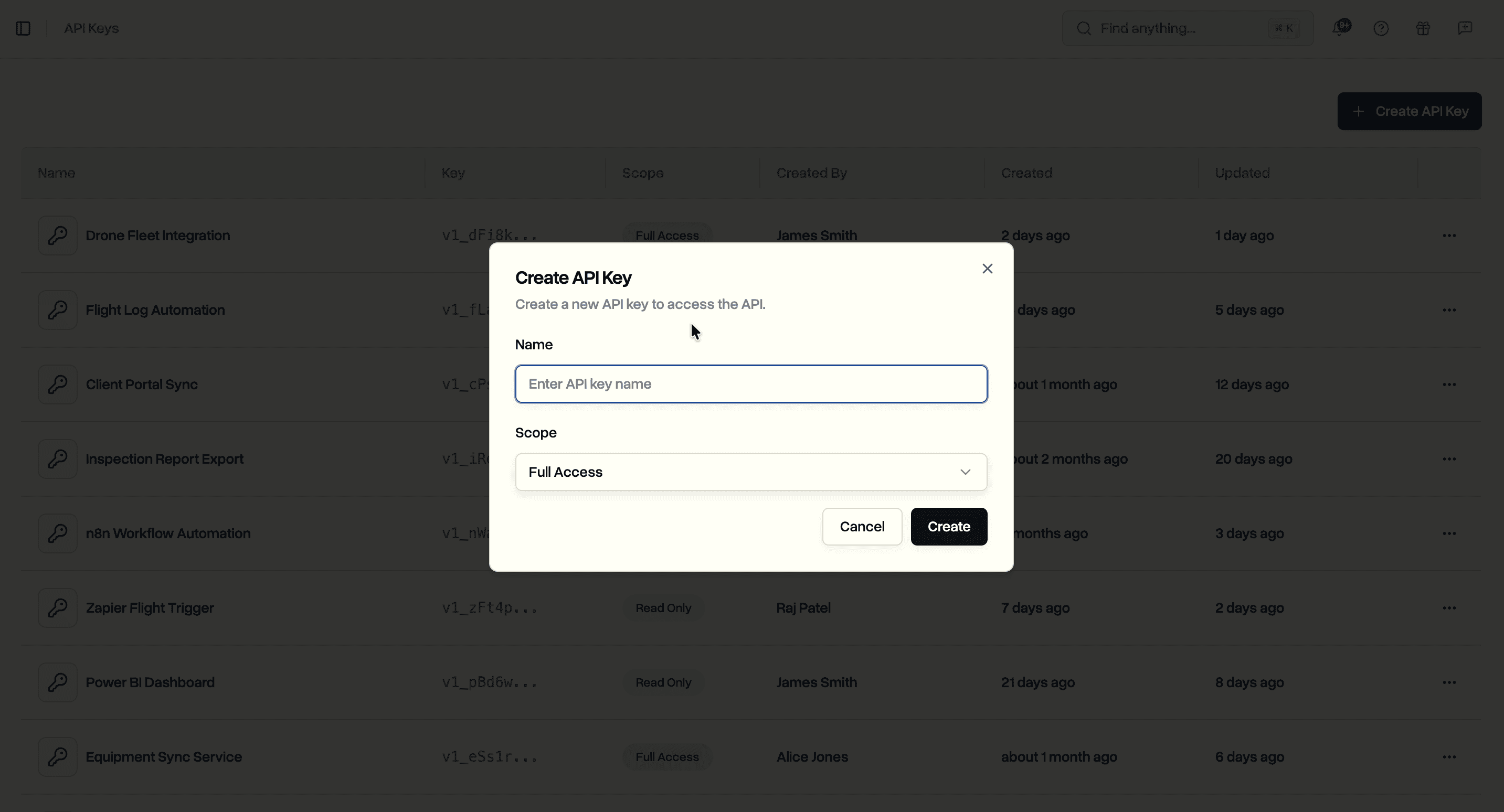
Keys use a v1_ prefix so you can identify them in your codebase. Pass them as Bearer tokens in the Authorization header:
curl https://api.dronebundle.com/v1/projects \
  -H "Authorization: Bearer v1_your_api_key_here"
Two scopes control what a key can do:
- read_only. GET requests only. Any POST, PATCH, or DELETE request is rejected.
- full_access. All operations. Create, read, update, and delete.
Rate limit is 1,000 requests per minute per key.
Projects
Create a project by sending a POST request with a name, description, status, and start date.
curl -X POST https://api.dronebundle.com/v1/projects \
  -H "Authorization: Bearer v1_your_api_key_here" \
  -H "Content-Type: application/json" \
  -d '{
    "name": "Bridge Inspection Q2",
    "description": "Quarterly drone inspection of the Westfield Bridge.",
    "status": "not_started",
    "start_date": "2026-04-15",
    "end_date": "2026-04-30",
    "external_id": "PROJ-1042"
  }'
The external_id field lets you store your own identifier alongside the project. Use it to map DroneBundle projects back to records in your CRM or project management tool.
To update a project, send a PATCH request with only the fields you want to change. No need to send the full object.
curl -X PATCH https://api.dronebundle.com/v1/projects/{projectId} \
  -H "Authorization: Bearer v1_your_api_key_here" \
  -H "Content-Type: application/json" \
  -d '{
    "status": "in_progress",
    "end_date": "2026-05-15"
  }'
Available statuses cover the full project lifecycle: draft, not_started, planned, in_progress, completed, on_hold, weather_delayed, technical_issues, cancelled, aborted, and other. The LAANC authorization number field is also writable through the API.
Jobs
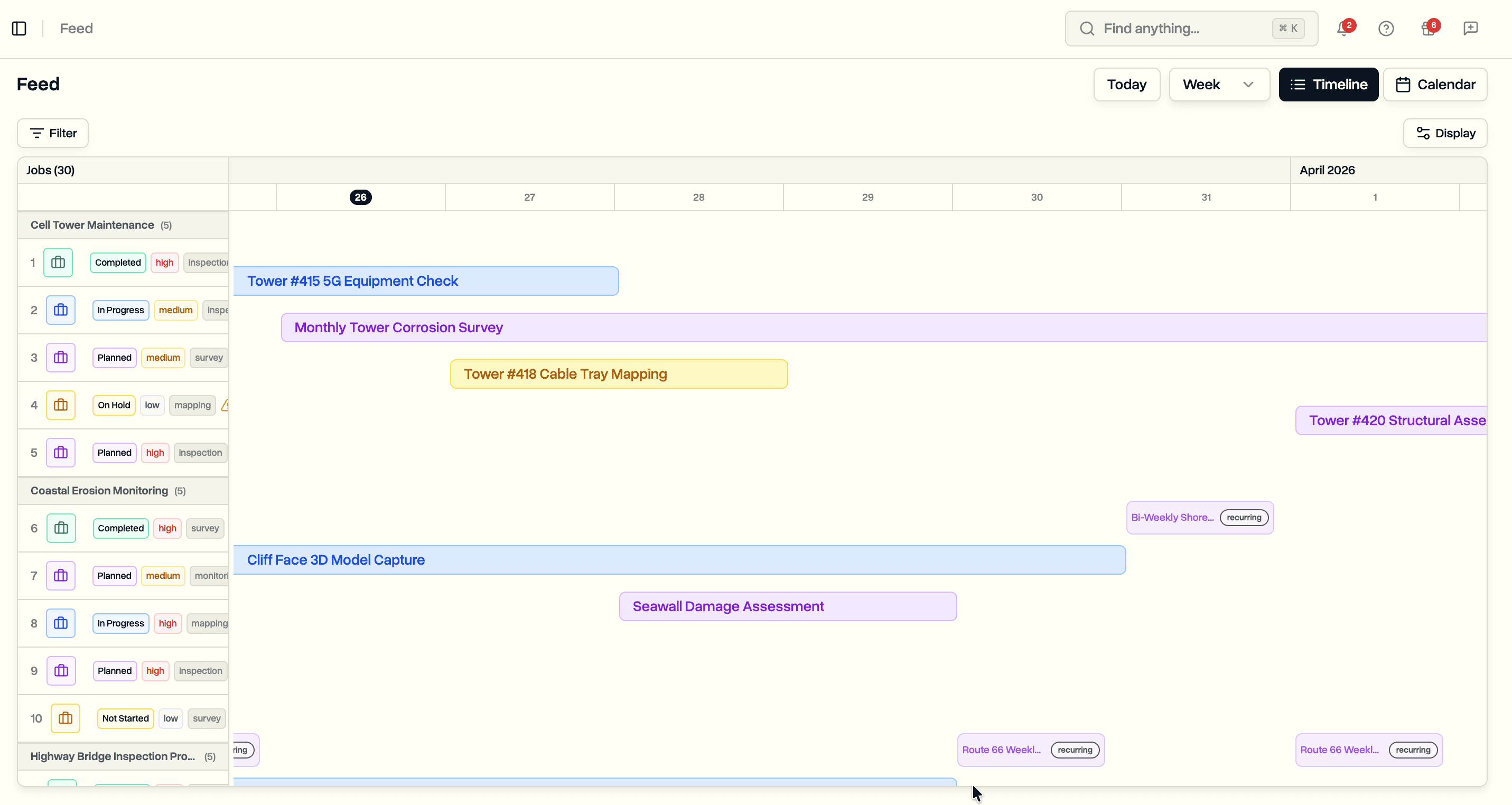
Jobs live inside projects. Create a job by specifying the project ID in the URL and providing the job details in the body.
curl -X POST https://api.dronebundle.com/v1/projects/{projectId}/jobs \
  -H "Authorization: Bearer v1_your_api_key_here" \
  -H "Content-Type: application/json" \
  -d '{
    "name": "Roof Inspection - Building A",
    "type": "drone_inspection",
    "job_pattern": "one_time",
    "start_date": "2026-04-20",
    "priority": "high",
    "description": "Inspect roof for damage after storm.",
    "latitude": 55.6761,
    "longitude": 12.5683,
    "external_id": "JOB-2001"
  }'
Jobs support both one-time and recurring patterns. For a recurring job, set job_pattern to recurring and specify the frequency.
{
  "job_pattern": "recurring",
  "recurring_frequency": "weekly",
  "selected_days_of_week": [1, 2, 3, 4, 5],
  "start_date": "2026-04-20"
}
This creates a job that repeats every weekday. You can also set recurring_interval for patterns like every two weeks, or use weeks_of_month for monthly schedules on specific weeks.
Optional fields include priority (low, medium, high), capture_types (drone_inspection, thermal_inspection, 3d_mapping, lidar_scan, video_capture, orthomosaic, and more), inspection_notes, and geographic coordinates for the job location.
Update a job with a PATCH request. Only the fields you include will change.
curl -X PATCH \
  https://api.dronebundle.com/v1/projects/{projectId}/jobs/{jobId} \
  -H "Authorization: Bearer v1_your_api_key_here" \
  -H "Content-Type: application/json" \
  -d '{
    "status": "in_progress",
    "priority": "medium",
    "capture_types": ["drone_inspection", "thermal_inspection"]
  }'
If you change a recurring job's frequency or pattern, occurrences regenerate automatically.
Job Types
Job types define the categories of work your team performs. The defaults (drone inspection, thermal inspection, 3D mapping, etc.) cover common use cases, but most teams need their own. Create custom types through the API to match your operations.
curl -X POST https://api.dronebundle.com/v1/job-types \
  -H "Authorization: Bearer v1_your_api_key_here" \
  -H "Content-Type: application/json" \
  -d '{
    "name": "Bridge Survey",
    "icon": "radio"
  }'
The icon field accepts Lucide icon names like wind, radio, home, zap, sun, hammer, database, traffic-cone, or the default settings. New job types show up immediately across the workspace for all team members.
Error Handling
The API returns specific error codes so your integration can handle failures without guessing.
Authentication errors return a 403 status with one of these codes:
- invalid_api_key. The key is missing, malformed, or does not exist.
- api_key_inactive. The key has been deactivated from the dashboard.
- read_only_access. A read-only key was used for a write operation.
- enterprise_required. The workspace is not on the Enterprise plan.
- api_key_path_not_allowed. The endpoint is not available through API keys.
Validation errors tell you exactly which field failed and why. start_date is required, end_date must be after start_date, name must be between 1 and 100 characters. Enough to build retry logic or surface useful messages to users of your integration.
Use Cases
Syncing from a CRM. When a new client or project is created in HubSpot or Salesforce, use n8n or Zapier to automatically create a matching project in DroneBundle with the client reference as the external_id. When the project status changes, push the update back.
Bulk job creation. Parse a CSV of scheduled inspections and create jobs programmatically. Set locations, priorities, capture types, and recurring patterns in one script instead of entering them one at a time through the UI.
Automated status updates. When a job is marked complete in the field, update its status through the API and trigger downstream workflows: generate the report, notify the client, update the CRM record.
Custom reporting. Pull project and job data into internal tools or BI platforms using read-only API keys. Build views specific to your operations without waiting for us to build them.
Availability
The API and API keys are available now on the Enterprise plan. Create your first key from workspace settings and start building.
Full API documentation with request and response examples is at dronebundle.com/docs.
Start your free trial to access the API with full Enterprise features for 14 days.
Book a demo to see how the API fits into your workflow.