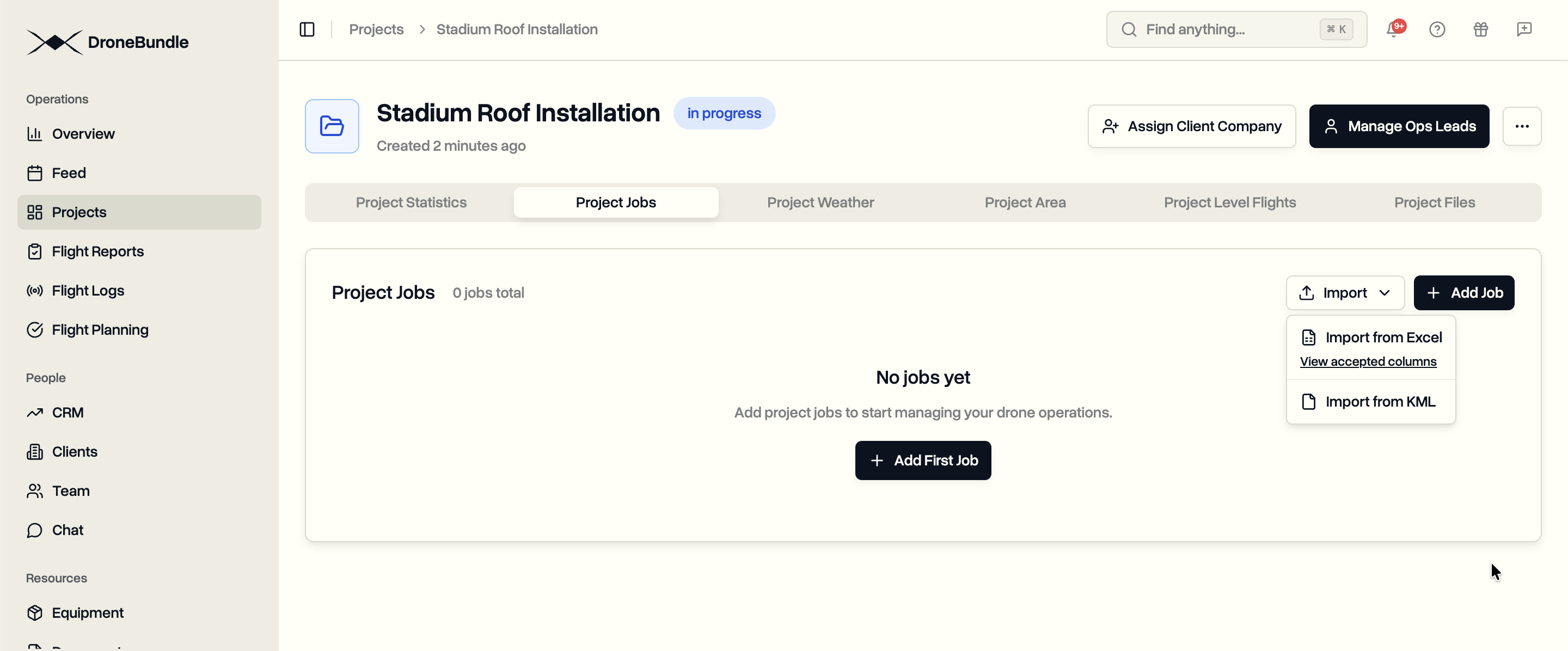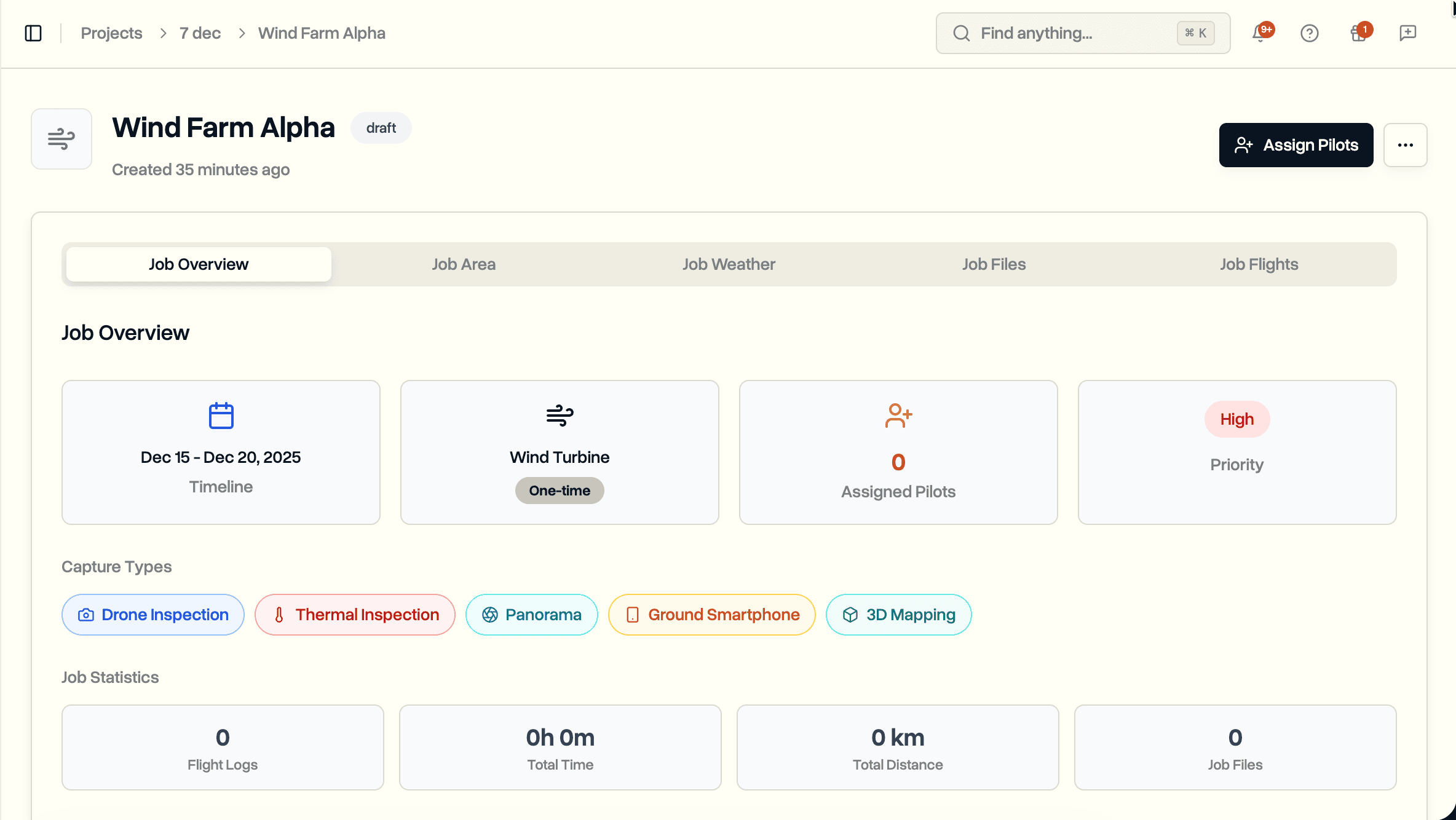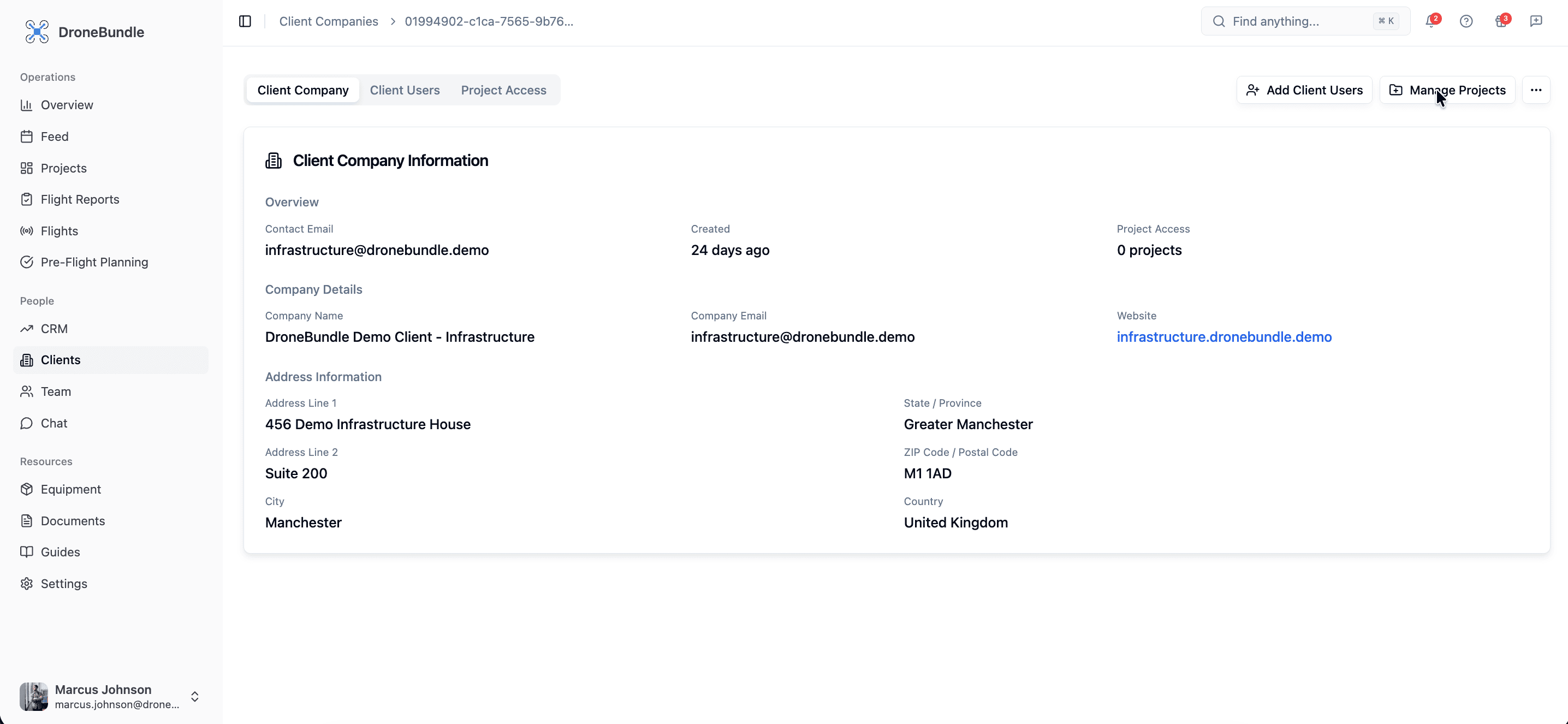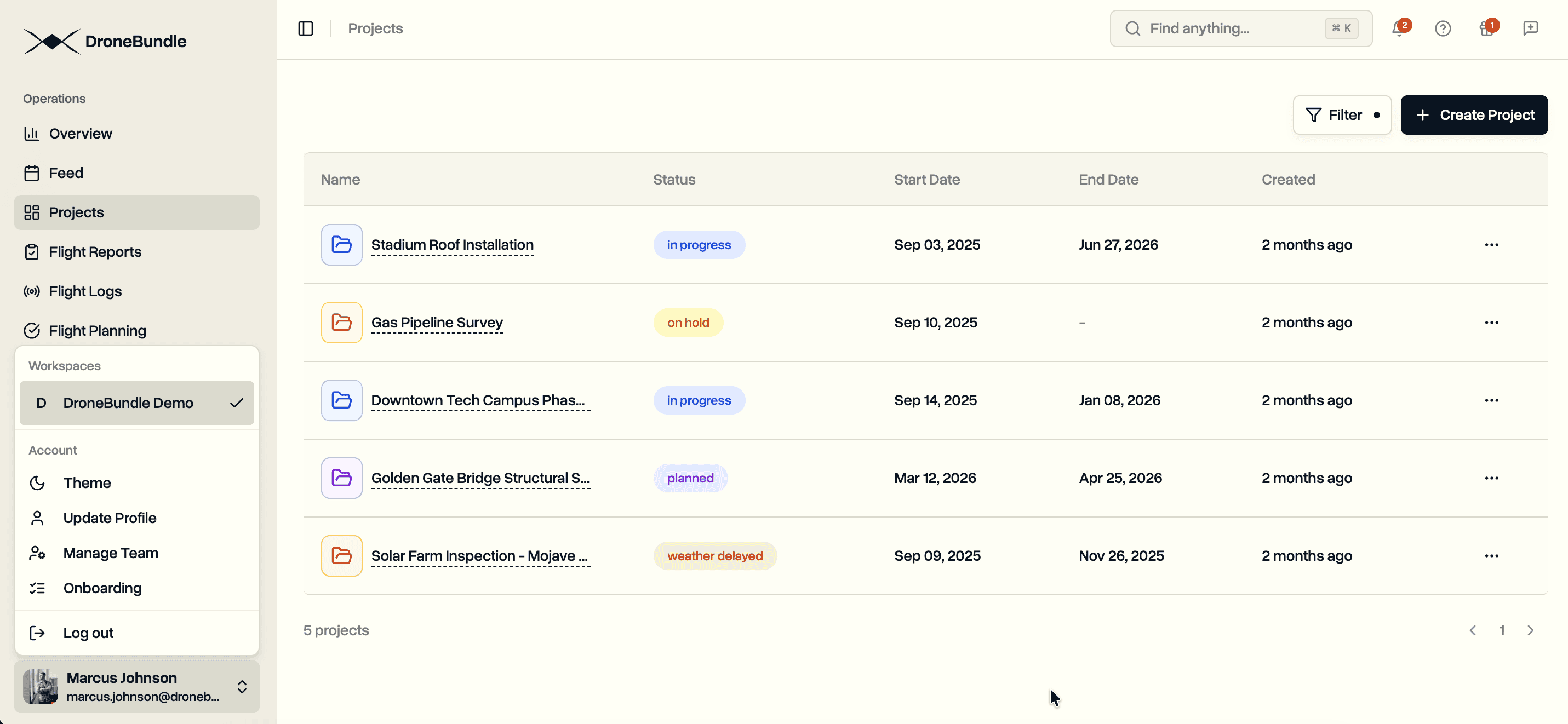
Export your entire project as a PDF report or Excel spreadsheet. Maps, job details, flight statistics, team assignments, equipment, and flight logs included. Download link delivered to your inbox.
Drone inspection projects generate data across many dimensions. Jobs track locations and schedules. Flights record who flew when. Equipment gets assigned to pilots. Management oversees operations. Compiling this information for stakeholders, compliance audits, or internal reviews takes time.
DroneBundle now supports project data export. Both formats export the same complete dataset with map images of project and job areas. Select PDF for a formatted report ready to share. Choose Excel to view all data in full without text wrapping.
Two Export Formats
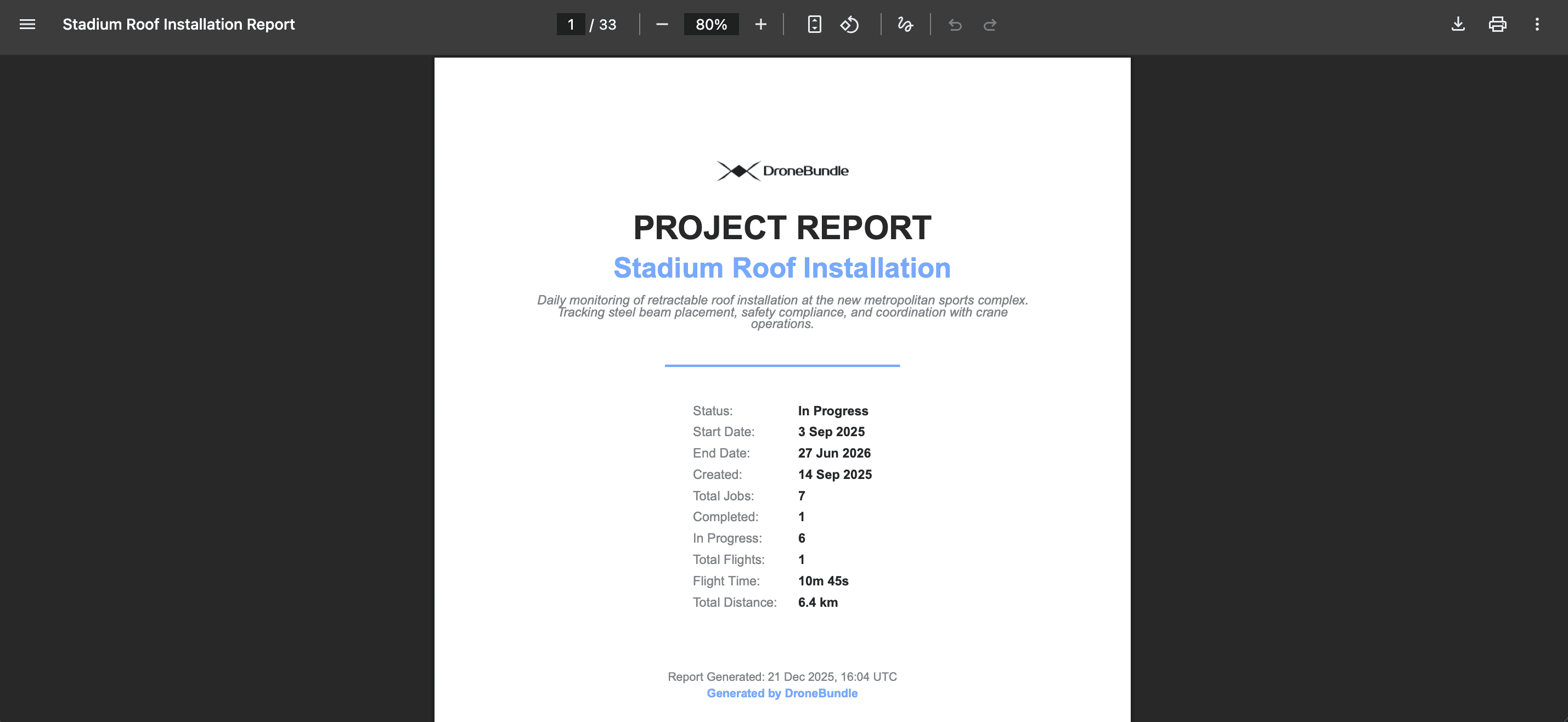
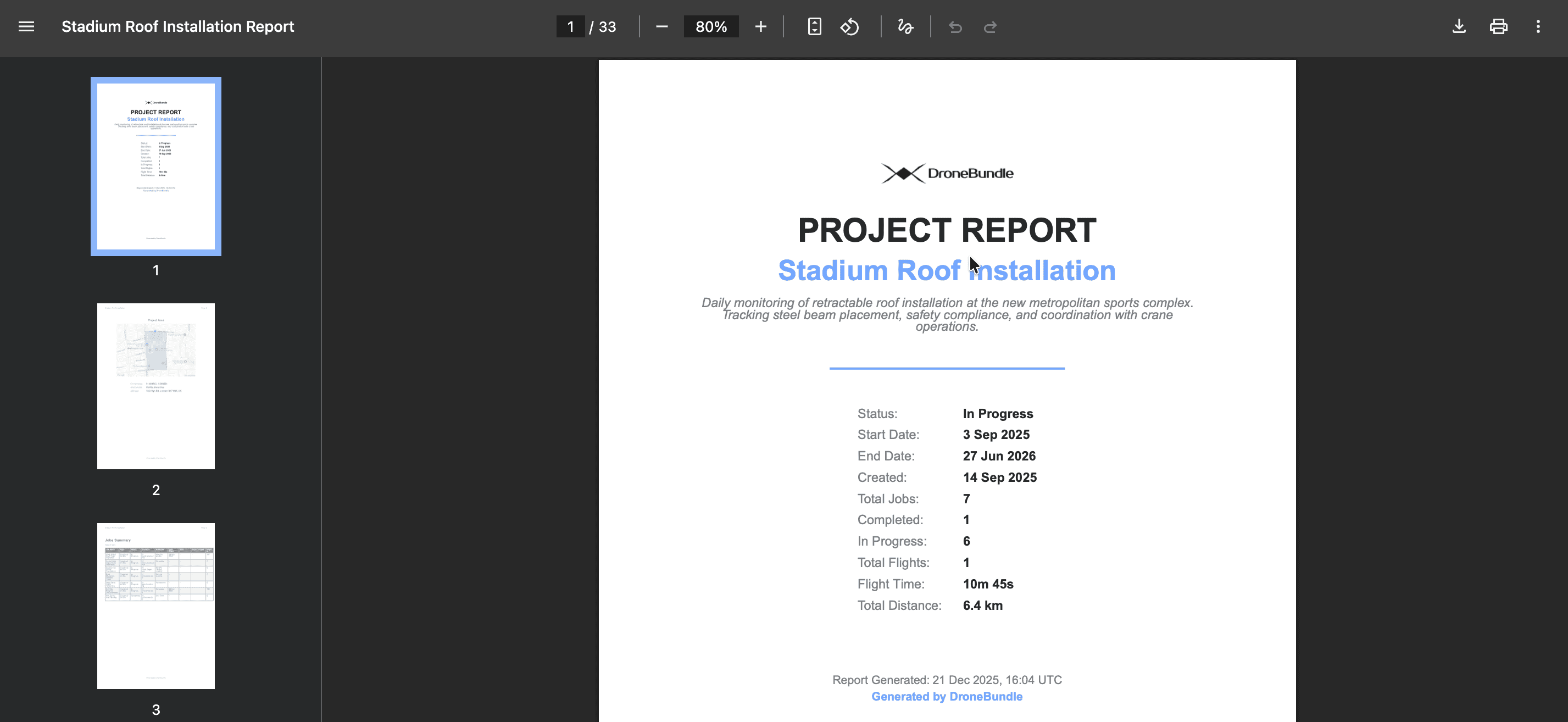
PDF Report. A formatted document ready for stakeholders. Cover page with project summary. Maps showing project area and job locations. Tables for jobs, flights, team members, and equipment. Color-coded job areas by status.
Enterprise Feature: PDF reports display your company logo on the cover page when custom branding is enabled.
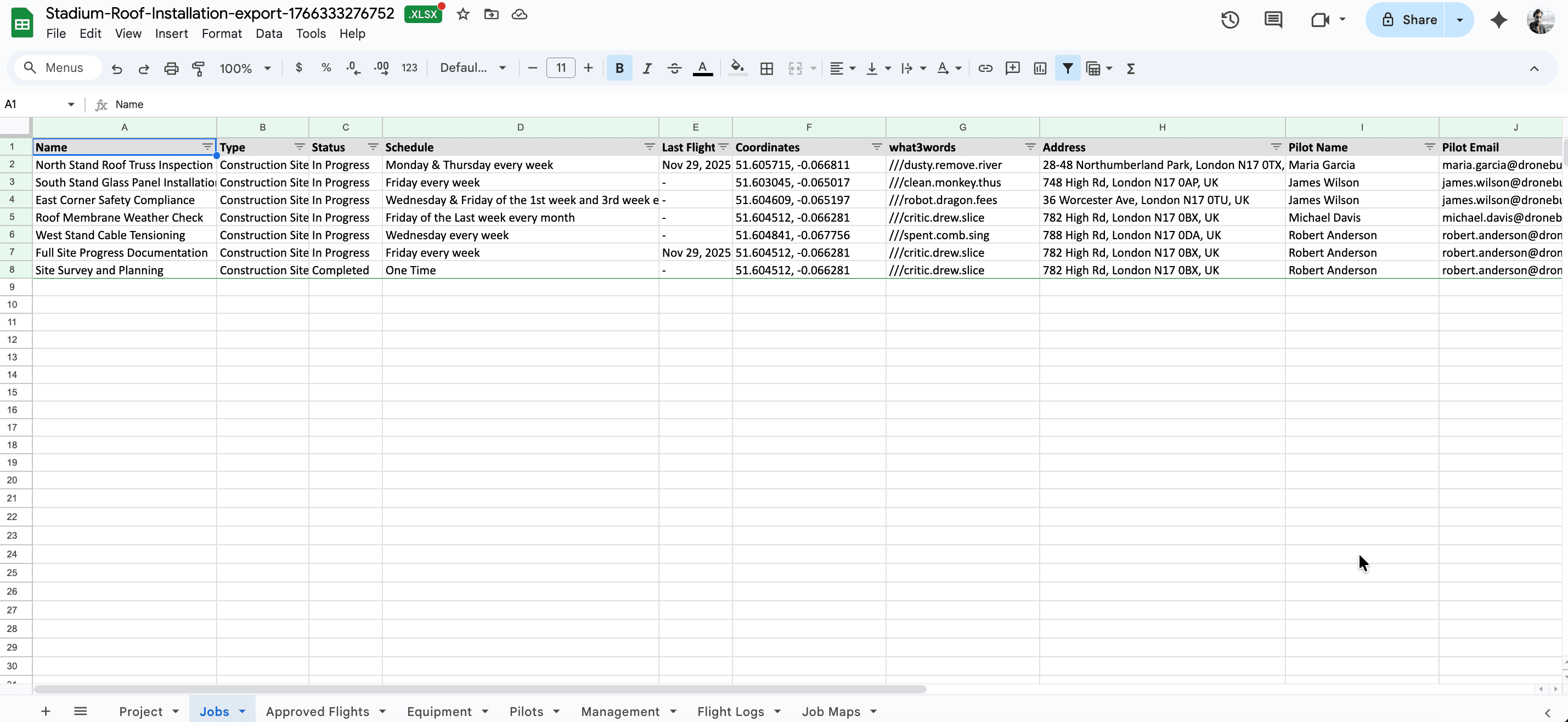
Excel Spreadsheet. Multiple worksheets with sortable, filterable data. Project summary sheet with embedded map. Separate sheets for jobs, approved flights, pilots, management, equipment, and flight logs. Job maps sheet with area images.
What Gets Exported
Project Overview
The export captures project-level information:
- Project name, status, start and end dates
- Project description
- Project area map (if defined)
- Location coordinates with what3words address
- Reverse-geocoded street address
Job Progress
Job completion metrics show operational status:
- Total job count
- Jobs by status (completed, in progress, not started, etc.)
- Completion percentage
Flight Statistics
Aggregated flight data from processed logs:
- Total flights flown
- Cumulative flight time
- Total distance covered
- Count of approved flights
- Number of unique pilots
- Most recent flight date
Jobs Detail
Every job includes:
- Name, type, and current status
- Schedule pattern (one-time, weekly on specific days, monthly, flexible)
- Last flight date
- Location info (coordinates, what3words, address)
- Assigned pilot name and email
- Start and end dates
- Capture types (drone inspection, thermal, LiDAR, etc.)
- Priority level
PDF exports display a map image for each job with a defined work area.
Approved Flights
The flight authorization record:
- Job name
- Pilot name and email
- Scheduled date
- Flight number for that date
- Who approved and when
- Approval notes
Team Members
Pilots. Every pilot assigned to a job appears with:
- Name, email, title, role
- Phone number and location
- Number of jobs assigned
- List of job names
- Count of approved flights
Management. Admins and Project Managers listed with contact details and roles.
Equipment
Equipment assigned to pilots on active jobs:
- Category (drone, controller, battery, etc.)
- Name and serial number
- Manufacturer and model
- Assigned pilot
Grouped by job for context.
Flight Logs
Processed flight log metadata:
- Flight date
- Processing date
- Duration
- Platform (DJI, etc.)
- Aircraft name
- Flight type (project, job, or workspace)
Maps and Location Data
Project areas render with all job areas overlaid, color-coded by status. Individual job maps show each work area with its boundary polygon.
Location enrichment adds context to coordinates. Each project and job area gets:
- Latitude and longitude
- what3words address for precise location sharing
- Street address from reverse geocoding
Email Delivery
Exports process in the background. When complete, an email arrives with a download link. The link remains active for 24 hours.
No waiting on a loading screen. Request the export and continue working. The file will be ready when you need it.
Use Cases
Client Deliverables. Generate a PDF report summarizing project completion. Include job status, flight statistics, and area maps.
Compliance Documentation. Export flight records with pilot names, approval chains, and equipment serial numbers.
Internal Reviews. Pull Excel data for analysis. Filter jobs by status. Sort flights by date. Pivot pilot flight counts.
Project Handoffs. Create a complete project snapshot when transitioning between teams or closing out an engagement.
Stakeholder Updates. Share formatted PDF reports with clients who need visibility without platform access.
Availability
Project data export is available to all DroneBundle users. Access it from the Project view in the dashboard.
Start your free trial to manage drone projects with full export capabilities.
Try the live demo to explore the export options.