Get notified of changes with webhooks
Have DroneBundle send a message to your system the moment a project, job or job type is created, updated or deleted, instead of checking for changes yourself.
This is only available on the Enterprise plan and during the free trial.
Create a webhook
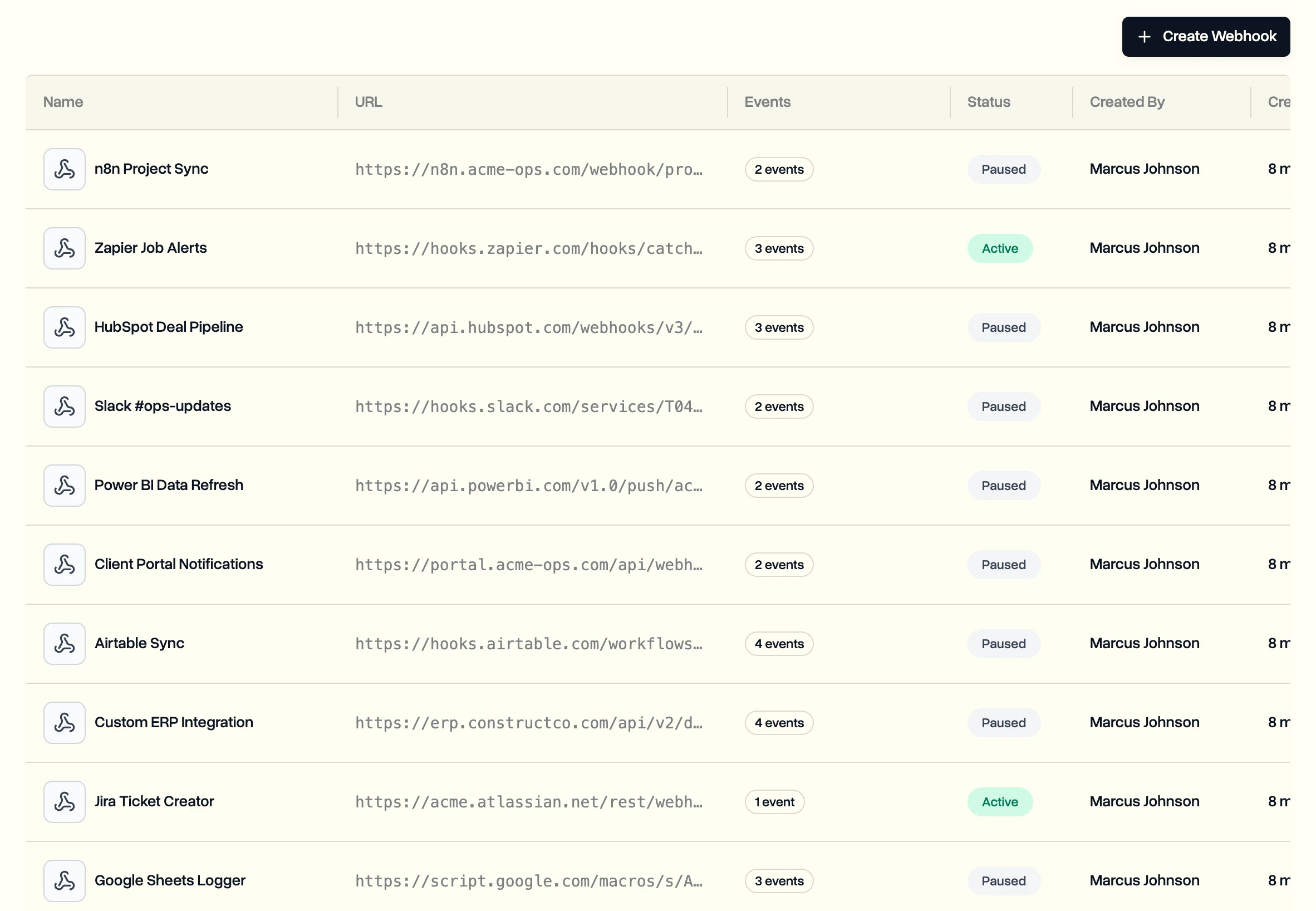
- In the sidebar, click Webhooks.
- Click Create Webhook.
- Give it a name and enter the web address that should receive the messages. It must start with https.
- Under Event Types, pick what to be told about: projects, jobs or job types being created, updated or deleted.
- Create it, then copy the signing secret and store it safely. It is shown only once. Click I've saved the secret when you have.
Your system uses the secret to check that each message really came from DroneBundle. The webhooks reference has ready-made code for this in several languages.
If deliveries fail
- A failed delivery is tried again, up to three attempts a few minutes apart.
- After 10 failures in a row the webhook pauses itself. Fix the problem, then switch it back on from its page.
- Each webhook's page shows its deliveries from the last 30 days.
Last updated Nov 17, 2026
Did this answer your question?
Still stuck?
Ask DroneBundle AI in the app, or email us and a person will answer.