Create a job
Add a job to a project with its name, type and dates. A job can happen once or repeat on a schedule.
Operations leads can do this only on the projects they are given.
A job is one piece of work inside a project, like a roof inspection or a weekly site survey. It holds the dates, the pilots, the flights and the files for that work.
Create the job
- In the sidebar, click Projects and open the project.
- Click Create Job.
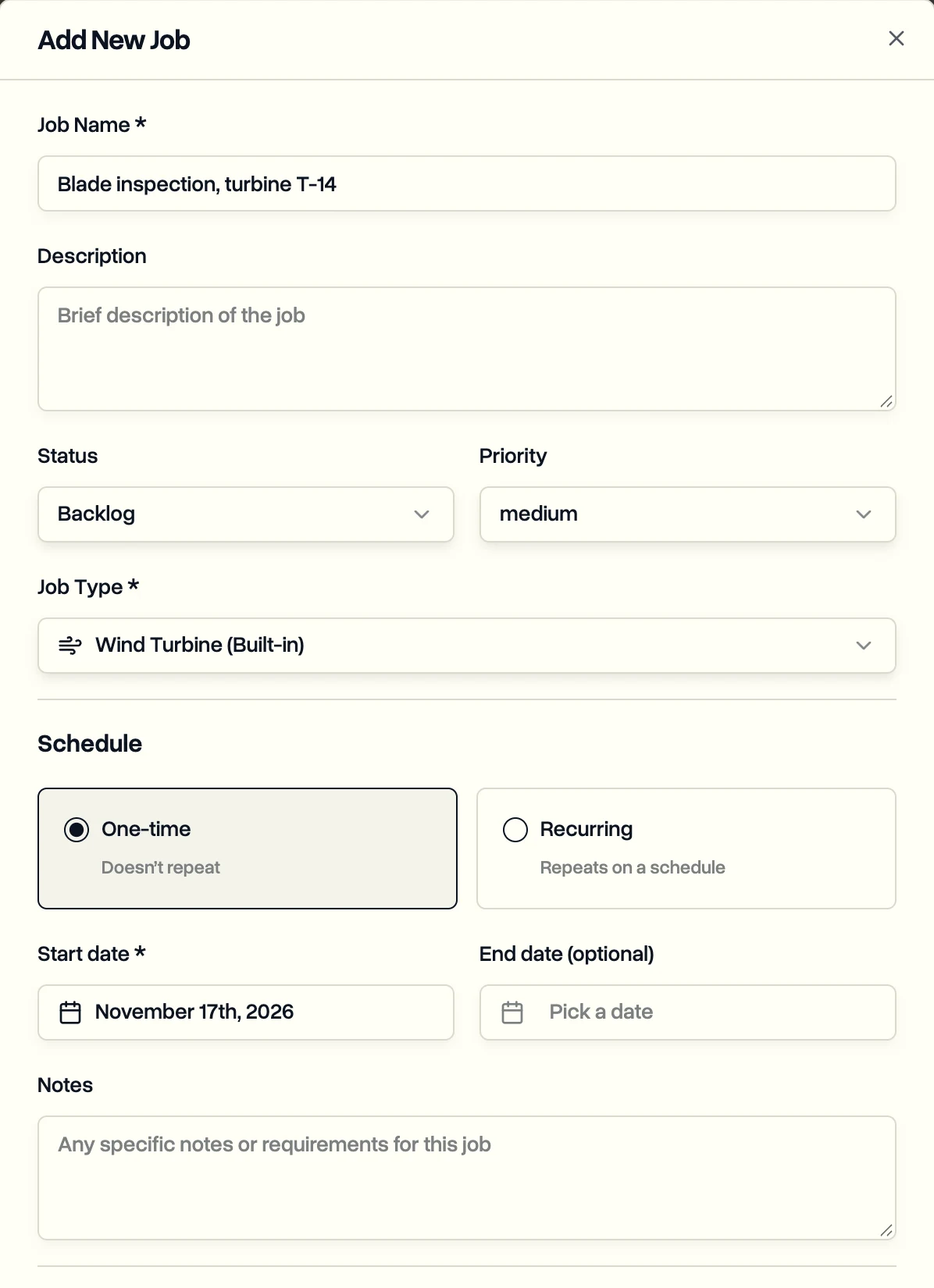
- Fill in Job Name and Job Type. Description, Status, Priority and Notes are optional.
- Under Schedule, choose One-time or Recurring, then pick the Start date.
- Click Create Job.
Using a Jobs only workspace? Click New job on the Jobs page instead. DroneBundle creates the project for you.
What to do next
- Assign a pilot to the job.
- For work that repeats, set up a recurring job with flight times.
- Creating lots of jobs? Import them from Excel or KML.
- To edit, reschedule or delete jobs, including many at once, use the Jobs page.
Last updated Nov 18, 2026
Did this answer your question?
Still stuck?
Ask DroneBundle AI in the app, or email us and a person will answer.