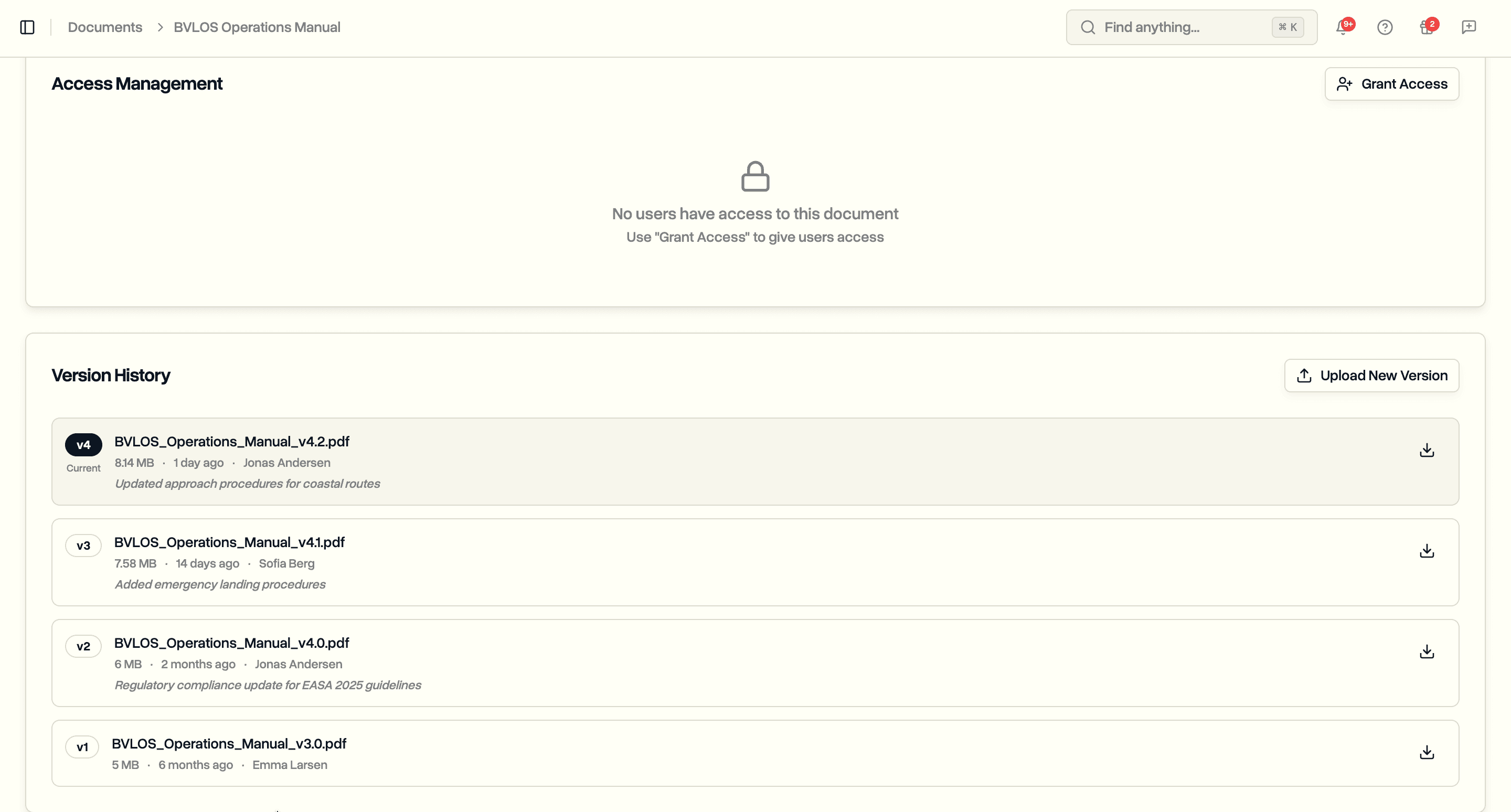
Keep a live copy of every project and job file in a storage bucket you own, in your own cloud account. You hold the data outright, in the region you choose, encrypted with your own key. Stop using DroneBundle tomorrow and every file is still yours.
Every photo, video, map, and report your team uploads to DroneBundle lives in our cloud storage. That is convenient: it is backed up, served to the app, and shared with clients without you running any infrastructure of your own. For most operations that is exactly right. For some, it leaves one thing unsettled, which is ownership of the data itself.
If your organization has to keep operational data inside its own infrastructure, in a specific country, or under its own encryption keys, a copy that exists only in a supplier's account is a gap. The same applies if you simply want insurance against lock-in, meaning a guarantee that the originals sit somewhere you control no matter what happens to any one vendor. A project export gives you a point-in-time download, but a manual export is a snapshot, not a standing copy that keeps itself current.
Data Ownership closes that gap. It mirrors every project and job upload into an Amazon S3 bucket that you own, in your own cloud account, automatically and continuously. Files arrive organized the way you see them in DroneBundle, encrypted however you choose, moments after each upload. The app keeps running from DroneBundle's own storage, and your bucket holds a faithful, growing copy alongside it.
It is a one-way copy, from DroneBundle into your storage. It includes automatic mirroring of new uploads, a one-click connection test, your choice of region and encryption key, and a layout that matches your projects and jobs. Once it is set up, it runs in the background and asks nothing of you.
How Data Ownership Works
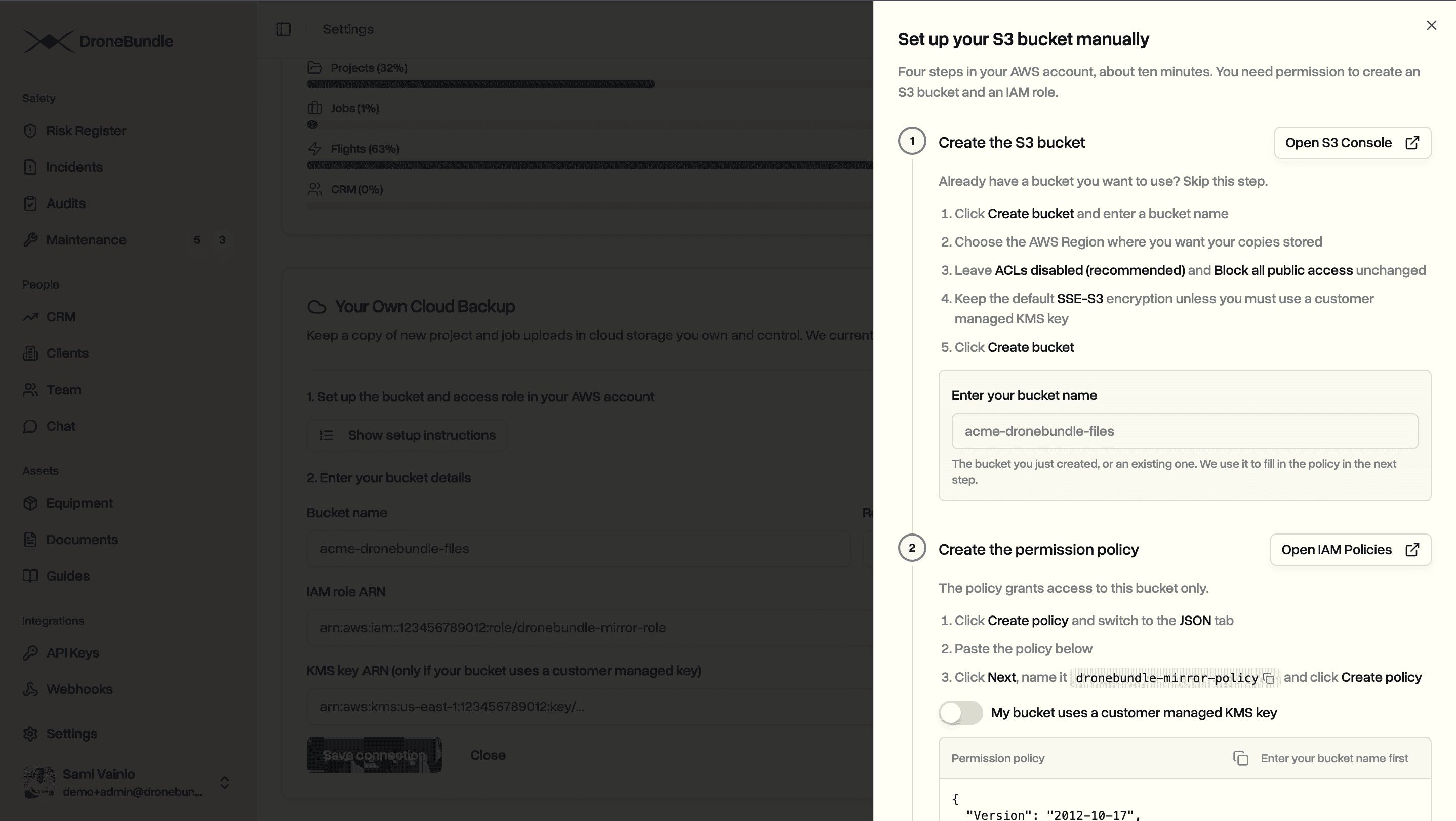
Setup takes three steps, and you do them once.
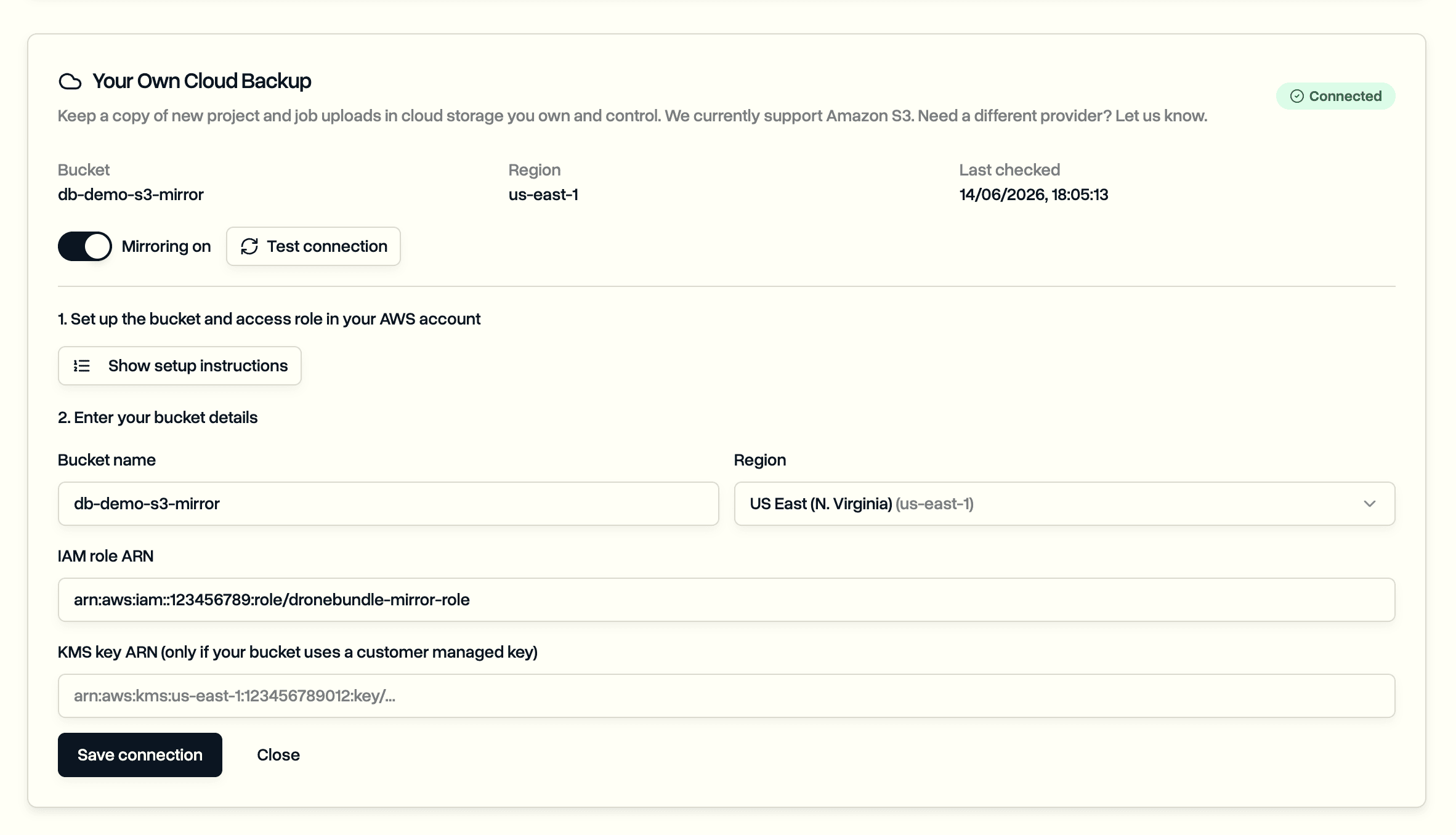
First, create a storage bucket in your own cloud account, in whatever region you need. This is your storage, billed to your account and governed by your own policies.
Second, grant DroneBundle permission to write to that one bucket and nothing else. The access is scoped to the single bucket, it carries a unique identifier that only your workspace knows, and you can revoke it at any time from your own console. DroneBundle can add files to your bucket. It cannot read the rest of your account, see your other buckets, or touch anything outside the one you pointed it at.
Third, turn mirroring on. From that point, every new project and job upload is copied across on its own.
Your Bucket, Your Account, Your Keys
The copy is yours in every sense that matters. It sits in your account, not ours. It is billed to you, kept under your retention rules, and subject to your own access controls and logging.
You choose the region, so data can stay in a particular country or jurisdiction when that is a rule you work under. The compliance side of that decision stays in your hands rather than ours.
Encryption is yours too. Point DroneBundle at your own encryption key and every mirrored file is locked with a key you hold and can rotate or revoke. Without that key, nobody reads the files, including us.
A Connection Test Before You Rely On It
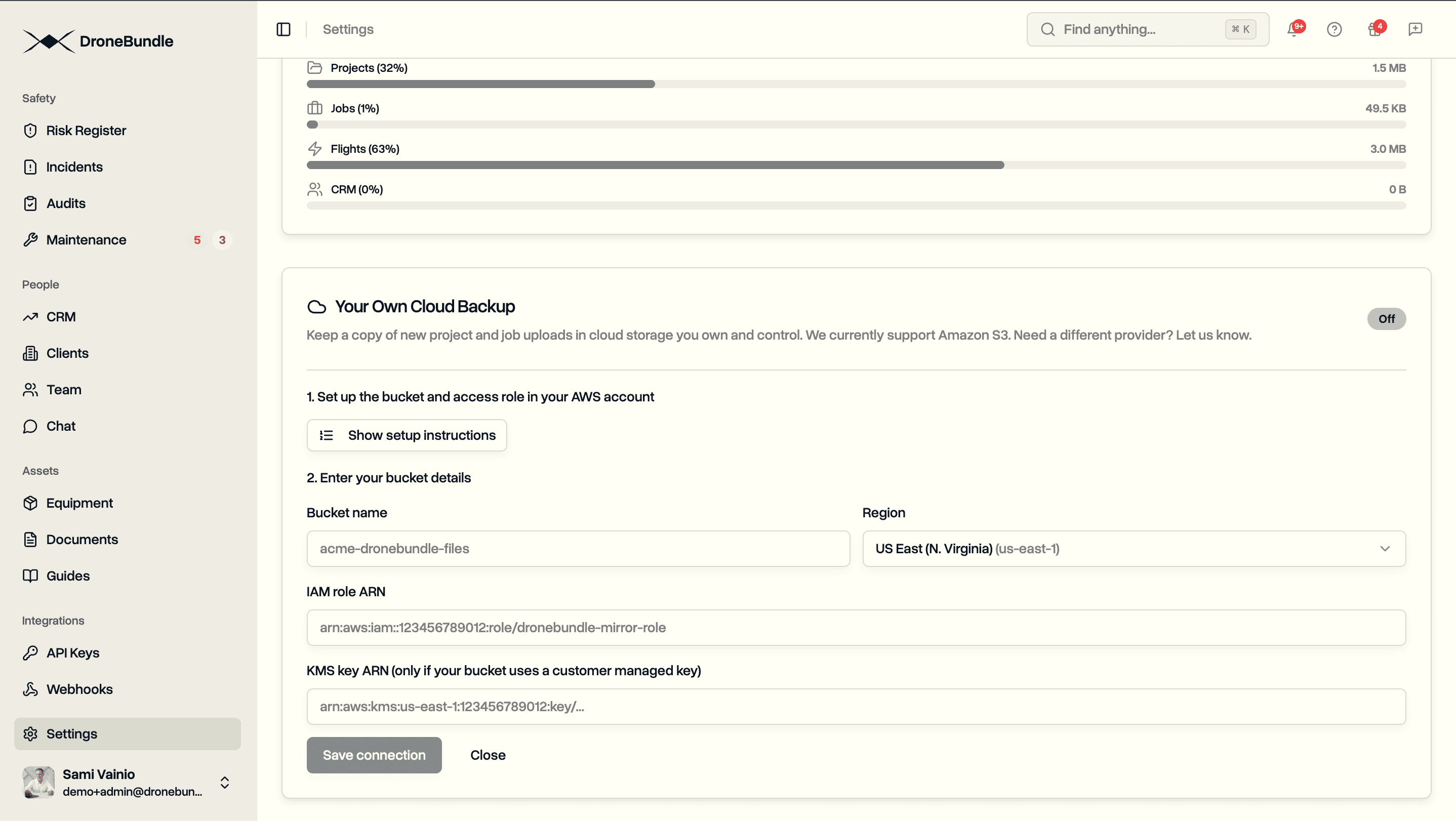
Permissions that span two separate accounts are easy to get slightly wrong, and a mirror you believe is running but is not would be worse than none at all. So before you depend on it, run the built-in connection test.
One click and DroneBundle does a full dry run against your bucket. It confirms it can reach the bucket, write a small check file, and read it back, the same way real uploads will. If something is off, the result names exactly what to fix, whether that is the bucket name, the region, the permission, or the encryption key. A green result means live files will land the same way, and the status stays visible in your workspace so you always know the mirror is healthy.
How Your Files Are Organized
Copies do not arrive in a heap. Each file is laid out by project and job, the same structure you move through in the app, so the bucket makes sense on its own.
A project file lands under its project. A job file lands under its project and its job, with the original name kept intact. Anyone with access to the bucket, or any system you point at it, can find a given project's files without opening DroneBundle at all. The capture types you work with, from ordinary photos to thermal and mapping outputs, all mirror the same way.
What Gets Copied, and What Does Not
Data Ownership mirrors the files your team uploads to projects and jobs. That is the operational content most worth holding your own copy of: the imagery, the deliverables, and the documents attached to the work.
Copies are added and kept current. Because the mirror only ever adds and updates, your bucket becomes a durable archive: deleting a file inside DroneBundle does not remove it from your copy. When a file changes, the copy updates. When it has not changed, it is skipped, so repeated runs never pile up duplicates.
The flow goes one way, from DroneBundle to you. Your bucket is a mirror and an archive, not a second place to edit. The working copy stays in DroneBundle, where the app, your client portal, and your team keep using it as before.
Built for Your Own Systems
A copy in your own storage is more than a safety net. Once your files sit in your bucket, your own tools can read them straight away: a backup routine, a data pipeline, a mapping system, or whatever your organization already runs.
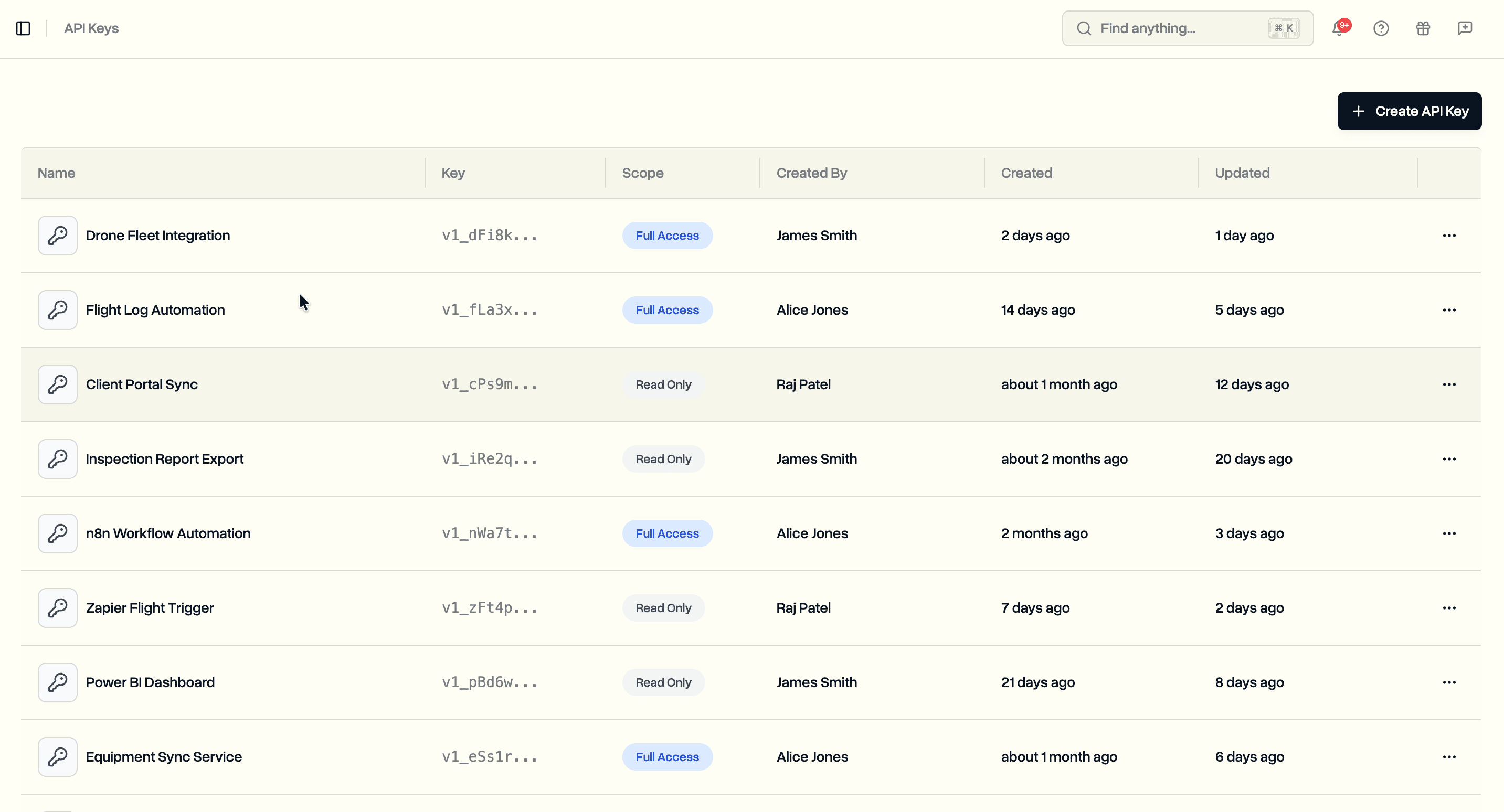
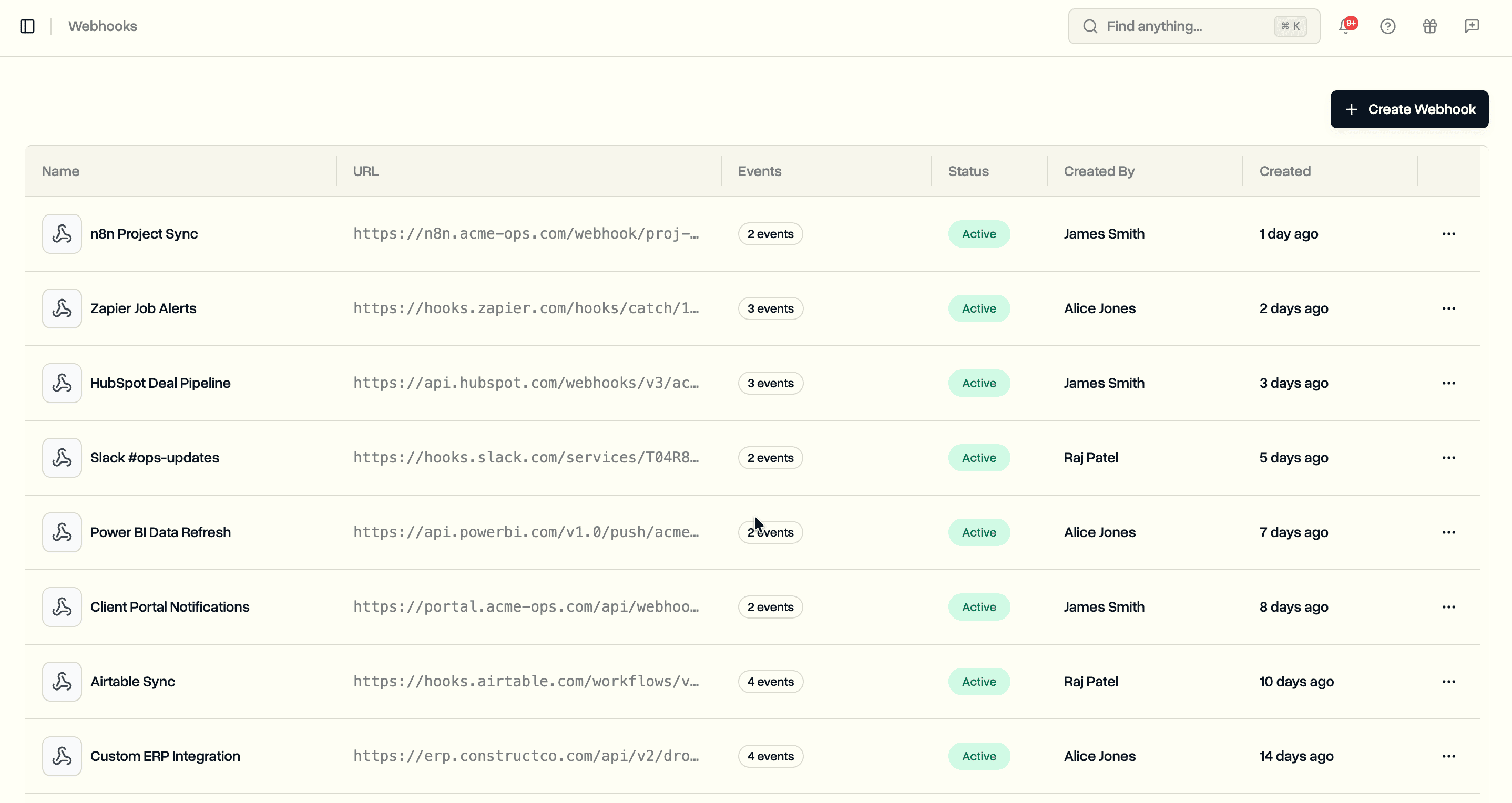
That places Data Ownership next to the rest of DroneBundle's enterprise connections. Where API keys and webhooks let your systems talk to DroneBundle, Data Ownership puts the raw files themselves somewhere your systems can reach without asking for them.
For lighter automation, Zapier still connects DroneBundle to thousands of off-the-shelf apps, so the two approaches cover both ends: events and the files behind them.
Use Cases
Data residency. If you operate under rules about where data may be stored, choose a bucket in the required region and keep a compliant copy without changing how your team works day to day.
Continuity and lock-in insurance. Hold an independent copy of every deliverable in storage you control, so the originals never depend on a single supplier. If that is how your organization manages risk, this is the cleanest version of it.
Feeding your own data platform. Point an existing analysis or backup system at your bucket and let drone imagery flow into it on its own, with no manual step in between.
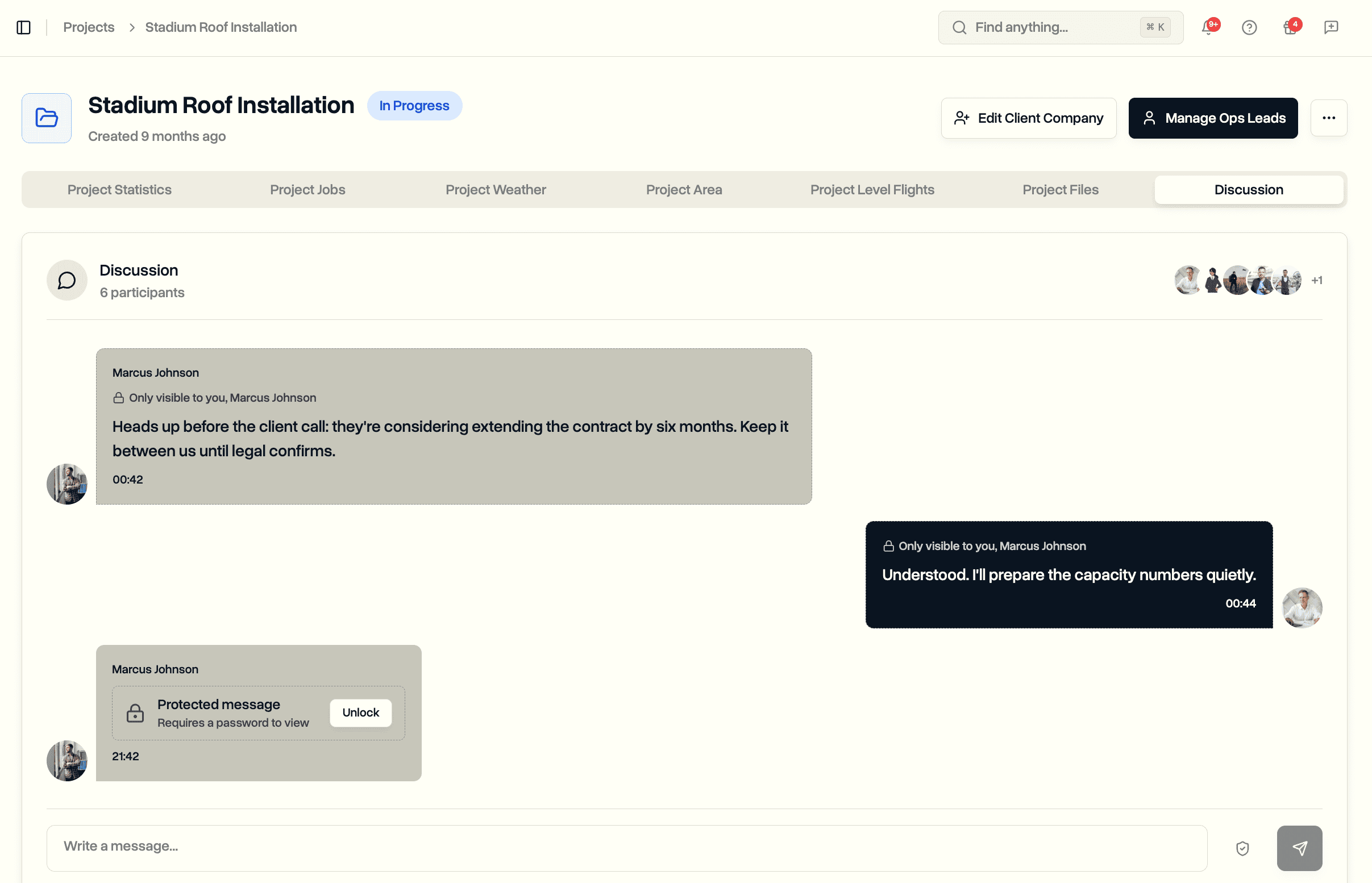
Security and audit. Keep operational files inside your own account, under your own logging and access controls. It sits alongside secure messages and your audit records, so sensitive material and the trail around it both stay in systems you govern.
Availability
Data Ownership is an Enterprise add-on, enabled for one workspace at a time. Because it writes into your own cloud account, we switch it on for your workspace once the setup is done with you, rather than it appearing from a trial. A workspace owner handles that setup: creating the bucket, granting the scoped access, and running the connection test. Like maintenance and multiple workspaces, it is part of how DroneBundle scales to larger operations.
If you run drone operations where holding your own copy of the data is a requirement, or simply a preference, we will help you get it wired up.
Book a demo to see Data Ownership and how DroneBundle mirrors your files into storage you control.
Start your free trial to explore the Enterprise plan, then talk to us about turning Data Ownership on for your workspace.