Find anything with search
Search projects, jobs, clients, flights, maps, files, documents, invoices and more from one box, and see the results with a location on a map.
One search box covers the whole workspace. You don't need to know which page something is on.
Search
- Click Find anything... at the top of the dashboard, or press ⌘K on a Mac or Ctrl+K on Windows.
- Start typing a name, an address, a client, a file name or a few words about it.
- Use the arrow keys or the mouse to pick a result, and press Enter to open it.
Results are grouped by type: projects, jobs, assignments, clients, flights, maps, files, documents, invoices, deals, risks, incidents and audits. Under a project you can expand its jobs and jump straight to one.
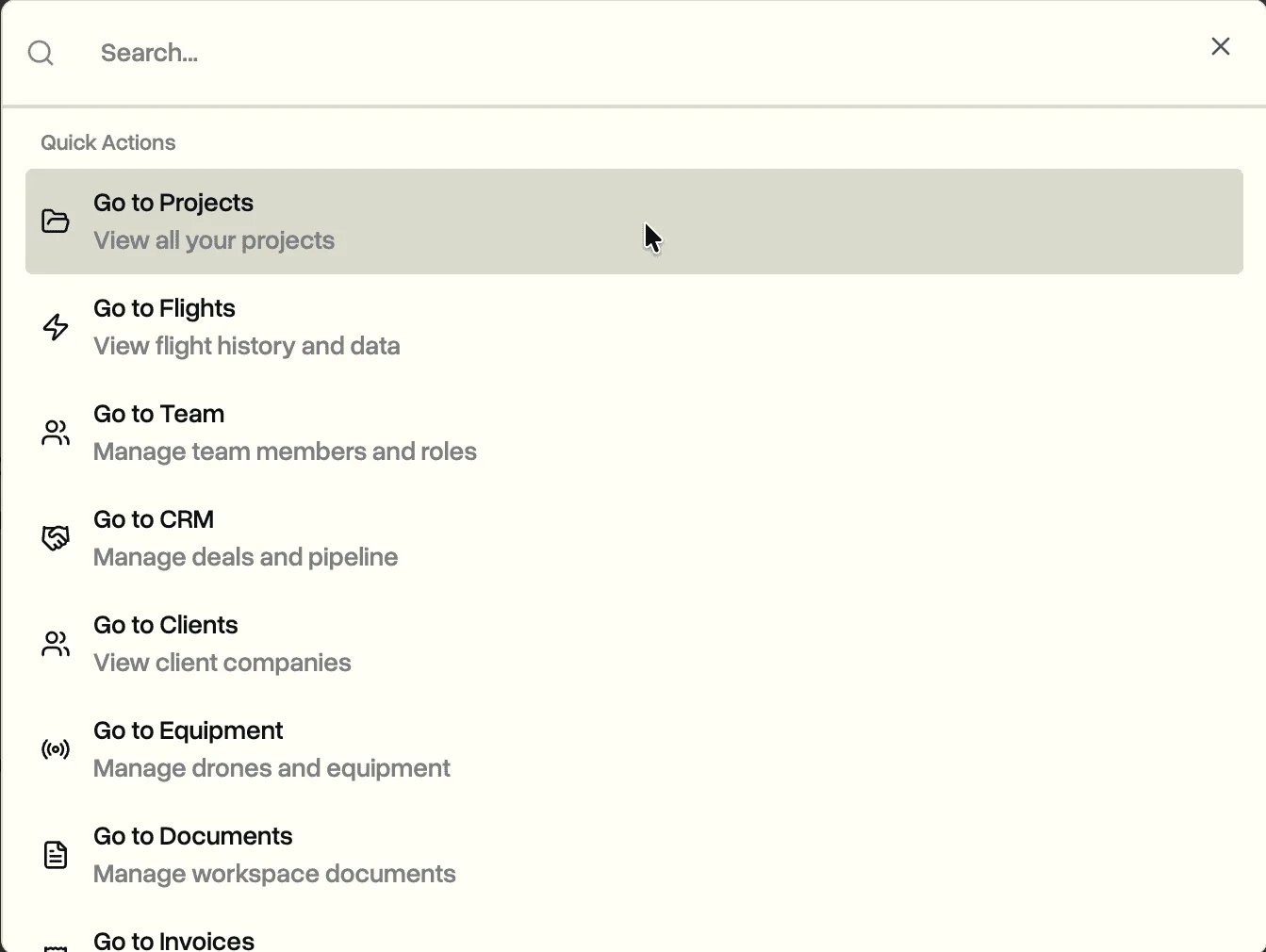
Before you type, the box shows your Recent items and Quick Actions that take you to the main pages.
See results on a map
When results have a location, like projects, jobs and flights, a map opens next to the list with a pin for each one. It's a quick way to find "that job near the airport" when you don't remember its name.
On your phone
The phone app has the same search. See Use DroneBundle on your phone.
Looking for an answer, not a page? Ask DroneBundle AI instead, like "which jobs this week have no pilot?".
Last updated Nov 18, 2026
Did this answer your question?
Still stuck?
Ask DroneBundle AI in the app, or email us and a person will answer.