Add equipment and assign it to pilots
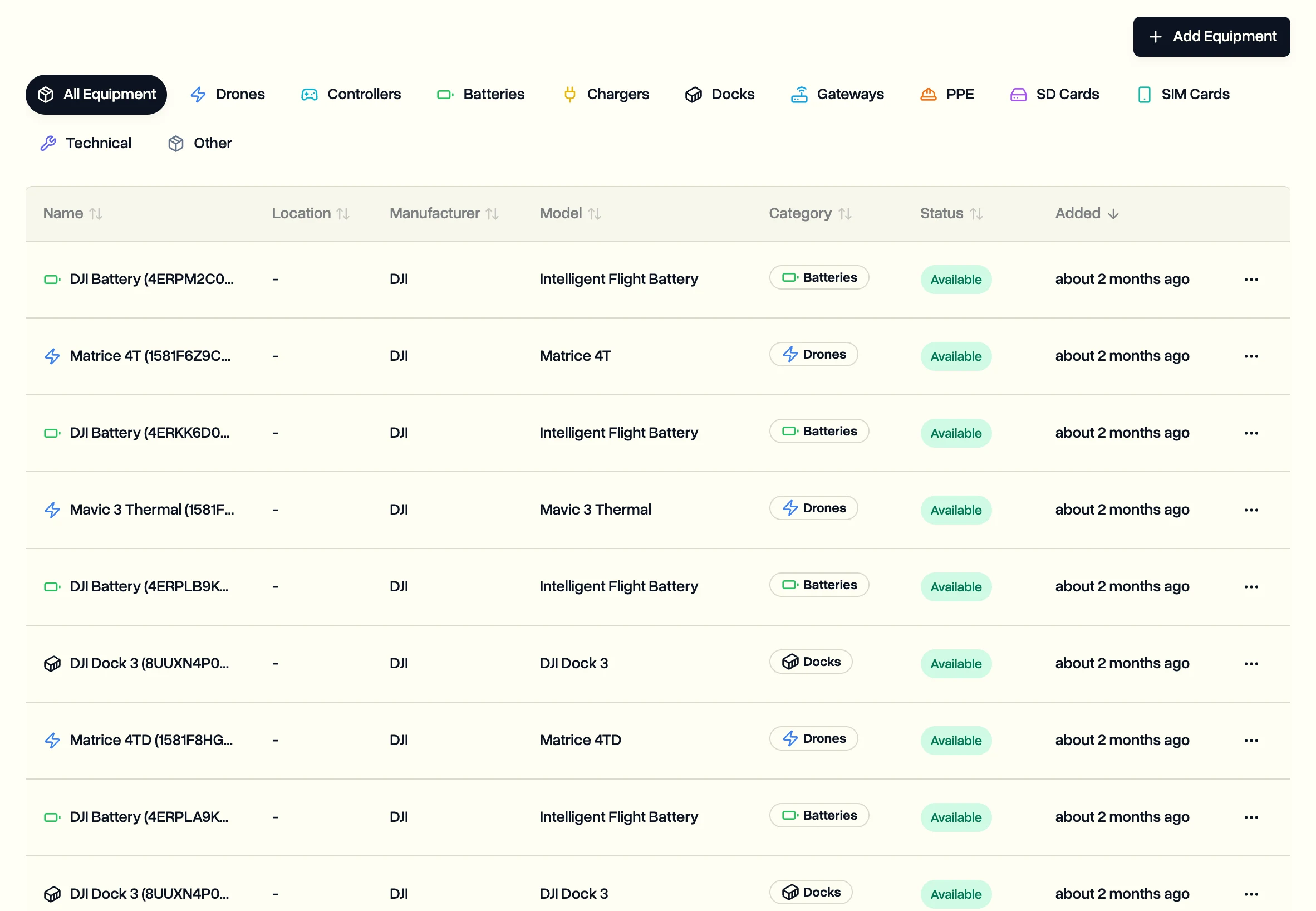
Keep every drone, battery, dock, controller and charger in one list. DJI drones, batteries and docks add themselves after their first flight, and you can assign any item to the pilots who use it.
Pilots can see the equipment list.
Every plan includes unlimited equipment. Flights, maintenance counters and jobs all link back to it, so a drone's history stays in one place.
Let flights add your DJI equipment
Drones, batteries and docks add themselves after their first flight. Their serial numbers come from the flight log, and a record you set up by hand is reused instead of duplicated. To get flights in, see Get your DJI flight logs into DroneBundle.
Add equipment yourself
- In the sidebar, click Equipment.
- Click Add Equipment and pick the kind: drone, controller, battery, charger, dock, gateway, PPE, SD card, SIM card, technical or other.
- Fill in the name and Serial Number. Purchase date, warranty expiry and notes are optional, and you can add your own fields.
- Set the status: Available, In Use, Maintenance, Reserved or Retired.
- Save.
Assign it to pilots
- Open the item from the Equipment list.
- Click Assign Pilots.
- Pick one or more pilots and confirm.
The pilots now see it as theirs, and the item shows who has it.
Last updated Nov 17, 2026
Did this answer your question?
Still stuck?
Ask DroneBundle AI in the app, or email us and a person will answer.