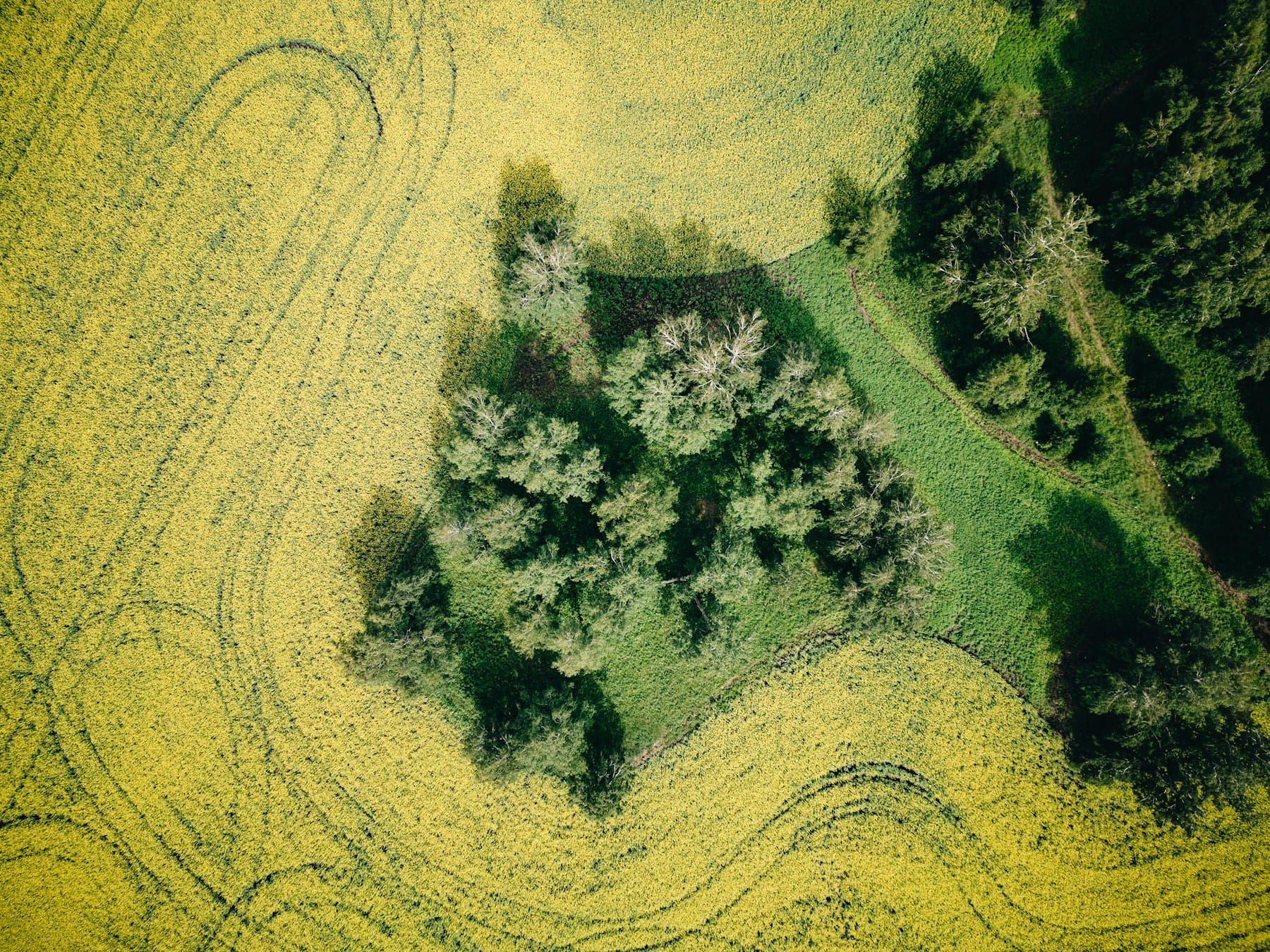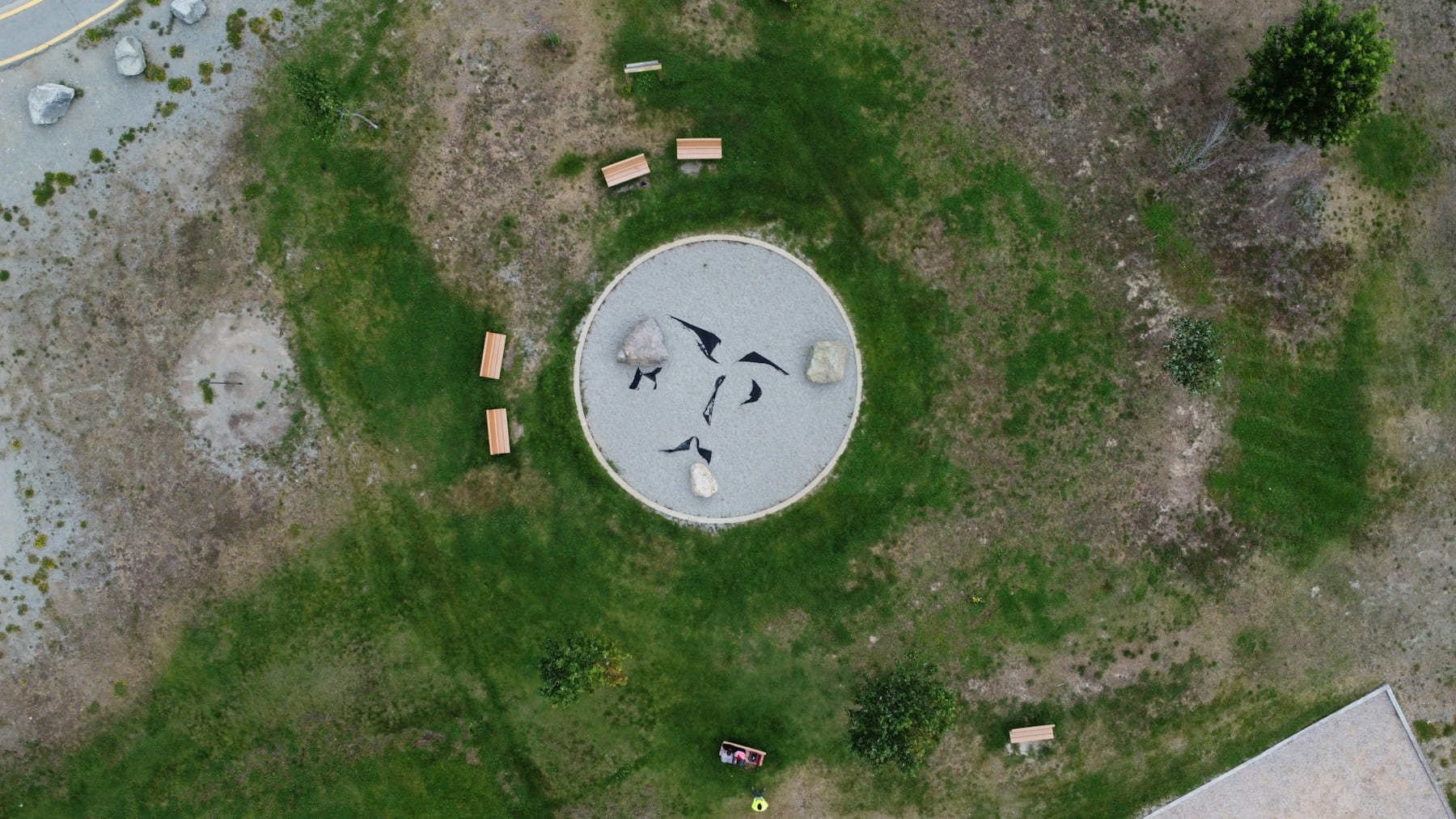
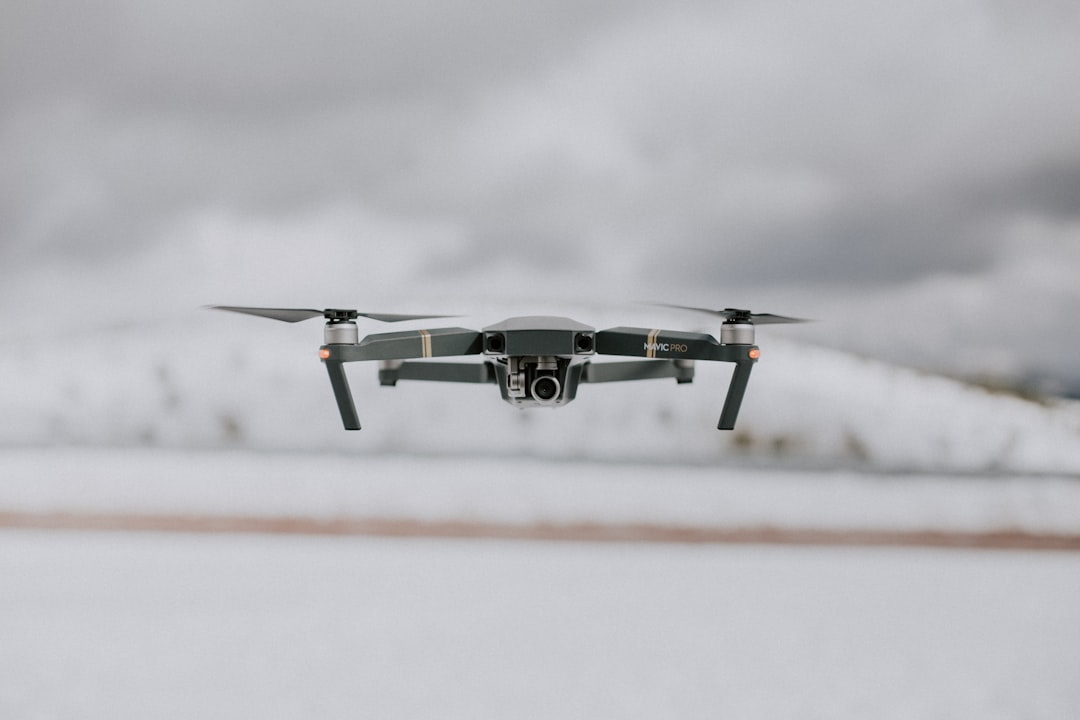
An orthomosaic image is a geometrically corrected aerial photograph assembled from dozens or hundreds of overlapping drone photos, stitched and orthorectified so that every pixel maps to a real-world geographic coordinate. Unlike a standard aerial photo where objects near the edges appear tilted or stretched, an orthomosaic maintains uniform scale across the entire image. That means you can measure true distances, calculate areas, and overlay the result on GIS platforms just like a traditional survey map.
If you work in surveying, construction, agriculture, or inspection, you have probably seen the term tossed around alongside "point cloud" and "digital elevation model." But orthomosaics deserve their own deep dive because they sit at the center of most commercial drone mapping workflows. Get the orthomosaic wrong and everything downstream suffers: volume calculations, progress reports, compliance documentation.
This guide covers the terminology, the flight planning parameters that actually determine quality, the processing pipeline, a real project walkthrough with actual numbers, cost analysis, common failure modes, and how to manage orthomosaic projects at scale.
Orthomosaic vs. orthophoto vs. orthoimage: clearing up the terminology
An orthophoto is a single aerial image corrected for lens distortion, camera tilt, and terrain displacement. An orthomosaic is the final product created by stitching many individual orthophotos into one seamless, georeferenced image. The terms "orthoimage" and "orthophotograph" are used interchangeably with orthophoto in most professional contexts.
The distinction matters when communicating with clients or reading software documentation. Photogrammetry software ingests raw photos, processes each into an orthophoto internally, then combines all of them into a single orthomosaic deliverable. When a client asks for "an orthophoto of the site," they almost always mean an orthomosaic.
One more term worth knowing: true orthophoto. A standard orthomosaic uses a Digital Surface Model (DSM), so tall structures may still appear slightly tilted at image edges. A true orthophoto projects every pixel vertically, eliminating building lean entirely. Most commercial drone data processing workflows produce standard orthomosaics, and for the vast majority of use cases the difference is negligible.
| Term | Definition | When you encounter it |
|---|---|---|
| Orthophoto | Single geometrically corrected aerial image | Software documentation, academic papers |
| Orthomosaic | Stitched composite of many orthophotos | Client deliverables, mapping reports |
| Orthoimage | Synonym for orthophoto | Government and GIS standards documents |
| True orthophoto | Orthomosaic with vertical projection eliminating building lean | Urban mapping, high-precision cadastral work |
| Orthophotomap | Orthomosaic with cartographic annotations (scale bar, north arrow) | Formal survey reports |
How an orthomosaic image is created
Creating an orthomosaic image requires three phases: flight planning, image capture, and photogrammetric processing.
Phase 1: Flight planning. You define the survey area boundary, flight altitude, image overlap percentages, and camera settings. Flight planning software automates most of this, generating waypoint paths that ensure complete coverage.
Phase 2: Image capture. The drone flies the planned route autonomously, triggering the camera at calculated intervals. A typical 10-acre site produces 300 to 500 photographs. The camera should be pointed straight down (nadir) for orthomosaic work. Oblique images are useful for 3D models but introduce distortion in flat orthomosaic outputs.
Phase 3: Photogrammetric processing. Software identifies matching features across overlapping photos, calculates camera positions through bundle adjustment, builds a dense point cloud, generates a DSM, and projects the corrected images onto it. A 500-image dataset can take 30 minutes on cloud platforms to several hours locally, depending on hardware and quality settings.
The output is a single georeferenced image file, typically in GeoTIFF format, that can be opened in any GIS application, overlaid on cadastral maps, or shared with clients as a visual progress report.
Flight planning parameters that determine quality
Ground sample distance (GSD) is the single most important parameter controlling orthomosaic image resolution. GSD represents the real-world size of one pixel, as defined by Pix4D's GSD reference. A GSD of 2 cm/px means each pixel covers a 2 cm by 2 cm area on the ground.
The relationship is straightforward: fly lower for finer detail but more flight time and photos. Fly higher for faster coverage but lower resolution.
| Application | Target GSD | Typical flight altitude | Image count per acre |
|---|---|---|---|
| Precision agriculture (crop health) | 3-5 cm/px | 80-120 m AGL | 15-25 |
| Construction progress monitoring | 2-3 cm/px | 60-90 m AGL | 25-40 |
| Cadastral/boundary surveys | 1-2 cm/px | 30-60 m AGL | 40-80 |
| Infrastructure inspection | 0.5-1 cm/px | 15-30 m AGL | 80-150+ |
| Environmental monitoring | 5-10 cm/px | 100-150 m AGL | 10-15 |
For most commercial operators, 2 cm GSD is the sweet spot. It satisfies construction and survey clients, keeps flight times reasonable, and produces files that do not overwhelm client systems. Only go finer than 1 cm for infrastructure crack detection or cadastral disputes. Only go coarser than 5 cm for large agricultural surveys where you are optimizing for coverage speed.
Image overlap is the other critical parameter. Frontal overlap (between consecutive images along a flight line) and side overlap (between adjacent flight lines) determine how many tie points the software can use for alignment. The baseline: 75% frontal and 65% side overlap for flat terrain with good texture. Complex sites should use 80-85% in both directions. Below 60% risks gaps where the software cannot stitch properly.
Weather conditions play a bigger role than many operators realize. Overcast skies produce the most consistent lighting because there are no harsh shadows. Direct sunlight creates shadows that shift over a 30-minute survey, causing color banding. Wind above 15-20 mph affects sharpness and pushes the drone off its planned path.
Shutter speed needs to freeze motion. At 10 m/s ground speed with a 2 cm GSD, use 1/500s or faster.
Ground control points and positional accuracy
Survey-grade orthomosaic accuracy requires ground control points (GCPs), physical markers placed on the ground and measured with high-precision GPS before the flight. The processing software uses GCPs to anchor the model and correct for GPS drift in the drone's onboard receiver.
Without GCPs, standard drone GPS provides absolute accuracy of roughly 1 to 3 meters. Acceptable for visual progress reports, but useless for boundary surveys or volumetric calculations. With properly placed GCPs, accuracy improves to 1 to 3 cm horizontally and 2 to 5 cm vertically.
That gap matters in practice. A grading contractor once received an orthomosaic processed without GCPs, overlaid it on the site plan, and saw the building pad appearing 2.1 meters from its actual position. They called asking if the excavator operator had made a mistake. The real culprit was GPS drift. One flight with proper ground control would have prevented the confusion entirely.
How many GCPs do you need?
- Sites under 5 acres: 5 to 7 GCPs, placed at corners and center
- Sites 5 to 20 acres: 7 to 10 GCPs, distributed across the full extent
- Sites over 20 acres: add 1 GCP per additional 15 acres
Placement geometry matters as much as quantity. Distribute GCPs in a convex pattern enclosing the entire survey area. Clustering them in one area leaves the rest of the model unconstrained, with error increasing as you move away from the control network.
RTK (Real-Time Kinematic) drones reduce or eliminate the need for traditional GCPs by receiving corrections from a base station during flight, achieving 2 to 3 cm accuracy directly. Some operators still place 2 to 3 independent checkpoints to validate RTK accuracy on each project.
Processing pipeline: from raw images to finished map
The photogrammetric processing pipeline involves five computational steps. Understanding them helps you troubleshoot failures and choose appropriate quality settings.
Step 1: Feature detection and matching. The software scans each image for distinctive visual features and matches them across overlapping photos. Low-texture surfaces like snow, water, or fresh concrete can cause alignment failures.
Step 2: Bundle adjustment. Using matched features and GPS data, the software calculates precise camera positions and orientations. GCPs are incorporated here to anchor the solution to real-world coordinates.
Step 3: Dense point cloud generation. The software calculates 3D coordinates for millions of points. This is the most computationally expensive step and benefits most from GPU acceleration.
Step 4: DSM/DTM generation. The point cloud is interpolated into a continuous Digital Surface Model (everything visible) or Digital Terrain Model (bare earth only). The orthomosaic is projected onto the DSM.
Step 5: Orthomosaic generation. Each source image is orthorectified using the DSM and camera parameters, then blended using seam-line algorithms into one continuous georeferenced image.
Quality presets control resolution at each step. For a 500-image dataset:
| Quality setting | Typical processing time | Relative accuracy | Best for |
|---|---|---|---|
| Low/Draft | 15-30 minutes | ±10-15 cm | Quick previews, coverage checks |
| Medium | 1-2 hours | ±5-8 cm | Progress monitoring, visual reports |
| High | 3-6 hours | ±2-4 cm | Survey deliverables, measurements |
| Ultra/Original | 8-16+ hours | ±1-2 cm | Precision surveys, legal documentation |
Cloud platforms like DroneDeploy handle compute infrastructure but charge per dataset. Local processing with Pix4D or Agisoft Metashape requires at least 32 GB of RAM (64 GB recommended), a multi-core CPU, and a GPU with 8+ GB VRAM.
Real project walkthrough: 30-acre construction site
Here is what an actual survey-grade orthomosaic project looks like from start to finish, with real numbers.
The site was a 30-acre construction grading project. Before the flight, the survey crew placed 7 GCPs in a convex pattern around the perimeter and through the center, measuring each with a base station. GCP setup and measurement took about 45 minutes.
The drone flew at 70 m AGL, capturing 420 images at 2 cm GSD with 80% frontal and 70% side overlap. Flight time was 28 minutes across two battery swaps.
Processing happened in Agisoft Metashape Pro on a workstation with 64 GB RAM and an RTX 3080. Photo alignment at High quality took 22 minutes. Dense cloud generation at High quality took 2.8 hours. DSM generation, orthomosaic export, and checkpoint validation brought the total wall-clock time to 4.2 hours.
Final checkpoint RMSE: 1.8 cm horizontal, 2.4 cm vertical. Well within survey-grade tolerances.
The deliverable question was the interesting part. The surveyor needed the full 3.7 GB GeoTIFF for overlay in Civil 3D. The project manager needed to review progress from his office and could not open a 3.7 GB file. Solution: export the GeoTIFF for the surveyor and generate a tiled web map viewer link for the PM. Two deliverables, same data, different audiences. This dual-delivery pattern repeats on nearly every construction project.
Common failure modes and how to avoid them
Here is what actually goes wrong in the field. These failure modes cause the majority of reprocessing cycles commercial operators encounter.
Insufficient overlap in practice vs. on paper. You planned 75% overlap, but wind pushed the drone off track and actual overlap dropped to 55% in spots. The fix: plan 5 to 10% more overlap than theoretically needed, especially on windy days. Check flight logs for actual vs. planned positions before leaving the site.
Water, glass, and uniform surfaces. Feature matching needs visual texture. Water, glass rooftops, fresh asphalt, and bare soil produce too few features for reliable alignment. Fly lower to capture subtle texture, or place temporary visual markers across featureless zones.
Shadow inconsistency. A 30-minute flight in direct sun produces shifting shadows that cause visible seam lines. Fly on overcast days, at solar noon, or break large sites into smaller blocks to minimize shadow drift.
Moving objects. Cars, people, and equipment repositioned between passes create ghosting artifacts. Coordinate with site managers to pause traffic during the flight when possible.
GPS drift without GCPs. The entire orthomosaic can shift 1 to 3 meters from its true position. Two surveys a week apart will not align with each other, making cut/fill comparisons unreliable. GCPs or RTK solve this completely.
Altitude variation on slopes. A drone at constant altitude above takeoff produces inconsistent GSD across elevation changes. Most modern drone flight planning software offers terrain-following mode to maintain consistent height above ground.
File sizes, storage, and delivery formats
A finished orthomosaic GeoTIFF of a 50-acre site at 2 cm GSD can reach 2 to 5 GB. Raw input images add another 3 to 8 GB. Point clouds and DSM files add further bulk. A single project can consume 10 to 20 GB before backup copies.
Storage scales fast across dozens of monthly projects. But the bigger operational headache is delivery. Most client complaints stem from receiving a 4 GB GeoTIFF they cannot open. Offering the right format for each audience eliminates friction.
| Format | File size vs. raw GeoTIFF | GIS compatible | Client accessibility | Best use case |
|---|---|---|---|---|
| GeoTIFF | 1x (baseline) | Full | Low (requires GIS software) | Surveyors, engineers with GIS tools |
| Cloud-Optimized GeoTIFF (COG) | ~1x | Full | Medium (streamable) | Web-based GIS, large dataset sharing |
| MBTiles | 0.3-0.5x | Partial | Medium (requires viewer) | Offline mobile field use |
| Web Viewer (tiled) | N/A (hosted) | No | High (browser only) | Project managers, stakeholders |
| JPEG Export | 0.01-0.05x | No | High (any device) | Visual reference, presentations |
For construction projects, the standard combo is a GeoTIFF for the surveyor and a web viewer link for the project manager. Agricultural clients often prefer COGs that load progressively without downloading the full file.
Version control. Construction sites surveyed weekly produce dozens of orthomosaic versions per project. Naming conventions and document management become essential. Drone operations software with built-in storage helps operators track deliverables across their entire portfolio.
Industry applications and cost-per-deliverable
Orthomosaic images serve different purposes across industries, each with different accuracy and deliverable requirements.
Construction monitoring. Weekly orthomosaic captures track progress against design plans at 2 to 3 cm GSD. Clients overlay orthomosaics on CAD drawings to verify grading and foundations. Construction drone operations increasingly require orthomosaic deliverables as standard documentation.
Precision agriculture. Multispectral orthomosaics reveal crop health patterns invisible to the eye. NDVI maps guide variable-rate fertilization and irrigation at 3 to 5 cm GSD. Targeted treatment can reduce input costs by 15 to 30%. Agricultural drone operators deliver orthomosaic time series across the growing season.
Surveying and cadastral mapping. Professional survey operations demand 1 to 2 cm GSD with positional accuracy meeting ASPRS standards. Survey-grade orthomosaics serve as legal documentation for boundaries, easements, and development permits.
Mining and quarry operations. Regular surveys calculate stockpile volumes at 3 to 5 cm GSD with GCP control. The orthomosaic provides visual context complementing volumetric DSM data.
Environmental monitoring. Wetland delineation, erosion tracking, and habitat assessment benefit from orthomosaic time series. Environmental operations cover large areas at 5 to 10 cm GSD.
Infrastructure inspection. Solar panel inspection workflows overlay thermal data on orthomosaics to locate underperforming panels. Inspection providers deliver annotated orthomosaics for maintenance planning.
What it actually costs to produce an orthomosaic
The table below models total project cost including pilot time (travel, flight, GCP setup), equipment amortization (drone, RTK base, processing laptop), software license, and processing hours.
| Scenario | Site size | GSD | GCPs | Pilot hours | Processing hours | Equipment + software cost | Total project cost | Cost per acre |
|---|---|---|---|---|---|---|---|---|
| Small (visual only) | 5 acres | 3 cm | None | 1.5 | 0.5 | $18 | $280 | $56 |
| Medium (survey-grade) | 30 acres | 2 cm | 7 | 4.0 | 4.0 | $55 | $820 | $27 |
| Large (agricultural) | 200 acres | 5 cm | None | 3.5 | 2.0 | $40 | $580 | $2.90 |
Assumptions: pilot billed at $85/hr including travel, equipment amortized over 200 projects (drone $2,500, RTK base $3,000, laptop $2,500), Metashape Pro license at $3,500 amortized over 3 years. The medium scenario includes 45 minutes of GCP setup time in the pilot hours.
Economies of scale are dramatic. A 200-acre ag survey costs under $3 per acre because flight efficiency improves with area and no GCP setup is needed. The 5-acre visual-only job looks expensive per acre, but the absolute cost is low enough that clients rarely push back.
Managing orthomosaic projects across a drone fleet
Producing a single orthomosaic is a technical exercise. Producing dozens per month across multiple teams and clients is an operational challenge.
Flight planning standardization. When multiple pilots use inconsistent parameters, deliverable quality varies. Standardized templates for each project type eliminate this.
Equipment management. Orthomosaic quality depends on camera calibration and sensor condition. Equipment tracking that logs which aircraft flew each project lets you trace quality issues to specific hardware.
Quality assurance. Before delivery, verify coverage completeness, check for stitching artifacts, validate accuracy against checkpoints, and confirm coordinate systems match the project spec. A documented QA process catches errors before they reach clients.
Compliance documentation. Every project involves a regulated flight under 14 CFR Part 107 (or EASA regulations for European operators). Compliance tracking must link flight authorization, pilot credentials, and equipment records to the deliverable.
Drone operations platforms like DroneBundle consolidate flight planning, fleet management, compliance, equipment logs, and client delivery into a single system. Teams producing orthomosaics for surveying clients or construction firms benefit particularly from centralized tracking that ties each deliverable to its complete operational record.
FAQ
What is the difference between an orthomosaic and a regular aerial photo?
A regular aerial photo has perspective distortion: objects near the edges appear tilted, and scale varies across the image. An orthomosaic corrects these distortions through orthorectification, producing a geometrically accurate image where every pixel maps to a real geographic coordinate. You can take reliable measurements directly from an orthomosaic.
How many photos does it take to create an orthomosaic image?
The number depends on site size, GSD, and overlap settings. A 10-acre site at 2 cm GSD with 75% overlap typically requires 300 to 500 images. A 100-acre agricultural survey at 5 cm GSD might need 200 to 400.
Do I need ground control points for an orthomosaic?
It depends on accuracy requirements. For visual progress reports, drone GPS alone (1 to 3 meter accuracy) may suffice. For survey-grade deliverables or volumetric calculations, you need GCPs (1 to 3 cm accuracy) or an RTK drone. Most commercial clients expect positional accuracy better than 5 cm.
What software is best for processing orthomosaic images?
Pix4Dmapper and Agisoft Metashape offer the most control for local processing. DroneDeploy and Propeller provide cloud-based workflows. OpenDroneMap is a free open-source option for operators on tight budgets. Our photogrammetry software comparison covers processing speeds, accuracy benchmarks, and pricing for each platform.
Orthomosaic images are the backbone of professional drone mapping. The difference between a mediocre orthomosaic and one that wins repeat clients comes down to disciplined flight planning, proper ground control, and a reliable processing workflow.
For teams producing orthomosaics regularly, the operational challenge is not the photogrammetry itself. It is managing the projects, pilots, equipment, and client deliverables at scale. DroneBundle gives mapping teams a centralized platform to plan flights, track compliance, manage equipment, and deliver results to clients, all in one place. Start your free trial or book a live demo to see how it works for your team.