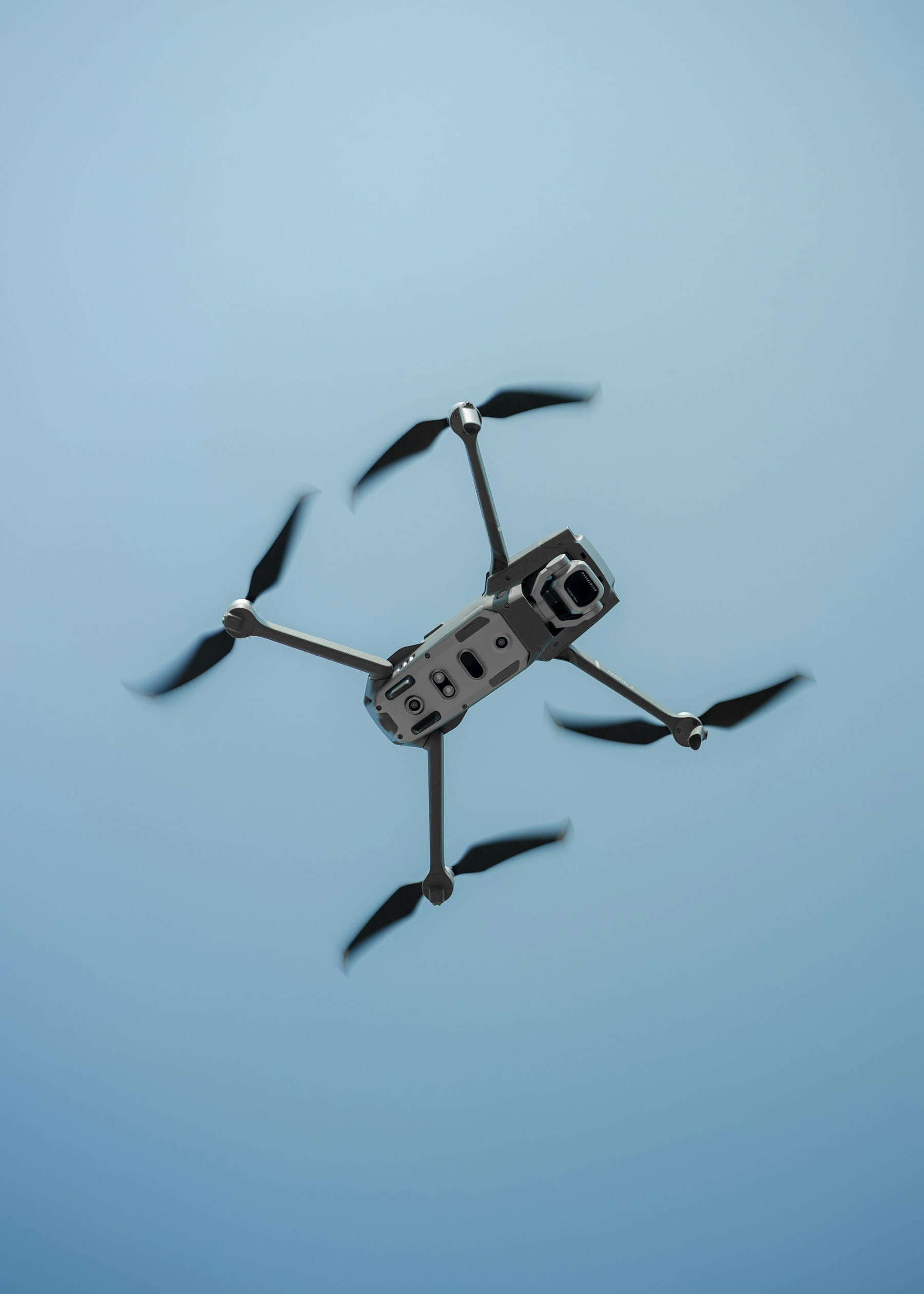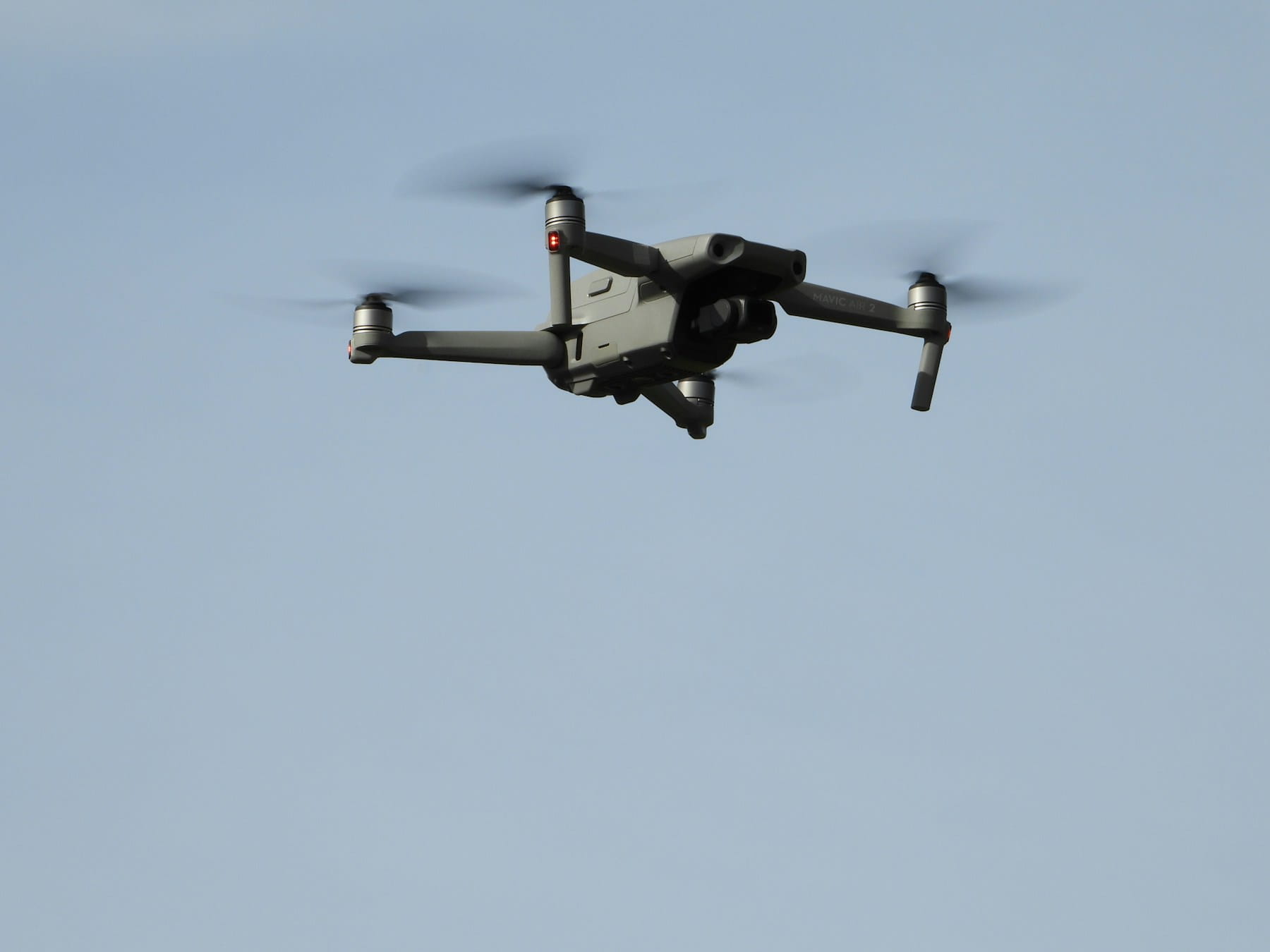

A drone flight planner is software that lets you design flight paths, set mission parameters, check airspace restrictions, and verify weather conditions before your aircraft ever leaves the ground. For commercial operators running multiple jobs per week, the right planner is the difference between a smooth operation and a scramble of last-minute decisions that eat into margins and invite risk.
Most guides on this topic hand you a list of apps and call it a day. That is useful if you are a solo hobbyist picking your first tool. But if you manage a team of pilots, juggle client deadlines across multiple job sites, or need an audit trail for every flight you plan, a tool list barely scratches the surface. You need to understand what features actually matter at scale, how planning plugs into your broader operational workflow, and where the common tools fall short once you outgrow single-pilot operations.
Table of contents
- What a drone flight planner actually does
- Core features every commercial operator needs
- Popular drone flight planners compared
- The planning gap most operators ignore
- Flight planning for multi-pilot operations
- From plan to execution: bridging the workflow
- Regulatory requirements you must plan around
- Choosing a drone flight planner: decision framework
- Frequently asked questions
What a drone flight planner actually does
A drone flight planner automates the pre-mission work that pilots used to do manually: plotting waypoints, calculating overlap for photogrammetry, checking airspace classifications, and setting altitude parameters relative to terrain. Modern planners go further by pulling live weather feeds, displaying LAANC authorization zones, and generating shareable mission files that any pilot on your team can load and fly.
The core workflow looks like this. You open the planner, define your survey area or inspection target on a map, set your flight parameters (altitude, speed, camera trigger interval, overlap percentage), and the software generates an optimized flight path. Better tools will also flag no-fly zones and temporary flight restrictions automatically, so you never show up to a site you cannot legally fly.
For operations focused on mapping and surveying, planners calculate ground sampling distance (GSD) based on your altitude and sensor specs. For inspection work, they help you define orbits around structures and set camera angles. For construction monitoring, they save repeatable flight plans so you can capture identical coverage week after week for progress tracking.
The value compounds over time. Every saved mission template, every waypoint set, every parameter configuration becomes institutional knowledge your team can reuse. That is something a manual piloting approach can never replicate.
Core features every commercial operator needs
Not all flight planners offer the same capabilities. A tool built for recreational waypoint flights lacks the depth commercial operations demand. Here is what to prioritize when evaluating a drone flight planner for professional use.
Airspace intelligence and compliance overlays. Your planner must display controlled airspace boundaries, TFRs, NOTAMs, and LAANC authorization zones in real time. The FAA's UAS facility maps define where you can request automated authorization. If your planner does not integrate this data, you are checking a separate app for every single flight, which means wasted time and a higher chance of missing a restriction.
Weather integration. Wind speed, gusts, precipitation, visibility, and cloud ceiling all affect whether you should fly and how your mission will perform. The best planners pull METAR data and forecasts directly into the mission view. Platforms with built-in weather integration save you from toggling between multiple apps and let you set go/no-go thresholds that automatically flag unsafe conditions.
Terrain-following and elevation models. Flying a grid pattern at 120 meters AGL means nothing if the ground elevation changes 80 meters across your survey area. Planners that load digital elevation models (DEMs) adjust your flight path so the drone maintains consistent altitude above ground, which is critical for accurate GSD in mapping missions.
Mission templates and reusability. Commercial operators fly similar missions repeatedly. A roof inspection template, a solar farm survey template, a linear corridor template for power line inspections. Saving these as reusable plans with preset parameters means your next pilot can load, adjust for site-specific variables, and fly without rebuilding from scratch.
Offline capability. Cell coverage at remote job sites is unreliable. If your planner requires a constant internet connection to display maps and flight paths, it will fail you exactly when you need it most. Offline map caching and local mission storage are non-negotiable for field operations.
Data export and integration. Your flight plan is not an isolated artifact. It feeds into pre-flight checklists, risk assessments, client deliverables, and compliance records. Planners that export to standard formats (KML, GeoJSON, CSV) and integrate with broader operations management software keep your data flowing instead of siloed in yet another standalone app.
Popular drone flight planners compared
The market has a range of tools, each with different strengths. Here is how the most common options stack up for commercial use.
| Planner | Best For | Terrain Following | Offline Mode | Team Features | Price Range |
|---|---|---|---|---|---|
| UgCS | Complex survey/LiDAR missions | Yes (DEM import) | Yes | Limited | ~$500-$3,000/license |
| DroneDeploy | Mapping and cloud processing | Basic | Partial | Yes | $329+/month |
| Litchi | Waypoint missions, video | No native DEM | Yes | No | $25 one-time |
| Pix4Dcapture | Photogrammetry capture | Basic | Yes | Limited | Free (with Pix4D sub) |
| DJI Pilot 2 | DJI enterprise drones | Yes (with DJI Terra) | Partial | No | Free |
| Mission Planner | ArduPilot/PX4 drones | Yes | Yes | No | Free (open source) |
| QGroundControl | Open-source fleets | Yes | Yes | No | Free (open source) |
| DroneBundle | Full ops management + planning | Integrated | Yes | Yes | $149+/month |
A few patterns stand out. Tools like Litchi and Pix4Dcapture are excellent single-purpose planners, but they do not handle compliance tracking, pilot scheduling, or client management. Enterprise tools like UgCS offer deep survey capabilities but carry steep licensing costs and a learning curve that makes them impractical for general commercial work. DroneDeploy bundles processing with planning but locks you into their cloud ecosystem.
The gap in this market is integration. Most planners treat flight planning as a standalone activity. But for commercial operators, planning is just one step in a workflow that includes scheduling pilots, managing equipment, assessing risk, communicating with clients, and generating flight reports. If your planner does not connect to the rest of your operation, you end up with data scattered across five different tools.
The planning gap most operators ignore
Here is what no competitor article tells you: the biggest risk in flight planning is not picking the wrong app. It is the gap between your plan and what actually happens in the field.
You create a perfect flight path in your planner. Optimal overlap, proper altitude, clean waypoints. Then your pilot arrives on site and discovers a crane that was not there last week. Or the client moved the boundary stakes. Or wind conditions make half the planned altitude range unsafe. Your beautifully designed mission is now useless, and the pilot is improvising.
Closing this gap requires three things most standalone planners cannot do.
Plan versioning and audit trails. When a pilot modifies a plan in the field, you need a record of what changed and why. This is not just good practice. If something goes wrong, regulators and insurers will ask for your planned flight path versus what was actually flown. Flight data monitoring that compares planned versus actual parameters gives you that paper trail. Most standalone planners overwrite the original plan with no history.
Contingency planning built into the workflow. What if the primary landing zone is obstructed? What if GPS signal degrades at the site? What if the mission takes longer than expected and the pilot needs a second battery set? These contingencies should be part of the plan, not afterthoughts. A proper pre-flight checklist template baked into your planning workflow forces pilots to think through failure modes before they leave the office.
Real-time plan adjustments with team visibility. When a field pilot modifies a mission, the operations manager should see the change immediately. If you are coordinating multiple drone operations across several sites, you cannot afford blind spots. Live tracking dashboards that show both planned routes and actual flight paths in real time give you this visibility.
Flight planning for multi-pilot operations
Solo operators can get away with ad hoc planning. Once you have two or more pilots flying on the same day, everything changes.
Scheduling conflicts emerge first. Two pilots cannot use the same drone simultaneously, and a planning tool that does not know your fleet inventory will happily let both pilots build missions for the same aircraft on the same afternoon. You discover the conflict when someone shows up to the equipment room and the drone is already gone.
Pilot certification tracking adds another layer. Not every pilot is certified on every airframe. If Pilot A holds the rating for your Matrice 350 but Pilot B does not, your planning tool needs to enforce that constraint. Otherwise you are relying on memory and spreadsheets, which fail at exactly the wrong moment.
Consistency matters for repeat clients. If three different pilots fly the same weekly construction monitoring job, the deliverables should look identical regardless of who flew. Shared mission templates with locked parameters (altitude, overlap, speed) ensure quality assurance across your team. The pilot can adjust for on-site conditions, but the core mission specs stay consistent.
This is where standalone flight planners hit their ceiling. They were designed for a single pilot planning a single mission. Scaling to team operations requires a platform that combines flight planning with fleet management, pilot scheduling, equipment tracking, and client management in one place. DroneBundle was built for exactly this scenario, with flight planning integrated into the same workspace where you manage your entire operation.
From plan to execution: bridging the workflow
Flight planning does not end when you tap "save" on a mission file. The steps between plan creation and takeoff determine whether your operation runs smoothly or falls apart under real-world pressure.
Crew briefing. Every pilot who will fly the mission needs to review the plan, understand the objectives, and know the contingencies. For straightforward repeats, this takes five minutes. For complex multi-battery inspections of cell towers or wind turbines, it might take an hour with site photos, obstacle notes, and emergency procedures.
Equipment preparation. The plan dictates what you bring. A thermal imaging job requires different payloads than a photogrammetry survey. Battery count depends on estimated flight time plus contingency margin. If your planning tool calculates total mission duration, your equipment prep becomes precise instead of guesswork. Good equipment management tracks what is available, what is charged, and what is already allocated to another job.
Client communication. Clients want to know when you will be on site, what you will capture, and when they will receive deliverables. If your flight plan lives in a standalone app with no connection to your client portal, you are manually relaying this information through emails and phone calls. Integrated platforms let clients see mission status without you lifting a finger.
Post-flight documentation. After the mission, your plan becomes a compliance artifact. Flight logs should reference the original plan. Flight reports should include planned versus actual parameters. If you use DJI aircraft, automated log processing can pull telemetry data and compare it against your plan automatically.
Regulatory requirements you must plan around
Flight planning is not optional for commercial operators. It is a regulatory expectation.
14 CFR § 107.49 requires remote pilots to conduct preflight familiarization with the operating environment, including weather, airspace, and ground hazards. While the regulation does not mandate specific software, it does require documented evidence that you assessed conditions before flying. A flight plan created in proper software serves as that evidence far better than "I checked the weather on my phone."
For operations requiring FAA waivers, your waiver application must describe your planned operations in detail. Flight planning software that exports mission parameters, altitude profiles, and operational boundaries in a standardized format makes waiver applications significantly easier to prepare and more likely to be approved.
EASA regulations in Europe are even more explicit about pre-flight planning requirements. The Specific category requires operators to file a SORA (Specific Operations Risk Assessment) that includes detailed flight planning with ground risk and air risk analysis. Your planner needs to support these workflows if you operate in European airspace.
Remote ID compliance is another planning consideration. As of 2024, most commercial drones operating in the US must broadcast Remote ID. Your flight plan should account for Remote ID requirements and ensure your aircraft firmware is current before every mission.
Choosing a drone flight planner: decision framework
Skip the feature comparison spreadsheet for a moment. Instead, answer these four questions. They will narrow your options faster than any listicle.
How many pilots will use it? If you are solo, almost any planner works. If you have a team, you need shared workspaces, role-based access, and scheduling integration. Most free and low-cost planners were not designed for multi-user access.
What is your primary mission type? Survey and mapping operators need terrain-following, GSD calculators, and overlap optimization. Inspection operators need orbit planning and camera angle controls. If you do both, you need a planner flexible enough to handle multiple mission profiles.
Does it need to connect to the rest of your operation? If you already use separate tools for CRM, compliance, and invoicing, another standalone planner adds complexity. Platforms like DroneBundle that combine planning with project management, compliance tracking, and client portals eliminate the need to stitch together multiple disconnected tools. You can explore the full feature set or book a live demo to see how planning fits into the broader workflow.
What is your budget reality? Free tools like Mission Planner and QGroundControl work well for open-source drone platforms but require technical skill to configure. Mid-range tools like Litchi are affordable but limited in scope. Enterprise platforms justify their cost only if you are flying enough volume to recoup the investment through efficiency gains. DroneBundle's Starter plan at $149/month includes flight planning alongside full operations management, which makes the per-feature cost competitive with standalone tools.
Frequently asked questions
What is the best free drone flight planner?
QGroundControl is the most capable free option for PX4 and ArduPilot drones, offering waypoint planning, terrain following, and survey tools. For DJI drones, the manufacturer's own DJI Pilot 2 app provides basic flight planning at no cost. Mission Planner is another strong free option with deep customization, though its learning curve is steeper. Free planners typically lack team collaboration features and compliance integrations that commercial operators need.
Do I need a flight planner for Part 107 operations?
Part 107 does not mandate specific flight planning software, but 14 CFR § 107.49 requires preflight familiarization with the operating environment. Using a flight planner creates documented evidence of your preflight assessment, which protects you during FAA inspections and insurance claims. For waiver applications and complex operations, proper flight plans are effectively required to demonstrate safe operational procedures.
Can I use multiple flight planning apps together?
Yes, and many operators do. You might use UgCS for complex survey planning, DJI Pilot 2 for quick inspection flights, and a platform like DroneBundle for overall operations management. The challenge is keeping data synchronized across tools. Look for planners that export to standard formats (KML, GeoJSON) so mission data can move between platforms without manual re-entry.
How does a drone flight planner differ from a drone operations platform?
A flight planner focuses specifically on pre-mission route design: waypoints, altitude, speed, and camera parameters. A drone operations platform encompasses the entire commercial workflow, including flight planning, pilot management, fleet tracking, compliance monitoring, client communication, and reporting. Solo operators may only need a planner. Teams running multiple concurrent projects benefit from the integrated approach.
Flight planning is foundational, but it is not the whole picture. The operators who scale successfully treat planning as one connected step in a larger system that includes scheduling, compliance, client management, and post-flight delivery. If your current planning tool works in isolation, you are leaving efficiency on the table.
Start a free trial of DroneBundle to see how integrated flight planning fits into a complete operations workflow, or book a live demo to walk through a real planning scenario with your team.