ImprovementNew
Ask Flight Planning in Plain Words
flight-planningairspacedronebundle-ai
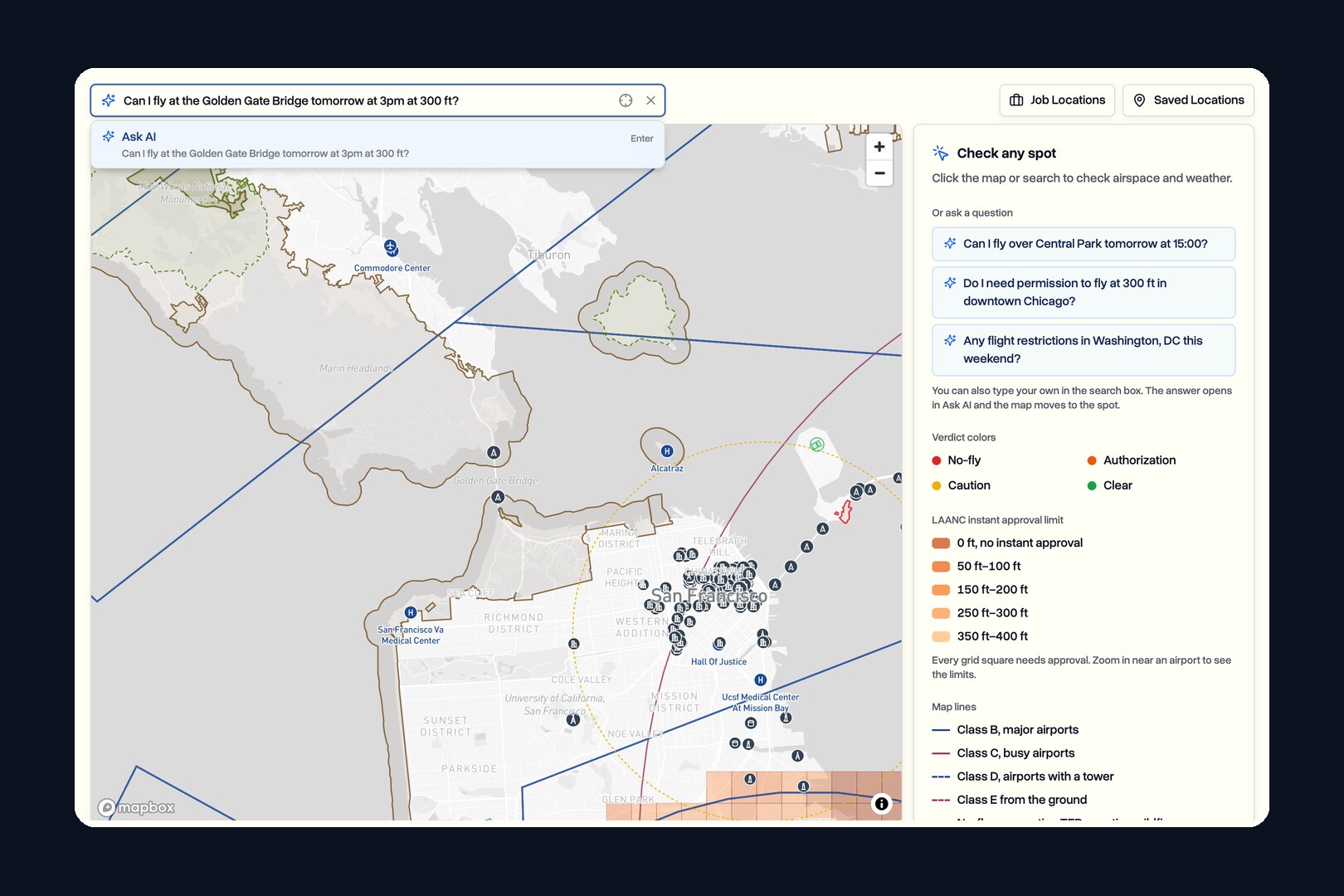
The search box on Flight Planning now takes questions. Type "Can I fly at the Golden Gate Bridge tomorrow at 3pm at 300 ft?" or "Which of our jobs this week need airspace permission?" and DroneBundle AI checks the airspace and moves the map to the spot.
Ask Instead of Searching
- Type a question in the Flight Planning search box and press Enter, or click Ask AI under the box
- The answer opens in DroneBundle AI: whether you can fly, how high, the permission you need and any restrictions at that time
- The map moves to the spot it checked, with the full verdict next to it
- Place names, addresses, coordinates and what3words still search the map as before
Questions to Start With
- Before you search, the panel next to the map lists questions to try, using your own job sites
- After you check a spot, ask about it: "Can I fly here tomorrow at 3pm at 300 ft?"
Who Can Use It
- Admins and project managers, and custom roles given DroneBundle AI