New Feature
AI Assistant: Connect Claude or ChatGPT to Your Drone Workspace
ai-assistantai-connectorsclaudechatgptmcpnatural-languageworkspace-insightsintegrations
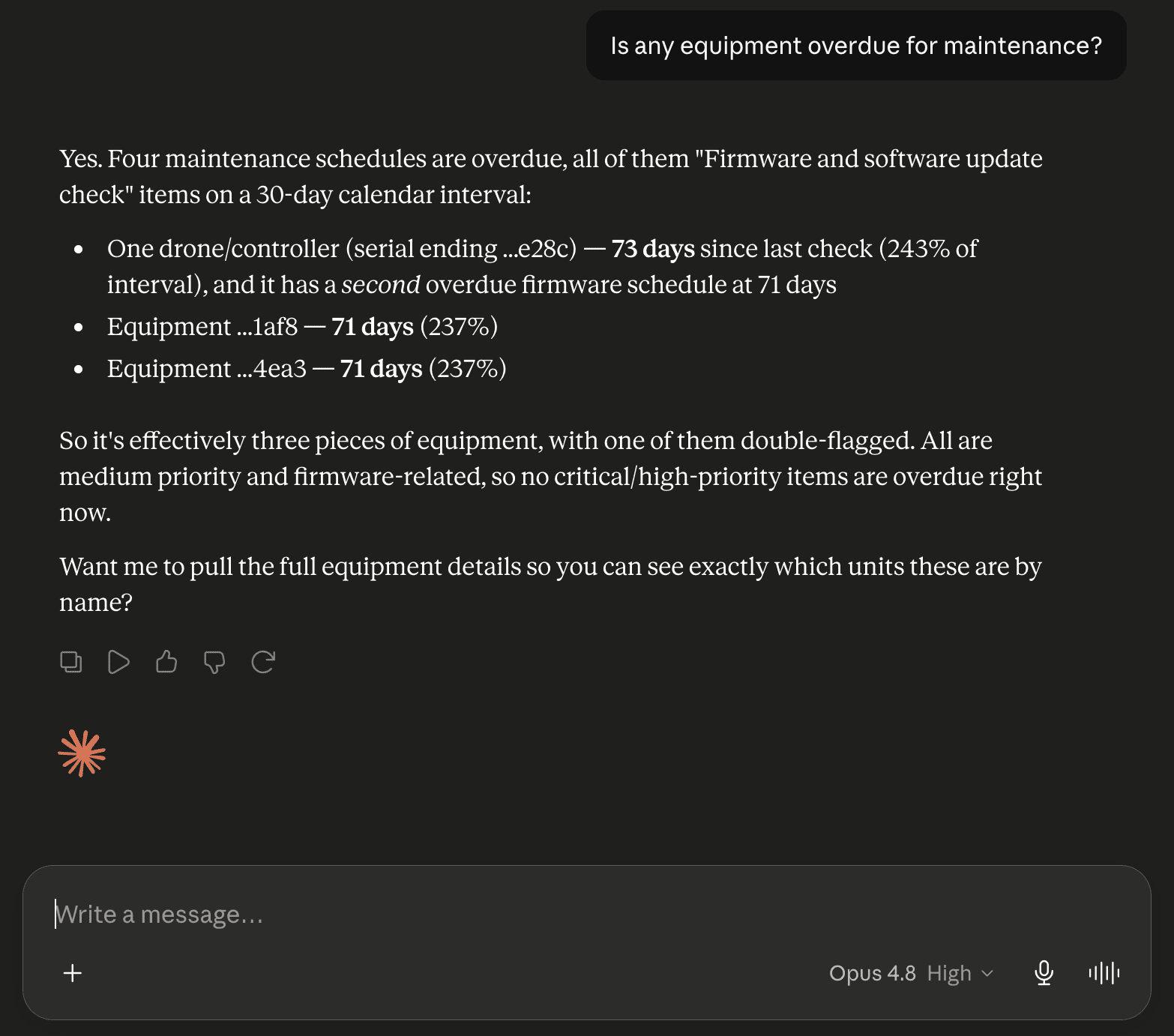
Connect Claude, ChatGPT, or another AI assistant to your workspace and ask about your operation in plain language. It draws answers from your own live data, and it can read everything you can while changing nothing.
Connect an AI Assistant
Ask your workspace questions instead of clicking through pages for the answer.
- Ask in plain language and get answers from your own live data
- Works with Claude, ChatGPT, and any other assistant that supports connectors
- One connection address works for every assistant
- Signs in with your own DroneBundle account, so it sees exactly what you see
What You Can Ask
Ask the way you would ask a colleague who has the whole operation in front of them. A single question can span jobs, projects, pilots, flights, equipment and maintenance, safety, clients, and invoices.
- "Which jobs are overdue, and who is assigned to them?"
- "Who are my busiest pilots right now?"
- "Is any equipment overdue for maintenance?"
- "Any open safety findings or overdue audits this month?"
- "How many flights did we fly last month?"
- "Give me a quick rundown of everything going on right now."
Connect in Under a Minute
Setup is a copy and a sign-in.
- Open Settings, AI Connectors, and copy your connection address
- Step-by-step guides for Claude, ChatGPT, or any other assistant
- Paste the address into your assistant's connector settings, then sign in with your DroneBundle account and approve
- No keys to copy or paste
Read-Only and Private
What the assistant can reach is exactly what you can, and only to read.
- An assistant can look things up across your workspace but cannot create, edit, or delete
- It signs in as you, so it sees only what your account can see
- Disconnect anytime from your assistant's settings, and access ends right away
Where It Lives
- Settings, AI Connectors
- Root and project manager roles can connect an assistant
- Available on every plan