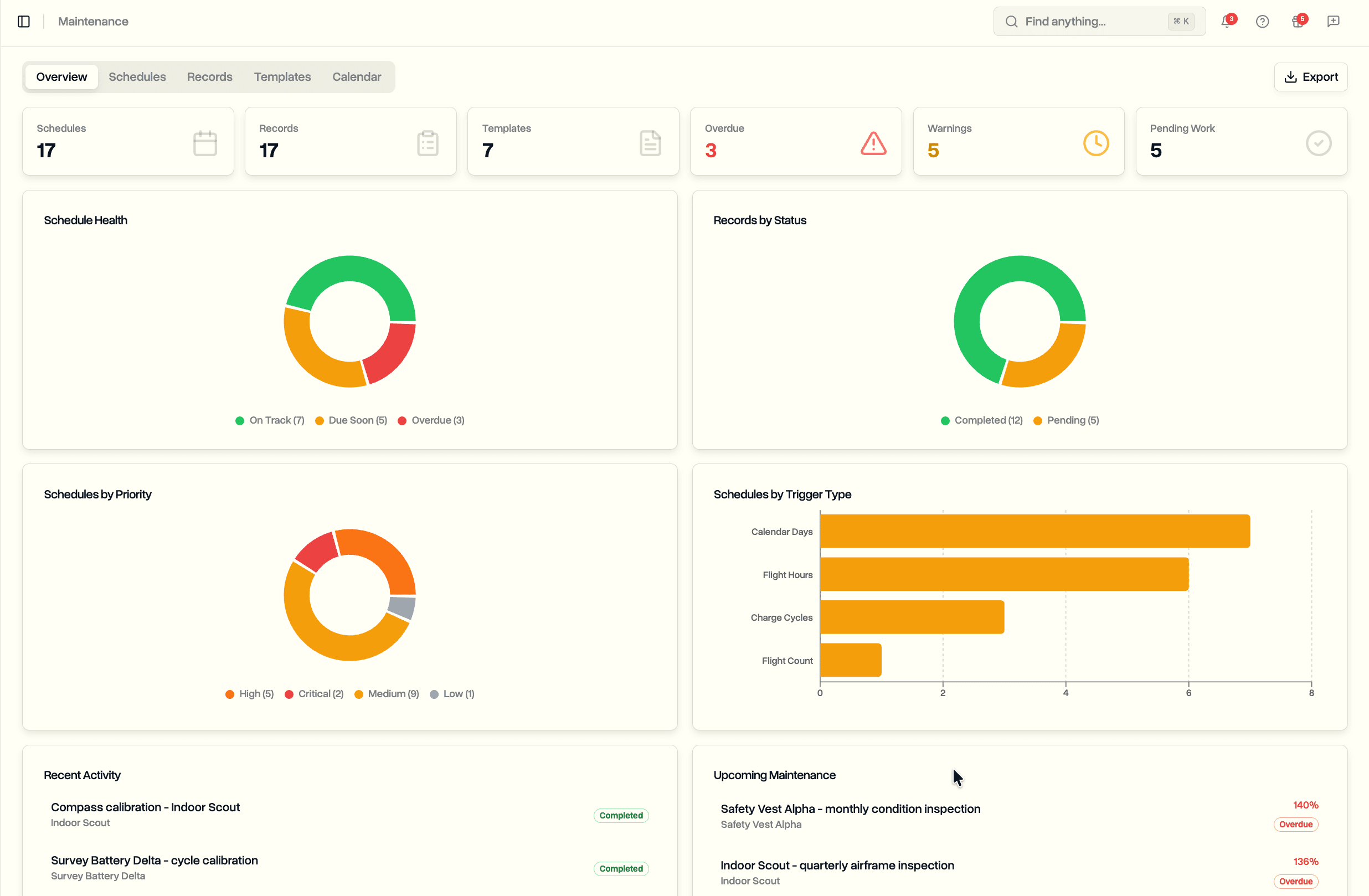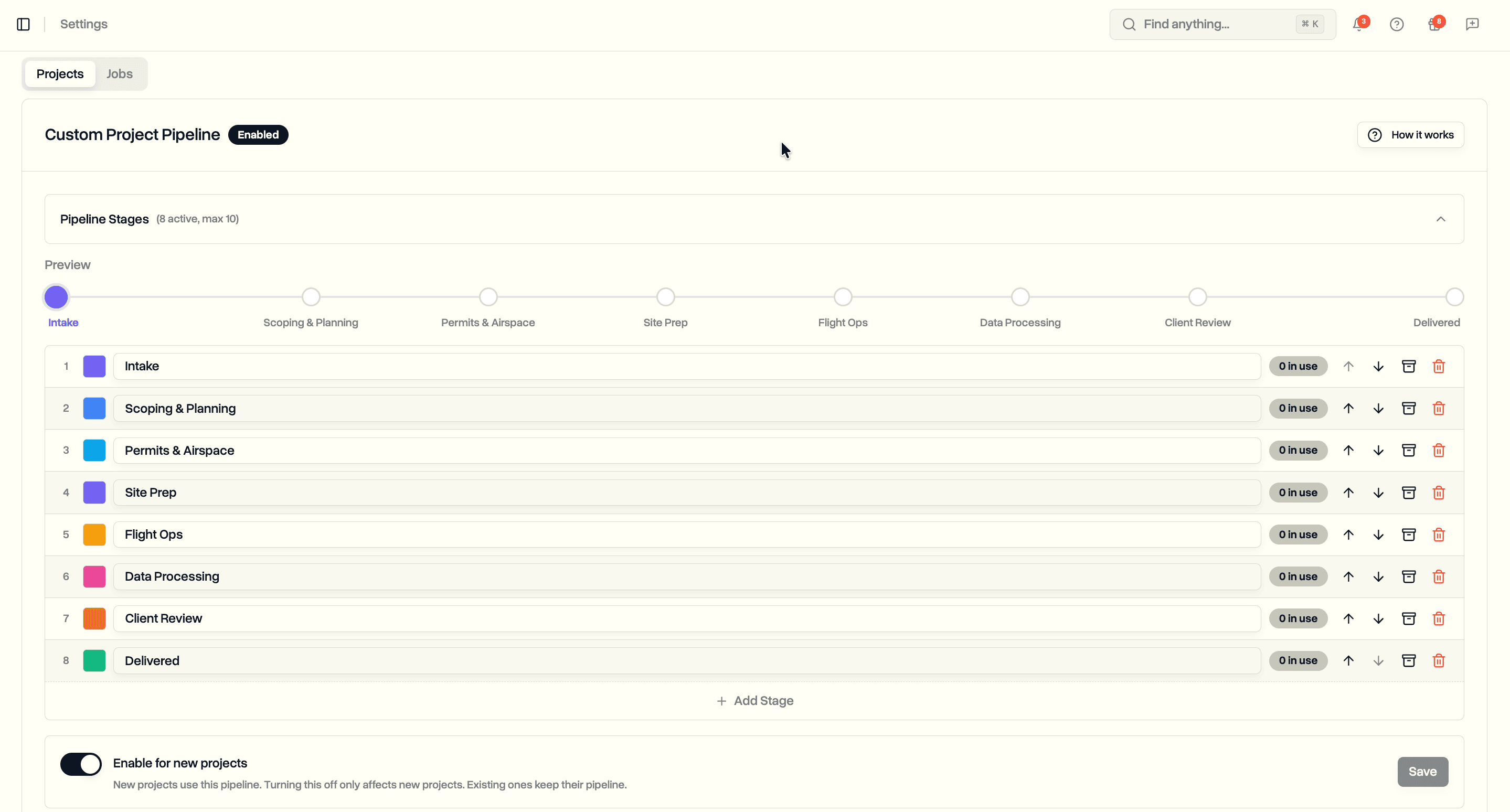
Connect Claude or ChatGPT to your workspace and just ask. Which jobs are overdue, who your busiest pilot is, what is due for service, answered in plain language from your own live data. The assistant can read everything you can, and change nothing.
Almost any question about your operation already has an answer sitting in your workspace. Which jobs are running late, which pilot is stretched thin this week, what is overdue for maintenance, how a particular client's projects are tracking. Getting to that answer usually means opening the right page, setting the right filters, and reading across a couple of screens to join it all up. The information is there. It just takes a few steps every single time.
Now you can ask instead. DroneBundle connects to AI assistants like Claude and ChatGPT, so you can ask about your workspace in plain language and get an answer drawn from your own live data. Nothing to build, no filters to remember. You ask the way you would ask a colleague who happens to have the whole operation in front of them.
The assistant can look across your jobs, projects, pilots, flights, equipment and maintenance, safety records, clients, and invoices. It reads the same workspace you do, so the answers reflect what is actually happening right now, not a snapshot from last week's export. It works over the Model Context Protocol, the open standard these assistants use to connect to outside tools, so the same connection address works whether you choose Claude, ChatGPT, or another assistant that supports it.
What You Can Ask
Ask the way you would ask a person. A few examples:
- "Which jobs are overdue, and who is assigned to them?"
- "Who are my busiest pilots right now?"
- "Is any equipment overdue for maintenance?"
- "Any open safety findings or overdue audits this month?"
- "How many flights did we fly last month?"
- "Give me a quick rundown of everything going on right now."
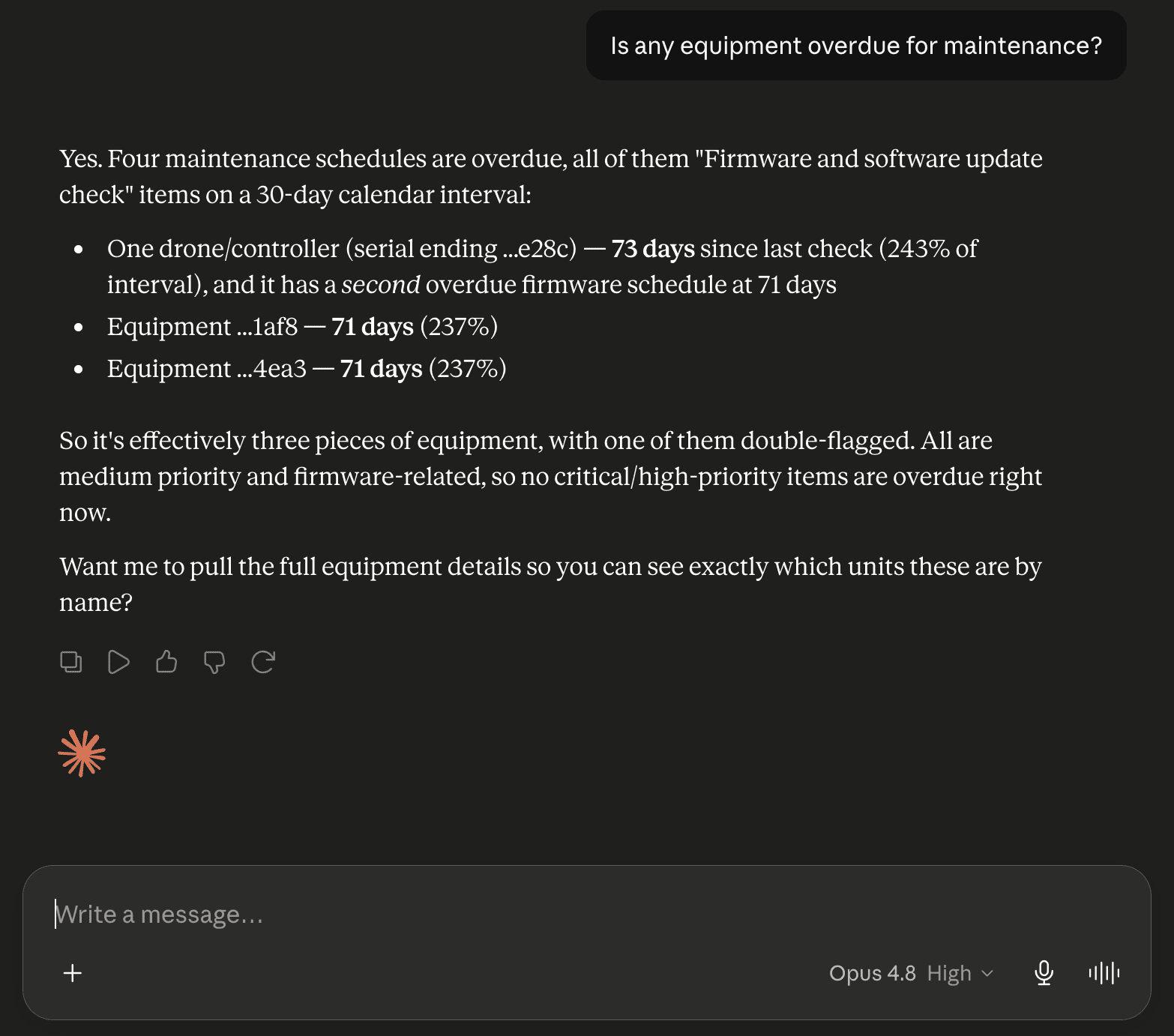
Because the assistant can pull from more than one place at once, a single question can span the whole operation. Ask which jobs are running late and who is on them, and it finds the overdue jobs, looks up the assigned pilot for each, and answers in one go. From there you can keep going, narrowing to one client, one project, or one week, the same way you would carry on any conversation.
Connect in About a Minute
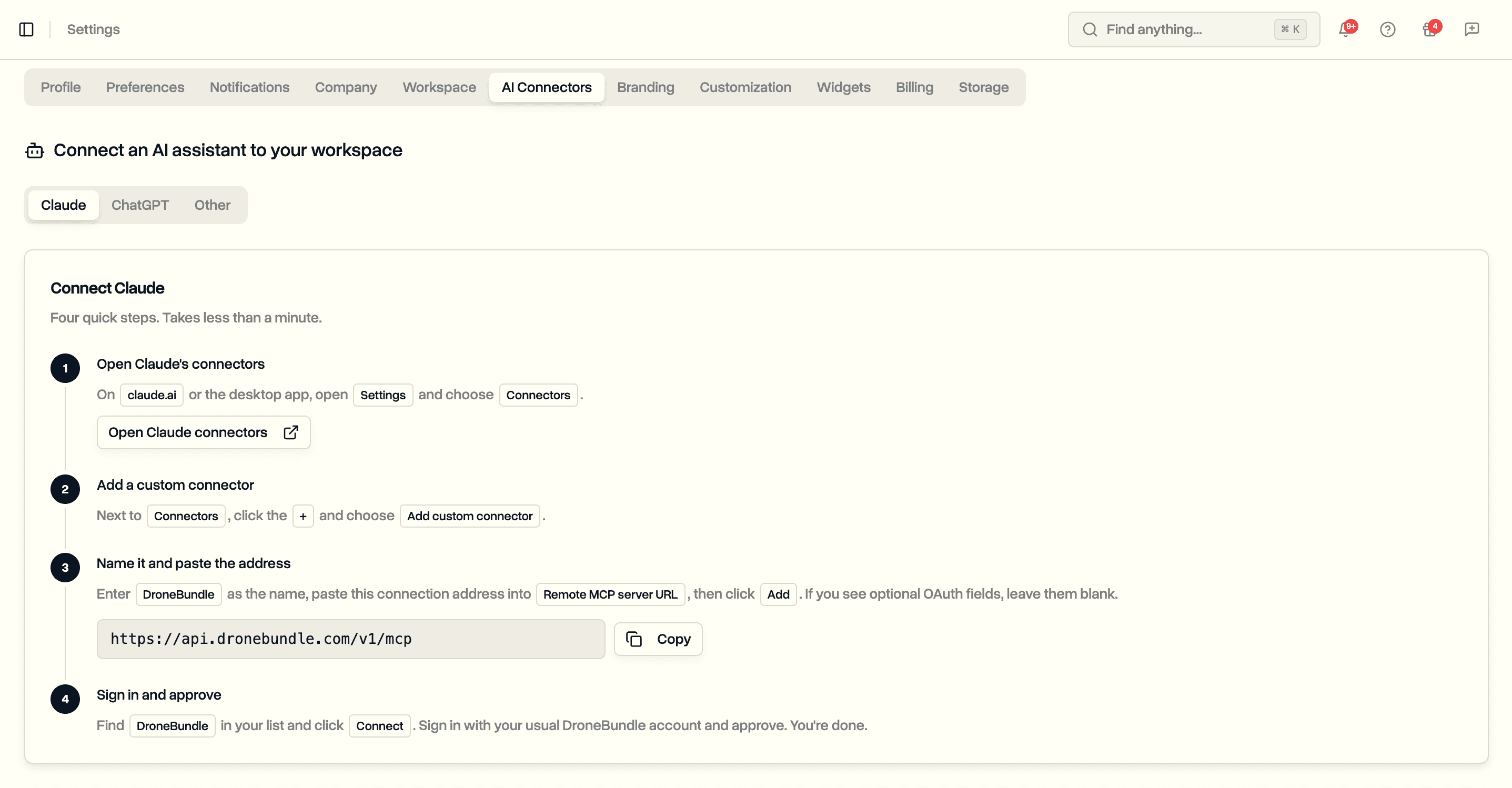
Open Settings and go to the AI assistant page. You will find your connection address and step-by-step instructions for Claude, ChatGPT, or any other assistant that supports connectors. Copy the address into your assistant's connector settings, then sign in with your usual DroneBundle account and approve. That is the whole setup, and there are no keys to copy or paste.
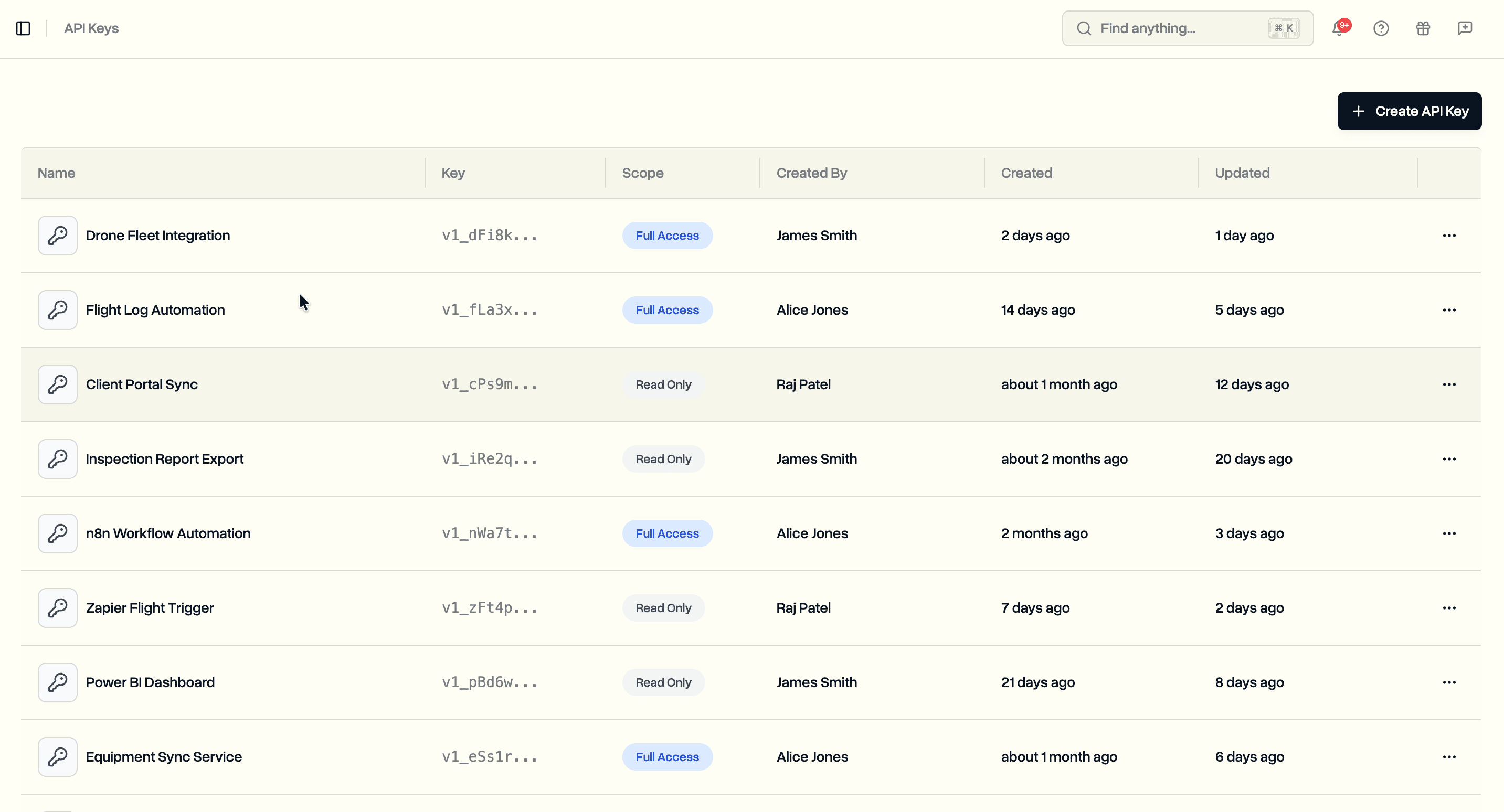
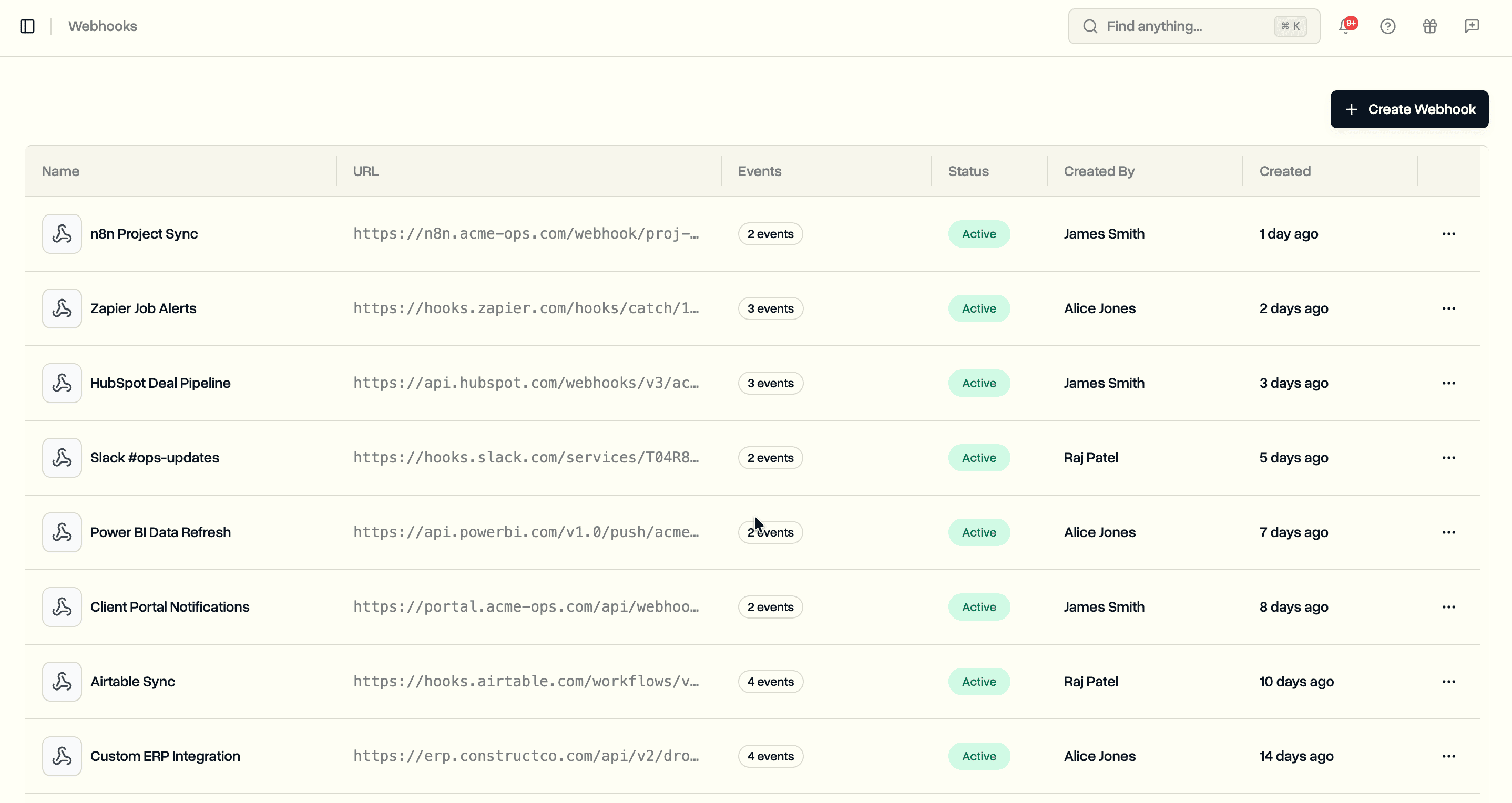
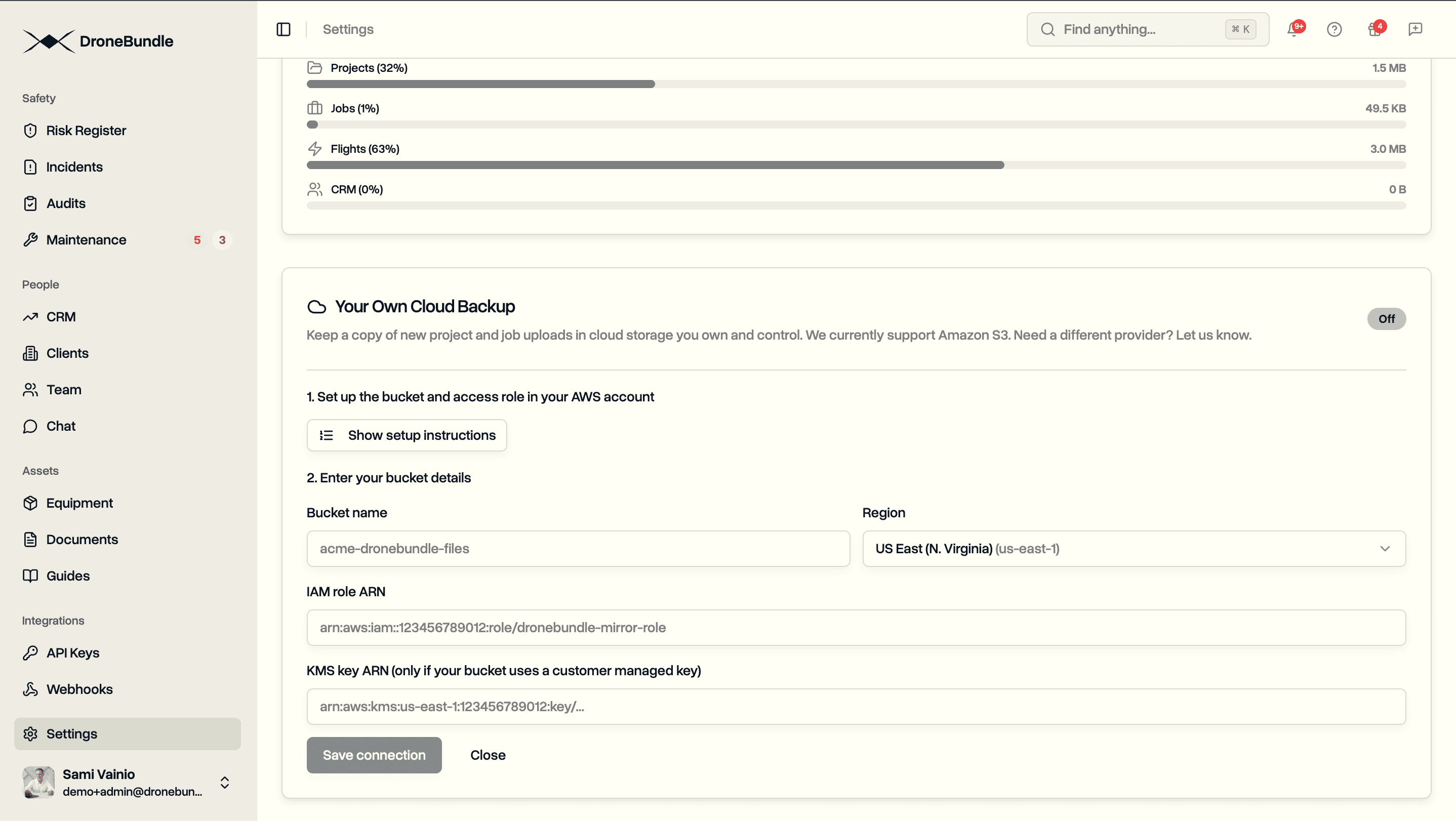
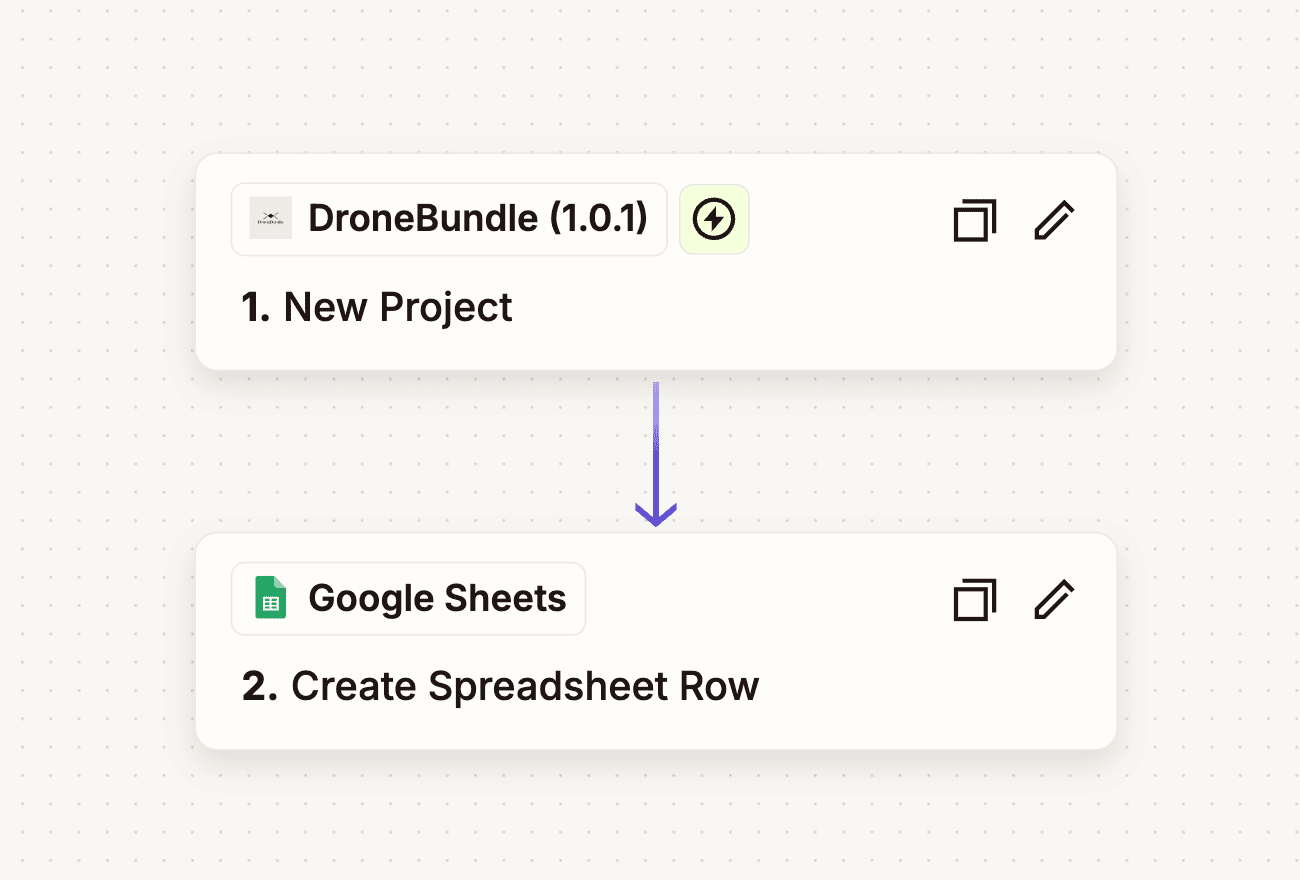
This sits alongside the other ways DroneBundle connects to the tools you already use. Where API keys and webhooks let your own systems talk to DroneBundle, and Data Ownership keeps a copy of your files in storage you control, an AI assistant gives you a plain-language way in. For lighter automation, Zapier still links DroneBundle to thousands of off-the-shelf apps.
Read-Only by Design
The connection only ever reads. An assistant can look things up across your workspace, but it cannot create, edit, or delete anything, so there is no way for a stray question to change your records. It signs in with your own DroneBundle account, which means it sees exactly what you see and nothing your account cannot. You can disconnect at any time from your assistant's settings, and the access ends right away.
Availability
Connecting an AI assistant is available on every plan. Because an assistant can see across the whole workspace, the connection is limited to workspace owners and project managers, the same people who already have that wide view inside DroneBundle. Other members keep working as before.
Start your free trial to connect Claude or ChatGPT and ask your first question about your own workspace.
Book a demo to see how DroneBundle answers questions about your drone operation in plain language.