Risks From Jobs: Add and Track Them From the Job Itself
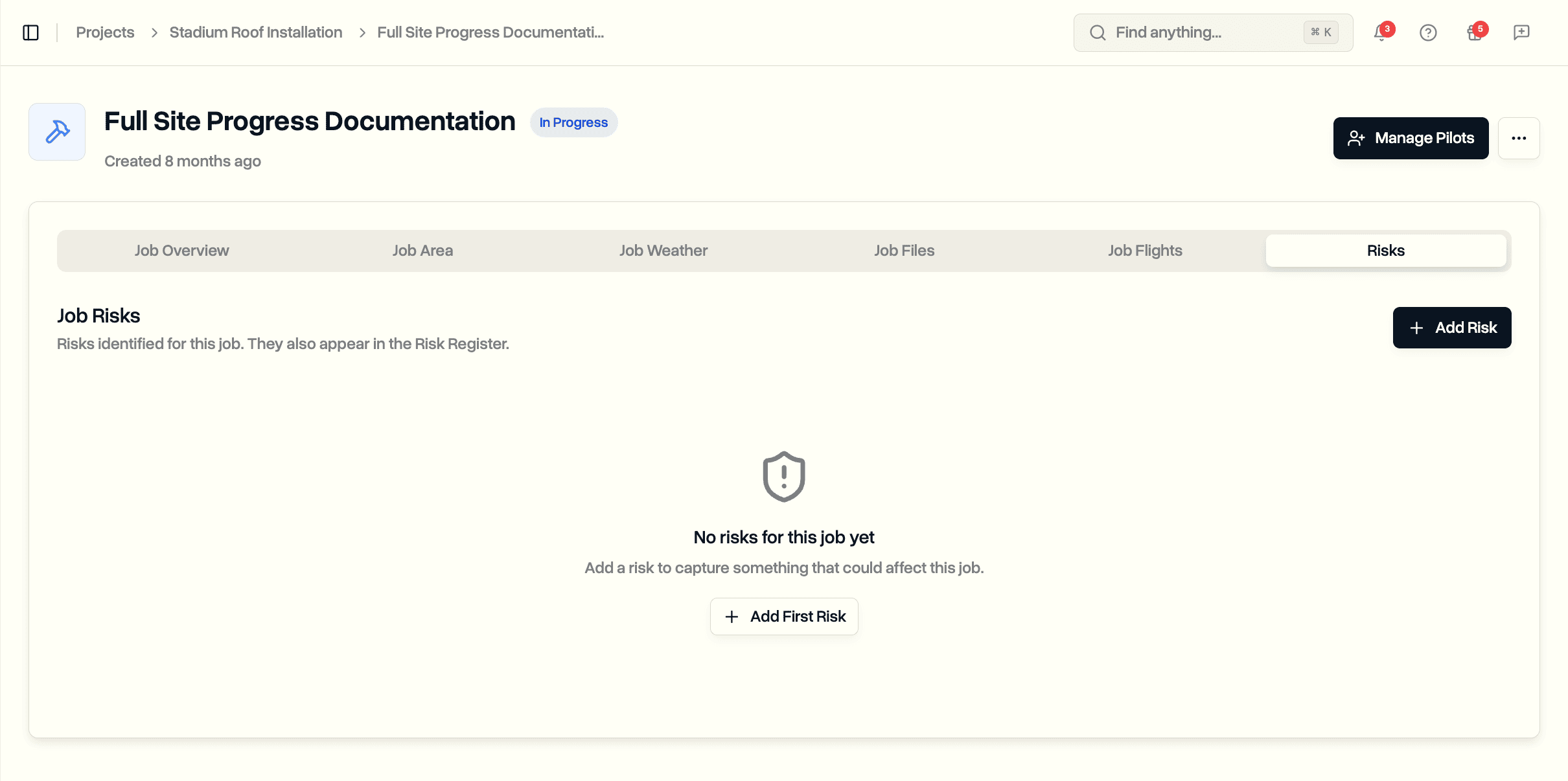
Each job now has a Risks tab. Open a job, add a risk, and it shows up in the Risk Register linked back to that job. The Add Risk dialog on the register also has Project and Job pickers, so you can attach a risk to a job from either side.
Risks Tab on a Job
Open any job and you'll find a Risks tab alongside Files, Flights, and Weather. It lists every risk attached to this job and gives you an Add Risk button.
- The same columns as the Risk Register: title, category, risk score, status, owner, identified date
- Click a risk to open its full page
- Empty by default, with a one-click way to add the first risk
Pre-Filled From the Job
Starting a risk from a job copies in what the job already knows:
- Project and job, linked automatically
- The job's location, even when only an area is set on the map
- Today's date as the identified date
Title, category, severity, and likelihood stay for you to fill in. Everything pre-filled is editable.
Project and Job From the Register
The Add Risk and Update Risk dialogs on the Risk Register now have Project and Job pickers.
- Pick a project, then pick a job within it
- Either field can be left empty, or cleared later
- The update dialog lets you re-link or unlink an existing risk
Following the Link
- The Risk Register table shows a "View job" link under the title for risks tied to a job
- The risk's own page shows the Project and Job, each clickable through to its page
Permissions and Availability
- Same access as the Risk Register: roles that can manage it