What is DJI Fly Safe?
DJI Fly Safe is the company's Geospatial Environment Online (GEO) system that uses GPS and navigational satellite signals to provide warnings and restrictions around sensitive locations like airports, stadiums, and government facilities. Following a major 2025 update, DJI Fly Safe now displays advisory warnings rather than blocking flights, placing full compliance responsibility on pilots.
The DJI Fly Safe system affects every DJI drone owner in the United States. Understanding how geofencing works, what the different zone types mean, and how the January 2025 update changed pilot responsibilities helps operators navigate both manufacturer restrictions and FAA regulations effectively.
DJI introduced its GEO system in 2013 when consumer drones were still novel technology and formal regulations were sparse. The system was designed to prevent unintentional flights into restricted airspace around airports, prisons, and critical infrastructure. Today, DJI Fly Safe operates globally but has evolved significantly in how it handles restricted zones.
Understanding DJI Fly Safe
DJI Fly Safe serves as an educational safety layer built into all DJI drones. The system identifies geographic areas where flying presents elevated risks and communicates those risks to pilots through the DJI Fly app and other DJI flight applications.
How the GEO system works
The GEO system cross-references your drone's GPS position against a database of defined zones. When approaching or within a designated zone, the system triggers alerts, warnings, or restrictions depending on zone classification. This happens automatically without requiring pilot action.
The system covers several categories of sensitive locations:
- Airports and heliports
- Stadiums and large event venues
- Nuclear power plants and critical infrastructure
- Government buildings and military installations
- Prisons and correctional facilities
- National parks with flight restrictions
Each location type receives zone configurations appropriate to its risk profile. Major international airports have larger, more complex zone patterns than small regional airfields.
Affected DJI products
DJI Fly Safe applies to virtually all DJI drones including:
- Consumer drones (Mavic, Mini, Air series)
- Professional platforms (Inspire series)
- Enterprise drones (Matrice series)
- FPV drones (Avata, DJI FPV)
The best drones 2026 from DJI all incorporate the Fly Safe system. Understanding these restrictions matters whether you fly recreationally or conduct commercial operations requiring consistent airspace access.
The 2025 geofencing update
On January 13, 2025, DJI fundamentally changed how its geofencing system operates in the United States. According to the official DJI announcement, the company shifted from blocking flights in restricted zones to providing enhanced warnings while leaving final decisions to pilots.
What changed
Previously, DJI drones would refuse to take off or fly into Restricted Zones (red zones) without completing an unlock process. The drone's software physically prevented flight regardless of whether the pilot had legal authorization from the FAA or other authorities.
After the update:
- Former Restricted Zones became Enhanced Warning Zones
- Drones no longer impose hard takeoff restrictions
- Pilots receive prominent in-app warnings about sensitive areas
- Whether to proceed is entirely the pilot's decision
- Full legal responsibility rests with the operator
Why DJI made this change
DJI's internal geofencing previously relied on ICAO Annex 14 airport configurations that often conflicted with local aviation rules. Pilots in the US, Europe, and Asia frequently found themselves blocked by DJI despite having legal authorization through systems like LAANC or official waivers.
This disconnect created problems for commercial operators and emergency responders who obtained proper authorization but still had to wait hours or days for DJI unlock codes. The mismatch between DJI's proprietary system and official regulatory frameworks prompted the shift to an advisory-only approach.
Global rollout timeline
The updated GEO system rolled out progressively:
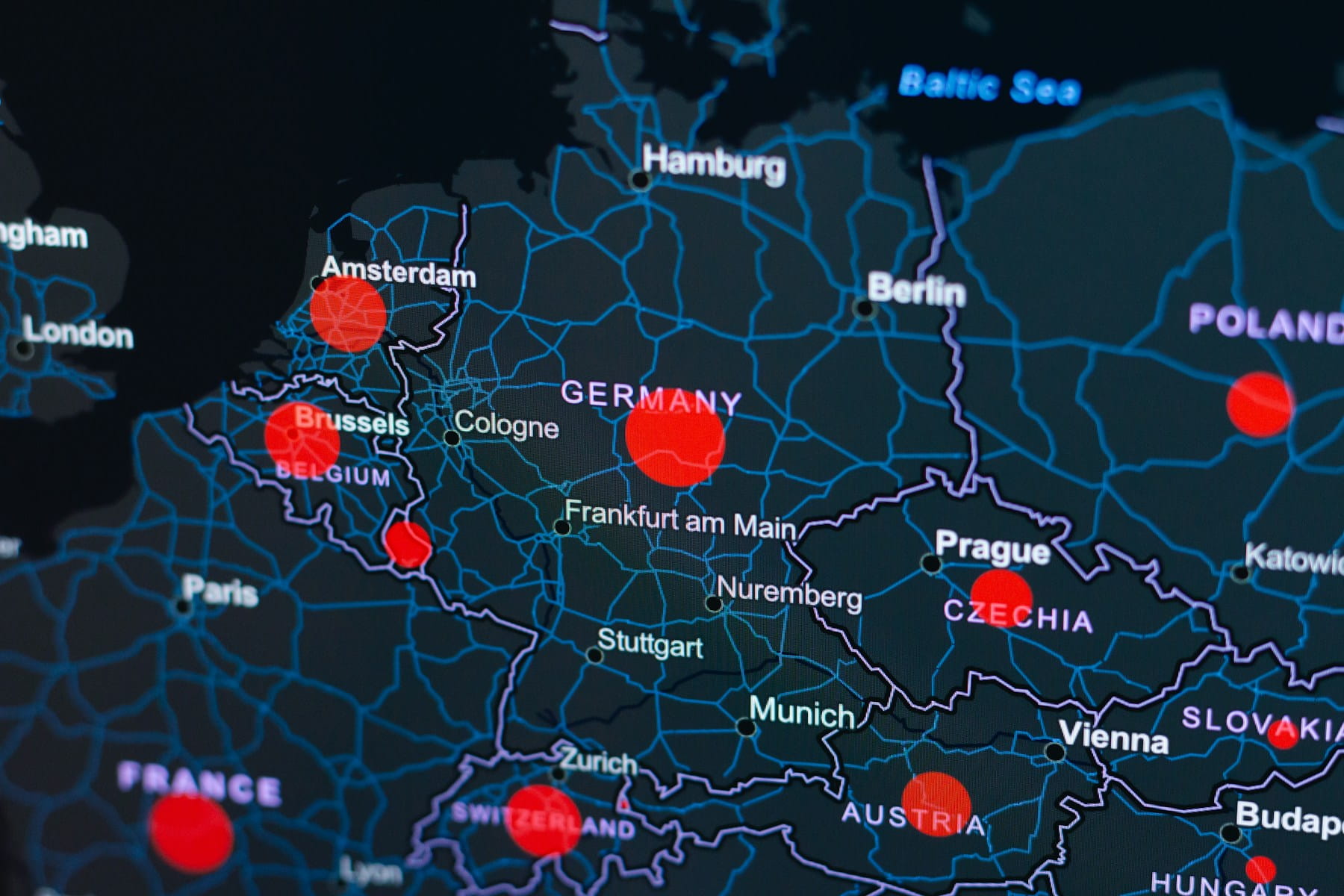
- January 2024: Belgium, Germany, France (EU countries with compliant geographical maps)
- June 2024: Estonia, Finland, Luxembourg
- January 2025: United States
- 2025-2026: Remaining global markets
The drone regulations news landscape continues evolving as DJI adapts its systems to work alongside rather than duplicate official regulatory frameworks.
DJI Fly Safe zone types explained
Despite the 2025 changes, DJI maintains zone classifications that communicate risk levels to pilots. Understanding these categories helps operators make informed decisions about flight safety.
Zone color coding
| Zone Color | Type | Description | Action Required |
|---|---|---|---|
| Red | Enhanced Warning | Highest risk areas (airports, critical infrastructure) | Warning displayed, pilot decides |
| Gray | Altitude | Height restrictions near airports | Altitude limited automatically |
| Blue | Authorization | Elevated risk, authorization recommended | Self Unlock available |
| Yellow | Warning | Potential hazards | Warning displayed only |
Red zones (Enhanced Warning)
Red zones surround the most sensitive locations including major airports, government facilities, and critical infrastructure. Before 2025, these required Custom Unlock authorization. Now pilots receive prominent warnings but can choose to fly if they have proper authorization.
Flying in red zones without authorization remains illegal under FAA regulations regardless of DJI's software restrictions. Understanding no-fly zones and restricted areas from a regulatory perspective matters more than ever.
Gray zones (Altitude)
Gray zones enforce altitude limits rather than complete flight restrictions. These typically appear along airport approach and departure paths where manned aircraft operate at lower altitudes. The drone automatically limits maximum altitude within these zones.
Gray zones help pilots comply with altitude restrictions without requiring unlock procedures. The limitations vary based on proximity to runways and the airport's risk classification.
Blue zones (Authorization)
Blue zones indicate areas where flying carries elevated risk but remains permissible with acknowledgment. Pilots can perform Self Unlock directly in the DJI Fly app to operate in these zones.
Common blue zone locations include:
- Smaller airports and heliports
- Temporary flight restriction areas
- Special event venues
- Some national landmarks
Yellow zones (Warning)
Yellow zones provide advisory information without requiring any action. The system displays warnings about potential hazards while allowing normal flight operations. These zones often surround sensitive areas that don't warrant flight restrictions but deserve pilot awareness.
How to check GEO zones before flying
Checking zone restrictions before arriving at a flight location prevents surprises and supports proper flight planning.
Using the DJI Fly Safe map
The DJI GEO Zone Map provides a searchable interface showing all zone classifications worldwide. Enter your planned flight location to see:
- Zone boundaries and classifications
- Altitude restrictions where applicable
- Unlock requirements for each zone
- Contact information for custom unlock requests
The online map updates regularly as DJI adds or modifies zones based on regulatory changes and new restricted areas.
In-app zone checking
The DJI Fly app displays zone information during pre-flight checks and while flying. Before takeoff:
- Open the DJI Fly app with your drone connected
- Review the map display showing your current location
- Check for colored overlays indicating zone restrictions
- Read any warning messages about nearby restricted areas
The app provides real-time updates as you fly, alerting you when approaching zone boundaries.
Cross-referencing with FAA resources
DJI zones don't perfectly align with FAA airspace. Always verify airspace status through official sources:
- LAANC apps for controlled airspace authorization
- FAA B4UFLY app for recreational guidance
- Sectional charts and airspace classifications
Understanding Class G airspace versus controlled airspace like Class E remains essential for legal flight planning.
Unlocking DJI GEO zones
While the 2025 update reduced unlock requirements, the unlock system remains available for pilots who want explicit authorization documentation or operate in regions where hard restrictions still apply.
Self Unlock process
Self Unlock works for blue Authorization Zones and requires:
- Active internet connection on your controlling device
- DJI account with verified phone number
- Acknowledgment of responsibility for the flight
To complete Self Unlock:
- When the zone restriction appears, select "Unlock"
- Verify your identity via SMS code
- Confirm you are authorized to fly in the area
- Accept responsibility for regulatory compliance
- Proceed with your flight
Self Unlock authorizations typically last for a specified time period before requiring renewal.
Custom Unlock process
Custom Unlock through the DJI Fly Safe portal serves pilots needing advance authorization or documentation for professional operations. This process requires:
- DJI account login
- Drone serial number
- Flight area coordinates (circle or polygon)
- Authorization documentation (LAANC approval, waiver, or authorization letter)
- Desired unlock duration and altitude
DJI typically processes Custom Unlock requests within one hour. Approved unlock licenses import into the DJI Fly app before flight.
Unlock duration limits
| User Type | Maximum Duration |
|---|---|
| Individual users | Up to 1 year |
| Institutional users (authenticated) | Up to 3 years |
| Privileged users (authenticated) | Up to 3 years |
Commercial operators benefit from longer unlock durations that reduce administrative burden for routine operations. Organizations with comprehensive fleet management features can track unlock authorizations alongside other compliance documentation.
DJI Fly Safe vs FAA regulations
The relationship between DJI's manufacturer system and FAA regulations creates confusion for many pilots. Understanding how these frameworks differ prevents compliance mistakes.
DJI Fly Safe limitations
DJI Fly Safe is an advisory system created by a manufacturer, not a regulatory authority. Key limitations include:
- Zone boundaries may not match official airspace
- The system cannot account for temporary flight restrictions
- Unlock does not constitute legal flight authorization
- Compliance with DJI requirements doesn't ensure FAA compliance
FAA requirements remain primary
Regardless of DJI Fly Safe status, pilots must comply with:
- Part 107 certification for commercial operations
- LAANC authorization for controlled airspace
- Temporary flight restriction awareness
- Remote ID requirements
- Visual line of sight and altitude limits
The DJI ban affecting new product authorizations operates separately from Fly Safe and involves FCC equipment certification rather than flight restrictions.
When systems conflict
If DJI Fly Safe allows a flight but FAA regulations prohibit it, FAA regulations take precedence. Conversely, if you have FAA authorization but DJI restricts the area, the 2025 update means DJI will warn rather than prevent your authorized flight.
Professional operators should maintain proper compliance documentation independent of DJI's system.
Best practices for flying in restricted areas
Operating near sensitive locations requires careful planning whether or not manufacturer geofencing applies.
Pre-flight preparation
Complete these steps before flying near restricted areas:
- Verify authorization status through LAANC or appropriate channels
- Check current TFRs for temporary restrictions
- Review the pre-flight checklist including airspace verification
- Document your authorization in case of questions
- File flight plans where required or recommended
During flight
Maintain awareness throughout operations:
- Monitor the DJI app for zone boundary warnings
- Stay within authorized areas and altitudes
- Maintain communication with any required parties
- Be prepared to land immediately if requested
Documentation practices
Professional operators in construction and infrastructure or utilities and energy sectors should document:
- LAANC or waiver authorizations
- Flight logs with locations and times
- Any communications with authorities
- DJI unlock confirmations where used
Frequently asked questions
Does DJI Fly Safe still block flights in restricted zones?
Following the January 2025 update, DJI no longer blocks flights in most restricted zones within the United States. Former Restricted Zones are now classified as Enhanced Warning Zones where pilots receive prominent warnings but can choose to proceed. However, some altitude restrictions (gray zones) still apply automatically, and pilots remain legally responsible for compliance with FAA regulations regardless of DJI's system behavior.
Do I still need to unlock DJI zones?
Unlock procedures remain available but are largely optional after the 2025 update. Self Unlock in blue Authorization Zones provides documentation that you acknowledged the warning. Custom Unlock through the Fly Safe portal helps professional operators maintain records of authorized operations. Neither unlock type provides FAA authorization, which must be obtained separately through LAANC or waiver processes.
What happens if I fly in a DJI restricted zone without unlocking?
After the 2025 update, DJI drones will display warnings but allow flight in most formerly restricted areas. The critical question is whether you have legal authorization from the FAA. Flying without proper FAA authorization in controlled airspace or restricted areas can result in significant fines, certificate action for Part 107 pilots, and potential criminal charges for serious violations. DJI's software no longer prevents unauthorized flights, making pilot judgment essential.
How do DJI zones differ from FAA airspace?
DJI zones are manufacturer-created advisory areas that may not precisely match FAA airspace boundaries or classifications. The FAA defines airspace through official publications and aeronautical charts. DJI zones historically used international aviation standards that sometimes conflicted with US-specific rules. Always verify airspace status through FAA resources like LAANC apps, sectional charts, and the B4UFLY app rather than relying solely on DJI's system.
Implementation considerations
The shift to advisory-only geofencing places greater responsibility on individual pilots. Those who previously relied on DJI restrictions as a safety net must now develop independent airspace awareness habits.
Consider integrating flight planning tools that cross-reference multiple airspace data sources. Professional operations benefit from systematic approaches to authorization documentation and compliance tracking that don't depend on any single manufacturer's system.
Public safety and emergency operators particularly benefit from understanding the new system, as rapid deployment situations require confidence that authorized flights won't face manufacturer-imposed delays.
Review your standard operating procedures to ensure they address airspace verification independent of DJI warnings. The convenience of manufacturer geofencing as a backup check has diminished, making pilot knowledge more important than ever.
In summary
DJI Fly Safe has evolved from a restrictive geofencing system to an advisory framework that informs rather than controls pilot decisions. The January 2025 update removed hard flight blocks in favor of enhanced warnings, aligning DJI's approach with the principle that pilots bear ultimate responsibility for legal compliance.
Understanding zone types, unlock procedures, and the distinction between manufacturer systems and regulatory requirements helps operators navigate both DJI's Fly Safe and FAA airspace rules effectively. The GEO zone map and in-app warnings remain valuable planning tools even as their enforcement role diminishes.
Success in the post-2025 environment requires pilots to develop strong airspace awareness independent of manufacturer restrictions. Those who understand both DJI Fly Safe and FAA regulations can operate confidently in complex airspace while maintaining full compliance with legal requirements.
Ready to streamline your flight operations?
Professional drone operations require systematic approaches to flight planning, airspace verification, and compliance documentation. Whether you're navigating DJI Fly Safe zones or managing complex authorization requirements, organized workflows reduce risk and improve efficiency.
Start your free trial today - no credit card required.
Or book a demo to see how DroneBundle helps operators manage equipment tracking and maintain flight logs across any airspace environment.